




From Audio Overload to Organized Insight
Every student knows the feeling of sitting through a long lecture, trying to capture every important detail. The professor speaks quickly, slides are dense, and by the end, your notes are a chaotic mix of half-formed sentences and question marks. Re-listening
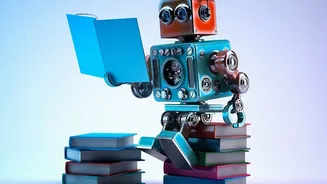
to an hour-long audio recording to find a single definition is inefficient and frustrating. This is the core problem AI note-taking apps are designed to solve. Instead of forcing you to be a frantic scribe, they allow you to be an active listener, confident that the technology is capturing everything for you. These tools act as a personal assistant for your education, transforming the passive act of recording a lecture into an active, organized, and searchable knowledge base.
How the AI Magic Actually Works
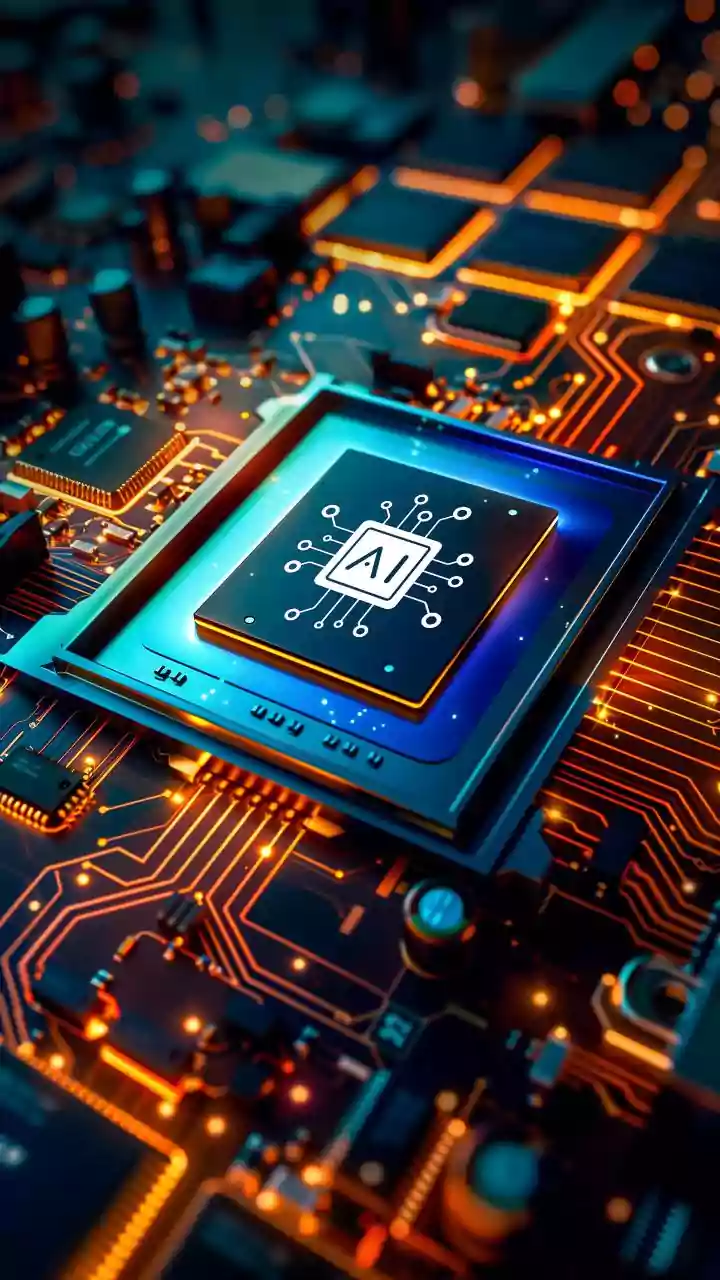
The process seems like magic, but it’s a logical, multi-step flow powered by sophisticated technology. First, the app captures the audio, either by recording live or by you uploading a pre-recorded file. Next, it uses Automatic Speech Recognition (ASR) to convert the spoken words into a raw text transcript. This is more advanced than simple voice-to-text; modern systems can often identify different speakers, such as the professor versus a student asking a question. The real intelligence comes in the third step, where Natural Language Processing (NLP) algorithms analyze the transcript. The AI doesn't just see words; it understands context, identifies key concepts, recognizes technical terms, and structures the information logically, turning a wall of text into coherent notes.
More Than Just a Transcript
A simple transcript is useful, but the true power of these apps lies in what they do after transcription. The AI automatically generates a concise summary of the entire lecture, perfect for a quick review. It identifies and highlights key terms, important points, and even potential action items or assignments mentioned by the professor. Many leading apps don’t stop there. Some can automatically generate flashcards for key concepts, helping you to actively study the material. Others can create practice quizzes based on the lecture content, allowing you to test your comprehension immediately. This suite of features turns a single audio file into a complete study kit, moving beyond passive review to active learning.
Choosing Your AI Study Partner
With a growing market of AI note-takers, choosing the right one depends on your specific needs. Some apps, like Otter.ai, are masters of live transcription, ideal for capturing a perfect record of what was said in real-time. Others, such as those built on platforms like Google's NotebookLM, excel at synthesizing information from multiple sources you upload, including audio, PDFs, and links. Still others are built specifically for students, with integrated tools for creating flashcards and practice quizzes from lecture content. When evaluating an app, consider its transcription accuracy, the quality of its summaries, and whether its extra features—like quiz generation or integration with other tools like Notion—match your study style. Also, pay attention to the pricing model and any limits on free usage.
Getting the Best Results
While powerful, these AI tools are not infallible. The quality of the output heavily depends on the quality of the input. To get the most accurate transcript, ensure the audio recording is as clear as possible. Sit closer to the speaker, minimize background noise, and use a decent microphone if possible. Even with high-quality audio, AI can still make mistakes, especially with highly specialized terminology or thick accents. Always plan to spend a few minutes reviewing the AI-generated notes. Correct any transcription errors and refine the summaries to ensure they accurately reflect the lecture's most critical points. Think of the AI as a brilliant but junior assistant—it does 90% of the heavy lifting, but your final review is what ensures the notes are perfect for your revision.