




The Dreaded Payment Error
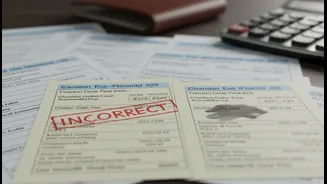
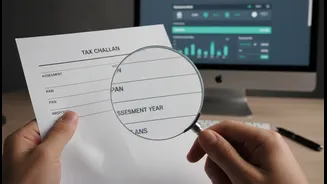
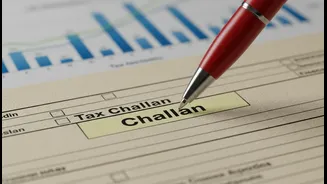
You’ve diligently calculated your tax liability, navigated to the e-payment portal, and paid your dues using Challan 280. It’s a moment of relief, until you download the receipt and your heart sinks. You’ve selected the wrong Assessment Year (AY) or accidentally
paid your Self-Assessment Tax under the Advance Tax head. In the past, such an error meant a cumbersome process involving letters and visits to your tax officer. These mistakes can cause your payment to be miscategorized, leading to a mismatch when you file your Income Tax Return (ITR) and potentially triggering an outstanding tax demand notice, even though you have paid.
Common Challan Mistakes You Can Make
Even the most careful taxpayers can slip up. The most frequent errors when paying income tax via a challan include: - Wrong Assessment Year (AY): Selecting AY 2025-26 instead of AY 2026-27 is a very common slip-up. - Incorrect Major Head: This refers to the type of taxpayer, such as ‘Company’ (0020) versus ‘Non-Company’ (0021). - Incorrect Minor Head: This defines the type of payment. For example, selecting ‘Advance Tax’ (code 100) instead of ‘Self-Assessment Tax’ (code 300) or vice versa. An error in any of these critical fields can prevent the tax from being credited correctly against your PAN for the intended purpose, derailing your ITR filing.
The Solution: The Online Challan Correction Facility
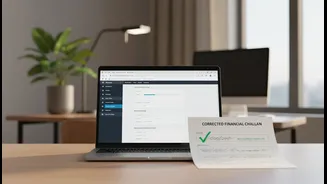
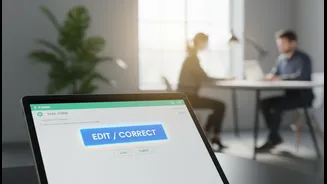
Thankfully, the Income Tax Department has introduced a user-friendly online feature that acts as a powerful hack for taxpayers. The 'Challan Correction' service on the e-filing portal allows registered PAN users to rectify specific errors in their paid challans without having to visit the tax office. This functionality is available for challans pertaining to Assessment Year 2020-21 and onwards. For errors in challans from earlier years, you must still contact your Jurisdictional Assessing Officer.
What You Can Correct and When
The online correction facility is powerful but also time-sensitive. Here’s what you can fix and the strict timelines you need to follow: - Assessment Year (AY): You have a window of 7 days from the challan deposit date to correct the AY. - Major Head (Tax Applicable): You have 30 days from the challan deposit date for this correction. - Minor Head (Type of Payment): You also have 30 days from the challan deposit date to amend this field. This online service is specifically for payments made under Minor Heads 100 (Advance Tax), 300 (Self-Assessment Tax), and 400 (Regular Assessment Tax). Importantly, you can only use the online correction feature for a challan that has not yet been 'consumed' or used in an ITR.
Step-by-Step Guide to Online Correction
Fixing your challan is a straightforward process on the income tax portal. Here’s how: 1. Login: Log in to the Income Tax e-filing portal with your PAN and password. 2. Navigate: Go to the 'Services' tab and select 'Challan Correction'. 3. Initiate Request: Click on '+ Create Challan Correction Request'. 4. Select Error Type: Choose the attribute you want to correct—Assessment Year, Major Head, or Minor Head—and click 'Continue'. 5. Identify Challan: Select the challan you wish to correct using either the Assessment Year or the Challan Identification Number (CIN). 6. Make Correction: On the next screen, enter the correct details in the appropriate field and proceed. 7. Verify and Submit: Review the summary of changes. Once confirmed, you must e-verify the request using Aadhaar OTP, a Digital Signature Certificate (DSC), or an Electronic Verification Code (EVC) to submit it successfully. After submission, you can track the status of your request under the same 'Challan Correction' section. The change usually reflects within a few days.
When You Still Need to Visit Your AO
The online facility is a significant relief, but it doesn't cover all scenarios. You will need to submit a written request to your Jurisdictional Assessing Officer (AO) if: - The time limit for online correction has expired. - You need to correct an error in a challan for an AY prior to 2020-21. - The mistake involves something that cannot be changed online, such as the PAN itself or a Minor Head other than 100, 300, or 400. - You want to make a second correction to a challan that has already been corrected once online. Finding your AO's details is simple; the 'Know Your AO' service is available on the income tax portal.