



The Challenge of Urban Skies
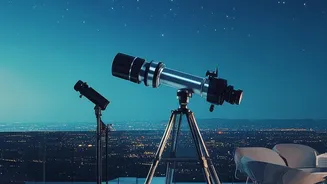
The biggest obstacle for any city-based astronomer is light pollution. The combined glow from streetlights, buildings, and vehicles creates a bright haze that washes out all but the most brilliant celestial objects. This artificial twilight can make it impossible
to spot constellations or faint stars that are easily visible in rural areas. However, this doesn't mean stargazing is a lost cause. The Moon, bright planets, and a surprising number of stars can still be seen. The key isn't to fight the light, but to know exactly where to look, and that’s where technology lends a helping hand.
Your Phone: A Pocket Planetarium
Modern stargazing apps use your phone's built-in GPS and compass to know your exact location and the direction you're pointing. They then generate a real-time map of the sky, overlaying it on your screen using augmented reality (AR). When you point your phone towards a bright object, the app can instantly identify it, whether it's the planet Jupiter, the star Sirius, or the International Space Station flying overhead. This transforms a confusing spread of distant lights into a navigable and understandable map of the cosmos.
Top App: Star Walk 2
Ideal for beginners, Star Walk 2 is known for its beautiful graphics and user-friendly interface. The free version is robust, offering detailed information about stars, planets, and constellations. You simply point your phone at the sky to see what’s there. The app features a 'Visible Tonight' section that tells you exactly what to look for on any given evening, making it perfect for casual observers. Its augmented reality overlay is polished, and the app also includes a calendar of upcoming astronomical events so you never miss a meteor shower or a planetary alignment.
Top App: SkyView Lite
SkyView Lite is another excellent choice that is praised for its simplicity and intuitive design. Like its competitors, it uses AR to help you identify celestial objects in real time, day or night. A standout feature is 'Sky Paths', which allows you to track the trajectory of any object to see its precise location in the sky on any given date and time. It also works offline, making it a reliable companion if you decide to take a trip out of the city to darker skies.
Top App: Stellarium
For those wanting a bit more depth, Stellarium offers a massive database of stars, galaxies, and nebulae. While it has a popular paid mobile version, its web version is free to use on any browser, and it also exists as powerful, free open-source software for desktop computers. It's celebrated for its realistic sky simulation, showing you an accurate view from your specific location. More advanced users can even use it to control computerized telescopes, but for the urban stargazer, its detailed charts are invaluable for learning the sky properly.
What You Can Realistically See
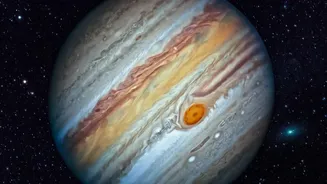
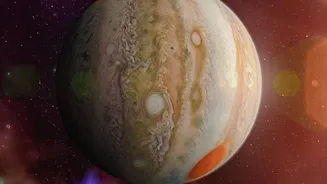
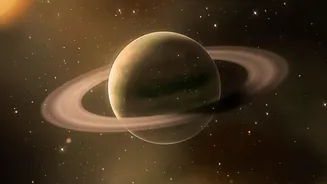
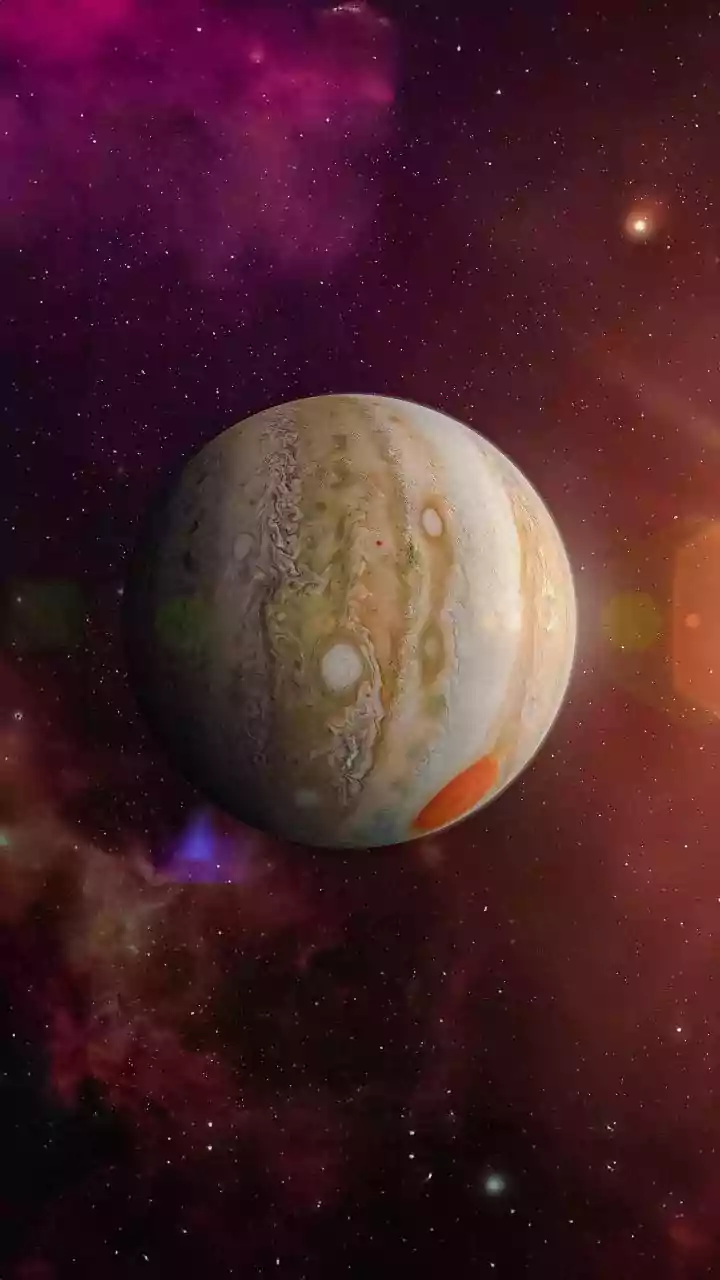
With your app as a guide, what should you look for? The Moon is the most obvious target, with its craters and seas visible even with basic binoculars. The brightest planets—Venus, Mars, Jupiter, and Saturn—are all easily visible from cities when they are in the night sky. Venus appears as a brilliant, steady light in the morning or evening, while Jupiter and Saturn are visible due to their large size. Even some bright star clusters like the Pleiades (the Seven Sisters) and parts of prominent constellations like Orion can pierce through the urban glow.
Tips for Better Urban Viewing
To make the most of your app-guided stargazing, a few simple tricks can help. Find the darkest spot you can—a park, a rooftop, or even just the shadow of a building can make a difference. Let your eyes adjust to the dark for at least 15-20 minutes to improve your night vision. Also, time your sessions strategically. The sky is often darkest after midnight when some city lights are turned off and traffic subsides. Finally, check the phase of the Moon; a full moon is beautiful, but its brightness can wash out many stars, so the best nights for star-spotting are often around the new moon.