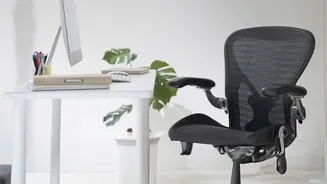


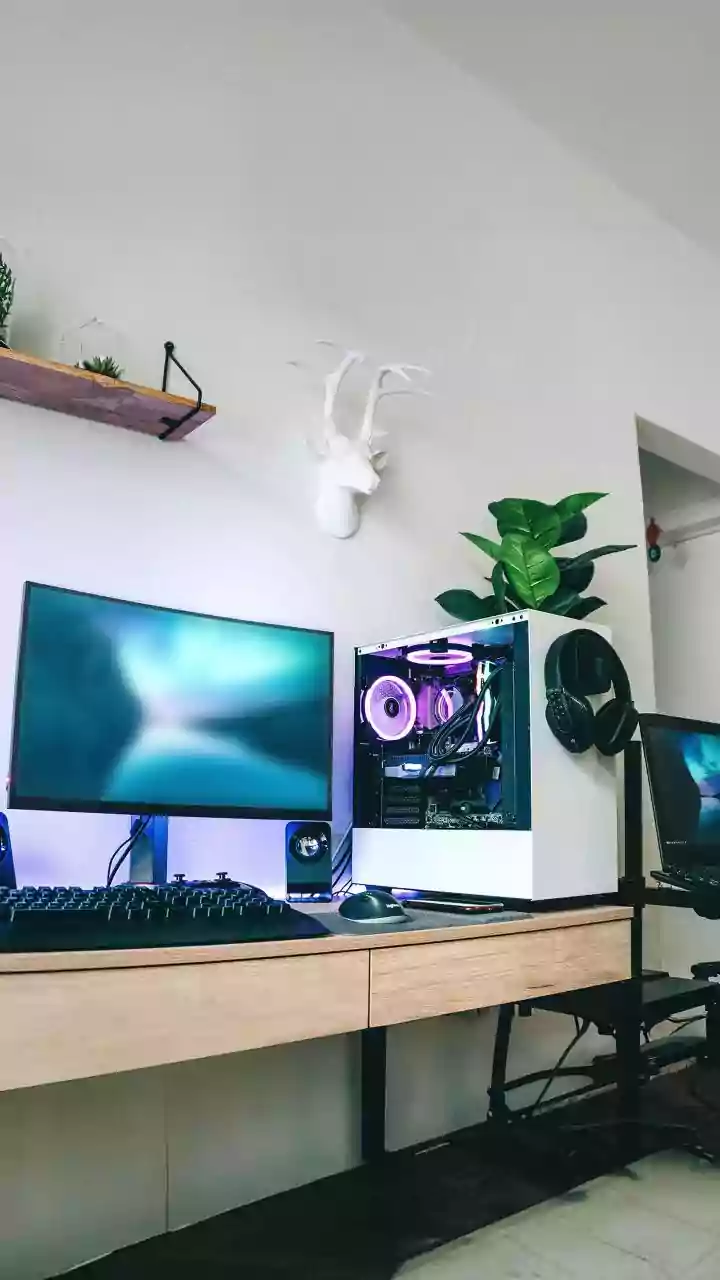




The shift to remote work has been a game-changer, but for many, it has also brought a persistent, unwelcome companion: chronic back pain. That nagging ache is often a direct result of a workstation that wasn't designed for an eight-hour day.
The Real Reason Your Back Hurts
When you work
at a desk, especially one cobbled together at home, your body adapts to its environment. Unfortunately, this often means slouching, hunching, or leaning forward to see the screen. This poor posture places immense, uneven pressure on your spine, particularly the lower back (lumbar) region. Over time, the muscles that are supposed to support your spine become fatigued and weak, while others, like your hip flexors, become tight. This imbalance, combined with prolonged sitting that compresses the discs between your vertebrae, is a recipe for chronic strain, stiffness, and pain. It’s rarely one single issue, but a gradual breakdown of your body's natural alignment.
Start From the Ground Up: Your Chair and Feet
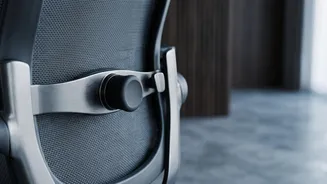
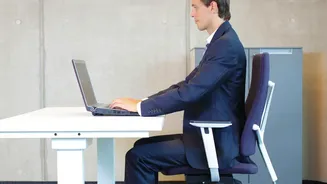
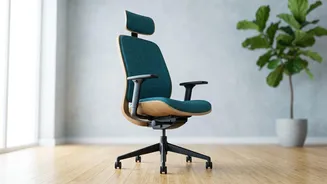
The foundation of an ergonomic setup is your chair. Adjust its height so your feet can rest flat on the floor, with your thighs roughly parallel to the ground and your knees at a 90-degree angle. Your hips should be level with or slightly higher than your knees to reduce stress on your lumbar spine. If your desk is too high to achieve this, don't let your feet dangle; use a footrest, a stack of books, or a small stool to bring the floor up to you. Most importantly, sit all the way back in your chair so your spine is in contact with the backrest. To support the natural inward curve of your lower back, use a dedicated lumbar pillow or simply a rolled-up towel.
Align Your Screen, Save Your Neck
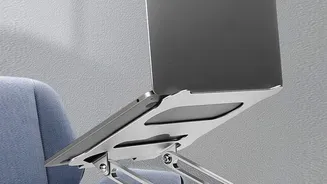
Hunching over a low laptop screen is one of the biggest causes of neck and upper back pain. The rule is simple: the top of your monitor should be at or just slightly below your eye level. This allows you to look straight ahead with a neutral neck position. Your screen should also be about an arm's length away from your face. If you use a laptop, this is nearly impossible without help. The solution is to elevate it on a stand or a stack of books and use a separate, external keyboard and mouse. This one adjustment decouples your screen height from your hand position, preventing you from defaulting to a painful slouch.
Position Your Keyboard and Mouse for Comfort
Your arms and wrists are next. Your keyboard and mouse should be positioned at a height that allows your elbows to be bent at a comfortable 90-degree angle, close to your body. Your forearms should be parallel to the floor, and your wrists should remain straight and neutral, not bent upwards, downwards, or to the sides. Reaching too far for your mouse or typing with your wrists at an odd angle can cause strain not just in your hands, but all the way up into your shoulders and neck. Keep your most-used items, like your phone and notepad, within easy reach to avoid constant twisting and stretching.
The Best Posture Is Your Next Posture
Even the most perfect ergonomic setup has a fatal flaw if you remain in it for hours on end. A static posture is the enemy. Your body is designed to move. Movement circulates blood, lubricates joints, and gives overworked muscles a break. Set a timer to get up, stretch, and walk around for a few minutes every hour. Simple actions like standing up during a phone call, doing a few gentle backbends, or using the 20-20-20 rule—looking at something 20 feet away for 20 seconds every 20 minutes—can make a significant difference in preventing muscle stiffness and eye strain.