



The Allure of the Process
There's a reason these videos are so captivating. They condense long, sometimes tedious, creative activities into a short, gratifying story. Watching raw ingredients become a finished meal or a blank page turn into a piece of art offers a powerful sense
of completion and wonder. These videos humanise the creative process, showing the skill and effort involved. They create a connection between the creator and the viewer, offering a behind-the-scenes look that feels both educational and entertaining. This blend of 'edutainment' makes the content highly engaging and memorable.
Getting Started: Your Gear
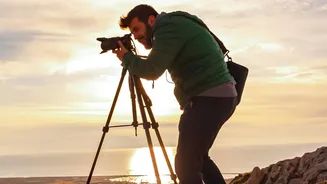
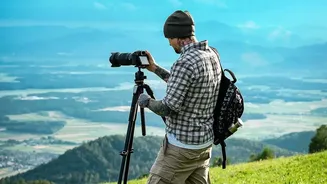
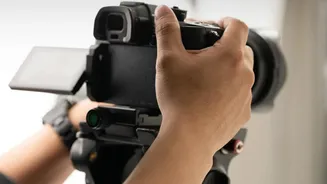
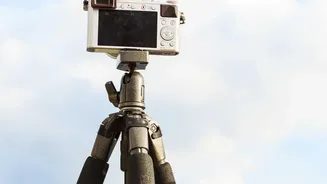
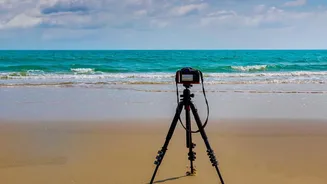
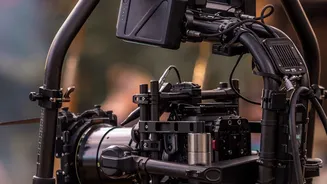
The best part about this trend is its accessibility. You don't need a professional film studio; the high-quality camera in your smartphone is more than enough to get started. The most crucial piece of extra equipment is something to keep your phone steady. Even minor shakes become jarring when the footage is sped up. A simple tripod with a phone mount is a great investment. For dynamic overhead shots, common in cooking and crafting videos, a gooseneck or overhead arm mount that clamps to your table is an excellent, budget-friendly option. Finally, make sure your phone has enough storage space and is fully charged or plugged in, as recording can drain the battery.
Setting the Perfect Stage
Good lighting is non-negotiable for a quality video. Whenever possible, use natural light from a large window, as it's soft and flattering. Position your setup so the light source is to the side, not directly behind or in front of your subject, to avoid harsh shadows or overexposure. If natural light isn't an option, a simple artificial light source like an LED lamp can provide consistent illumination. Before you start, declutter your background so the focus remains on your creative process. Also, be mindful of your clothing; neutral colours like black, white, or brown are best to avoid casting strange colour reflections onto your work area.
Mastering the Time-Lapse
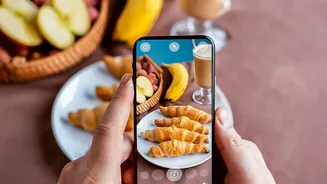
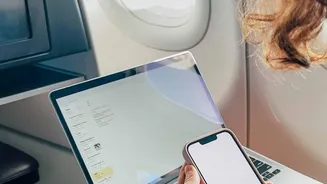
Most modern smartphones have a built-in time-lapse function in the camera app, making the process incredibly simple. On an iPhone, you just swipe to the 'TIME-LAPSE' mode. On many Android phones, it might be called 'Hyperlapse' and found under the 'More' camera settings. Once you've framed your shot, tap the screen to lock the focus and exposure. This prevents the camera from auto-adjusting during recording, which can cause distracting flickering in the final video. Then, simply hit record and start your project. The phone's software automatically handles the interval between shots and compiles it into a smooth video.
Simple Edits for a Polished Look
While your phone does most of the heavy lifting, a few simple edits can elevate your video. Most phone gallery apps allow you to trim the beginning and end of your clip to create a clean start and finish. For more control, you can use a free video editing app to add background music, which greatly enhances the viewing experience. Many editing apps also allow you to adjust the speed of the video, add text overlays, or apply colour filters for a more professional feel. Since many people watch videos without sound, consider adding text captions to explain key steps.