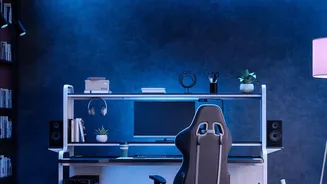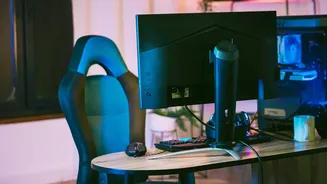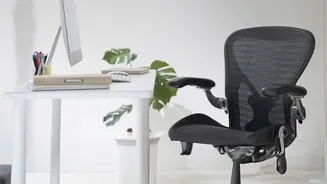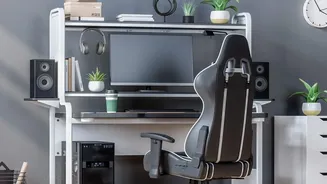




Your Chair: The Foundation of Comfort
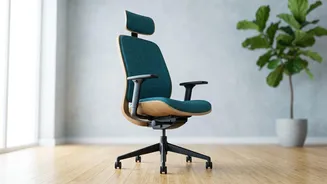
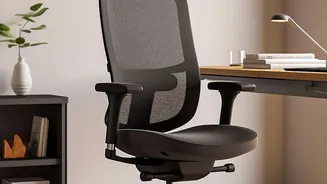
Before you even think about your screen, your chair needs to be right. It’s the foundation of a pain-free setup. Start by adjusting the height. Your feet should rest flat on the floor, with your thighs roughly parallel to the ground. If your feet are
dangling, lower your chair or use a footrest. Your knees should be at or slightly below the level of your hips. Next, check the seat depth. You should be able to sit all the way back, with your back supported, and still have a small gap of about two to three fingers' width between the front edge of the chair and the back of your knees. This prevents the seat from cutting off circulation. Finally, adjust your armrests. They should be at a height that allows your shoulders to remain relaxed and your elbows to rest at a comfortable angle of around 90 degrees. If the armrests push your shoulders up or prevent you from getting close to your desk, it might be better to lower them or remove them entirely.
Seating Angles: Forget the 90-Degree Myth
We’ve often been told to sit perfectly straight at a 90-degree angle, but modern ergonomics has shown this to be outdated advice. Sitting too upright can actually increase pressure on your spinal discs. The ideal position is a slightly reclined posture. Adjust your backrest to an angle between 100 and 110 degrees. This gentle recline allows the chair to take on more of your upper body weight, reducing the strain on your lower back muscles and spine. You should feel comfortably supported, not like you are slouching or being pushed forward. This position supports a natural S-curve in your spine, especially if your chair has good lumbar support that fits into the small of your back. Proper back support is essential for maintaining this posture over long periods without discomfort.
Monitor Height: Where Your Eyes Should Go
Staring at a poorly positioned screen is a primary cause of neck and shoulder pain. The rule is simple: the top of your monitor should be at or just slightly below your eye level when you are sitting upright. This allows you to view the entire screen without craning your neck up or hunching your shoulders down. To find the right spot, sit back in your correctly adjusted chair and look straight ahead. Your gaze should naturally land near the top of the display. If you wear bifocals, you might need to lower your monitor an extra inch or two for comfortable viewing. To achieve this, you can use a monitor stand, an adjustable monitor arm, or even a sturdy stack of books as a temporary fix.
Monitor Distance and Keyboard Placement
Height is only half the battle; distance matters, too. Your monitor should be positioned about an arm's length away from you. Sit back and extend your arm; your fingertips should just about touch the screen. This distance helps reduce eye strain without forcing you to lean forward to read the text. When it comes to your keyboard and mouse, they should be close enough that you can use them with relaxed shoulders and your elbows near your body. Your forearms should be roughly parallel to the floor, and your wrists should be in a straight, neutral position—not bent upwards or downwards. This prevents strain on your wrists and forearms. If you find your desk is too high, raising your chair and using a footrest is a good solution.
The Golden Rule: Move More Than You Sit
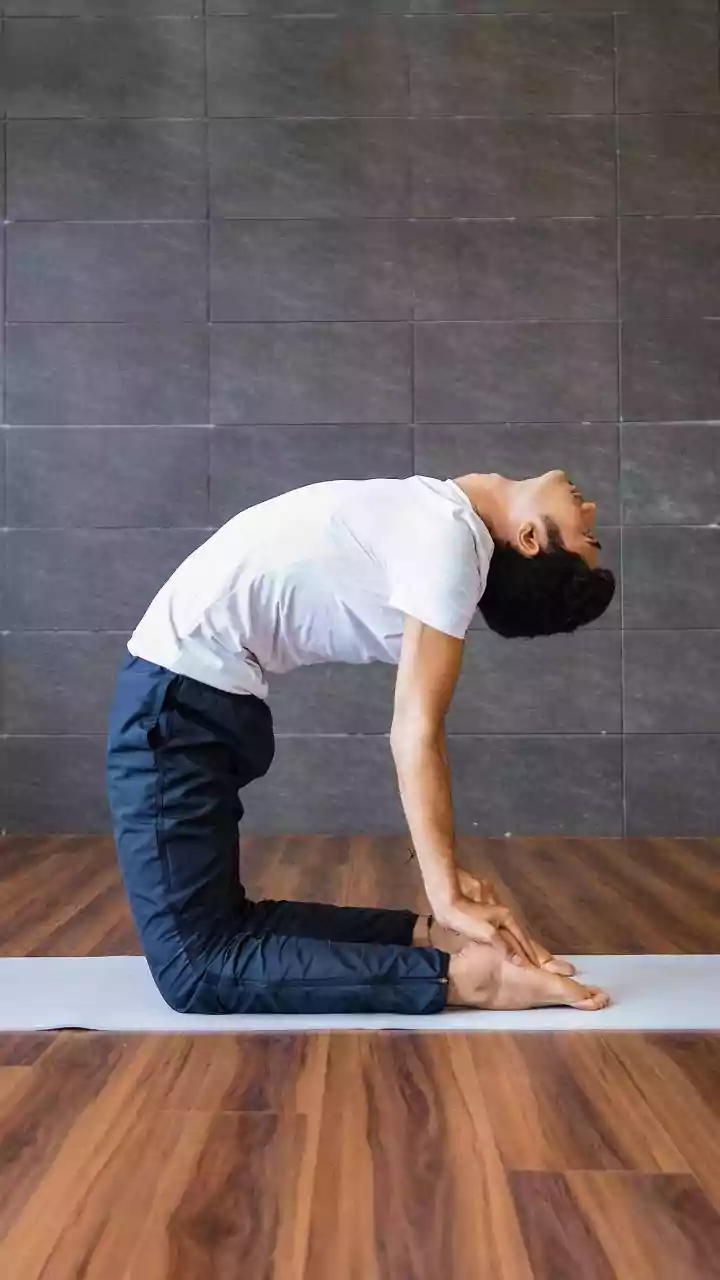
Even the most perfectly ergonomic workstation can't save you from the negative effects of being static for too long. Your body is designed to move. The most important rule of all is to take frequent breaks. Set a timer to remind yourself to get up, stretch, and walk around for a few minutes at least once every hour. Research shows that simply changing positions regularly can help alleviate back pain. You can do simple stretches at your desk, like shoulder rolls, neck tilts, and spinal twists. The best posture is your next posture. Shifting your weight, crossing and uncrossing your legs, and standing up periodically will do more for your long-term back health than any single seating position.