



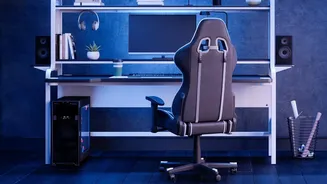

Master Your Chair
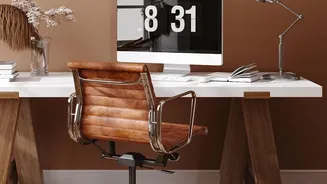
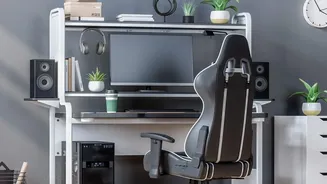
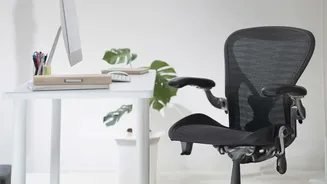
Your chair is your command center, but a poor setup can cause significant back pain. The goal is to maintain a neutral, supported posture. Start by adjusting the height so your feet rest flat on the floor with your thighs parallel to it; use a footrest
if needed. Your knees should be at roughly a 90-degree angle. Sit back fully so your spine is against the backrest. Adjust the lumbar support to fit the natural curve of your lower back—it should feel supportive, not pushy. Finally, set your armrests so your arms can rest gently with relaxed shoulders and elbows bent at about 90 degrees.
Position Your Monitor Correctly
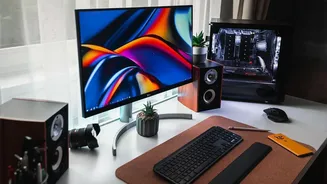
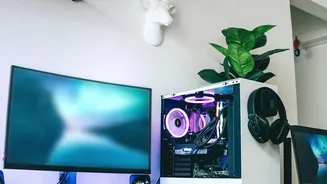
Hunching over or craning your neck to see your screen is a primary cause of neck and shoulder strain. To fix this, position your monitor directly in front of you at about an arm's length away. The top of the screen should be at or slightly below your eye level, allowing you to look slightly downward at the center of the screen without tilting your head. If you use bifocals, you may need to lower your monitor a bit more to find a comfortable viewing angle without tipping your head back.
Align Your Keyboard and Mouse
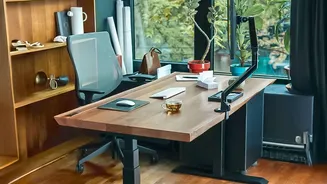
Wrist and forearm pain often comes from improper keyboard and mouse placement. Your keyboard should be on a flat surface that allows your elbows to stay close to your body and bent at a comfortable 90-degree angle. Your wrists should be in a neutral, straight position, not bent up or down. Many people mistakenly use keyboard feet that angle the keyboard upwards, which can increase wrist strain; a flat or slightly negative tilt is often better. Keep your mouse close to your keyboard to avoid over-reaching. Importantly, a wrist rest is for pausing, not for resting your wrists on while actively typing, which can create pressure.
Incorporate Movement Breaks
The most ergonomic setup is still no match for the negative effects of prolonged sitting. Regular movement is crucial for blood flow, muscle relaxation, and mental focus. Research suggests that taking a short break of 5-10 minutes every hour is an effective strategy. You don't need to do a full workout; simply standing up, walking to get a glass of water, or doing a few stretches is enough to make a difference. Use these breaks as an opportunity to change your posture and give your eyes a rest by looking at something in the distance.
Perform Simple Desk Stretches
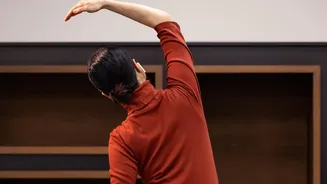
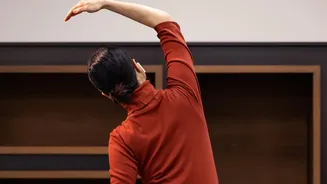
Counteract the stiffness of sitting with quick, targeted stretches you can do right at your desk. For your neck, gently tilt your head from side to side, holding for 15-20 seconds. For your shoulders and back, perform a seated twist by gently rotating your torso to look over one shoulder, using the chair for support. To relieve your forearms from typing, extend one arm with your palm facing up, and use your other hand to gently pull your fingers back. Finally, stand up and place your hands on your lower back, then gently arch backwards to stretch your spine. These small movements can help prevent muscle tightness and improve flexibility throughout the day.