





Start with Your Workspace Layout
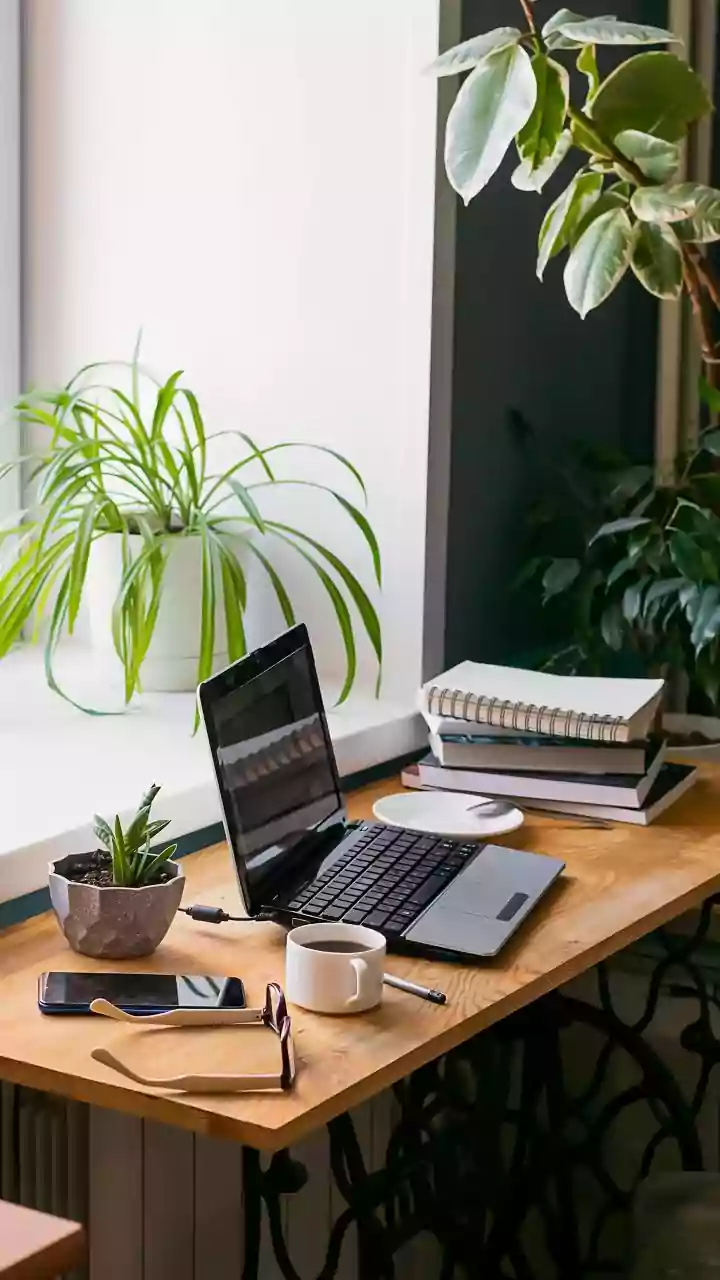
Before you spend any money, perform a simple audit of your desk's location. The single biggest cause of severe glare is a poorly positioned monitor relative to a primary light source, especially a window. You should not be facing a window, nor should it be directly
behind you, as this creates a silhouette effect on your screen. The ideal setup is to place your desk and monitor perpendicular to the window. This allows natural light to illuminate your space from the side without reflecting directly into your eyes or onto your screen. The same logic applies to bright indoor lights; try to avoid having a strong overhead light directly above or behind your chair.
Tame Your Light Sources
Once your desk is in the optimal spot, take control of the light itself. For natural light, use blinds, curtains, or shades that can be adjusted throughout the day as the sun moves. Sheer or translucent options are great because they soften and diffuse harsh sunlight without plunging your room into darkness. For artificial lighting, avoid using a single, powerful overhead fixture as your main source. Instead, opt for multiple, softer light sources. A shaded desk lamp placed to the side of your monitor can provide focused task lighting without creating new reflections. The goal is to have balanced, indirect ambient light throughout the room.
Calibrate Your Monitor Settings
Your display has built-in tools to fight glare. Most people keep their screen brightness cranked up far higher than necessary. A good rule of thumb is to match your screen's brightness to the ambient light in your room. One way to test this is to hold a white piece of paper up to your screen; if the screen looks like a light source, it's too bright. If the paper looks brighter, your screen is too dark. Adjust the brightness until it blends more naturally. Also, increasing the contrast can make text easier to read without needing to increase brightness, further reducing potential eye strain.
Invest in an Anti-Glare Filter
If repositioning and lighting adjustments are not enough, an anti-glare screen filter is a highly effective and affordable solution. These thin films stick to your monitor and work by using a matte finish to diffuse reflected light. Instead of seeing a mirror image of a lamp or window, the reflection is scattered, making it far less distracting. Filters come in various sizes to fit most laptops and desktop monitors. They are particularly useful for glossy screens, which are notoriously reflective. While they can sometimes slightly reduce the sharpness or vibrancy of the display, the benefit of eliminating glare is often a worthwhile trade-off for comfort.
Consider Your Screen Type
If you are in the market for a new monitor, pay close attention to the screen's finish. Displays generally come in two types: glossy and matte. Glossy screens tend to produce more vibrant colours and deeper blacks, but they act like mirrors in well-lit rooms. Matte screens have a built-in anti-glare coating that diffuses ambient light. For a home office where you may not have total control over lighting conditions, a matte display is almost always the safer and more comfortable choice for preventing glare and reducing eye fatigue over long work sessions.
Accessorise for Eye Comfort
A few other small changes can make a big difference. If you wear glasses, consider getting a pair with an anti-reflective coating. This specialized coating reduces the glare that reflects off the surface of your lenses, both from the screen in front of you and from lights behind you. Also, do not underestimate the power of a clean screen. Dust, fingerprints, and smudges can catch the light and worsen the effects of glare, making it harder for your eyes to focus. A simple wipe-down with a microfiber cloth can provide surprising clarity.