





The Common Posture Mistake
When discomfort strikes at your desk, the first instinct for many is to shift in their chair, slump, or sit up unnaturally straight. You might adjust the chair’s height or backrest, hoping to find relief. While a good chair is crucial, this body-first
approach often fails because it ignores the powerful influence of your monitor. Your body’s primary goal is to position your head so your eyes can see the screen clearly. If your monitor is too low, too high, or too far away, your body will contort itself to compensate, no matter how perfectly your chair is adjusted. This leads to the all-too-common 'tech neck,' where you crane your head forward, putting strain on your cervical spine and upper back muscles. This creates a vicious cycle where your good posture intentions are constantly undone by your screen's poor placement.
Your Eyes Lead, Your Body Follows
The relationship between your eyes and your posture is fundamental. Your body instinctively follows your gaze. Think of it as a hierarchy of needs for your musculoskeletal system: seeing comfortably is the top priority. Ergonomic experts have found that a poorly positioned screen will almost always defeat a perfectly configured chair. You can have the most expensive, supportive chair on the market, but if your monitor forces you to tilt your chin up or crane your neck down, your body will abandon its supported posture to meet the screen's demands. This is why focusing on the screen is so critical. By setting it in the right place, you give your body an anchor point that encourages a neutral, sustainable posture, rather than forcing it into a constant state of adaptation and strain.
The Right Order: Start With Your Foundation
While the screen is the anchor, most ergonomic guidelines from institutions like UCLA recommend starting with the chair to establish a solid foundation. This isn't about perfecting your posture in isolation; it's about finding your baseline height. Adjust your chair so your feet are flat on the floor and your knees are at or slightly below a 90-degree angle. Push your hips back so your lower back is in full contact with the chair's lumbar support. Your shoulders should be relaxed. Once you’ve done this, you have established your correct seated height. This position is your personal ergonomic foundation, and every other adjustment should be made to complement it, not fight it.
Step Two: Lock in Posture with Screen Placement
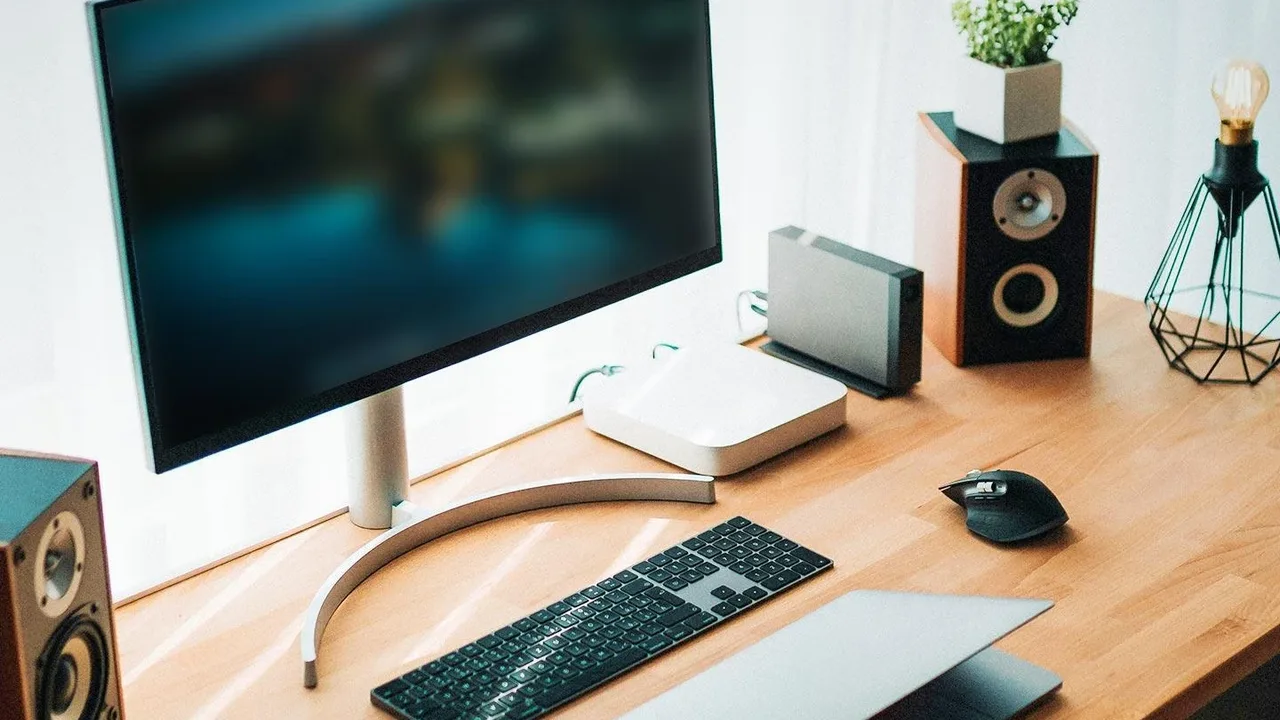
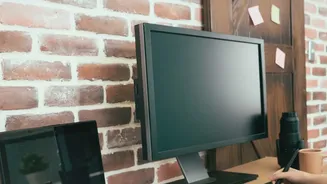
Now that your body is in its foundational posture, it's time to bring the monitor to you. This is the step that makes or breaks your setup. The golden rule is to position the top of your monitor's screen at or slightly below your eye level. Your eyes should look slightly downward, about 15 degrees, to view the center of the screen. To check the distance, sit back and extend your arm; your fingertips should just about touch the screen. This is typically between 20 and 30 inches away. By adjusting the screen to meet your already-correct posture, you remove any reason for your neck and back to strain. Your head can now stay balanced over your shoulders, which is the most critical element for avoiding neck pain.
Completing Your Ergonomic Bubble
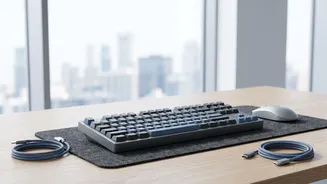
With your chair and screen aligned, the final step is to position your keyboard and mouse. These should be placed at a height that allows your elbows to maintain a slightly open angle (around 90-110 degrees) with your wrists straight and in a neutral position. Avoid reaching for your mouse; it should be close enough to your keyboard that your shoulder remains relaxed. Once everything is in place, be mindful of glare. Position your screen at a right angle to windows and adjust blinds or overhead lighting as needed to prevent squinting and leaning forward. Finally, remember that even the perfect setup is no substitute for movement. Take short breaks every 20-30 minutes to stand, stretch, and give your eyes a rest by looking at something in the distance.