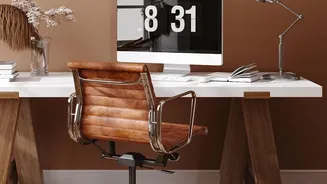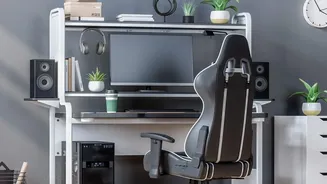




Start with Your Chair
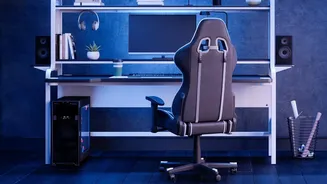
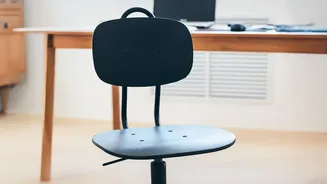
Your chair is the foundation of a comfortable setup. Begin by adjusting the height so your feet rest flat on the floor, with your knees bent at roughly a 90-degree angle. Your thighs should be parallel to the floor. If your feet dangle, use a footrest.
Next, address your back. Your chair should support the natural inward curve of your lower back. Adjust the lumbar support to fit snugly into the small of your back. If your chair lacks this feature, a rolled-up towel can work in a pinch. Finally, adjust the armrests so your shoulders can relax and your elbows rest gently at about a 90-degree angle.
Position Your Monitor Correctly
Incorrect monitor placement is a primary cause of neck and shoulder strain. To fix this, position your monitor directly in front of you, about an arm's length away. The top of the screen should be at or slightly below your eye level. This alignment helps you maintain a neutral neck position, preventing you from hunching forward or tilting your head back. If you wear bifocals, you may need to lower the monitor an additional inch or two to find a comfortable viewing angle without tilting your head.
Arrange Your Keyboard and Mouse
Your keyboard and mouse should be placed on the same surface and be easily reachable without stretching. The goal is to keep your wrists straight and your upper arms close to your body. Position your keyboard at a height that allows your elbows to be bent at a 90-degree angle, with your forearms nearly parallel to the floor. This prevents you from angling your wrists up or down, which can lead to strain over time. If your desk has a hard edge, consider using a padded wrist rest to avoid pressure on your wrists.
Manage Your Desk Space
The space under your desk is just as important as the surface. It should be clear of boxes or other items to provide ample room for your legs and feet, allowing you to sit correctly without obstruction. On your desk, keep frequently used objects like your phone or a notebook within immediate reach to avoid constant stretching and awkward movements. A tidy, organized desk not only looks better but also reduces the physical strain of reaching for things throughout the day.
Control the Lighting
Eye strain is a common complaint for desk workers. Poor lighting is often the culprit. Position your monitor to avoid glare from windows or overhead lights. Ideally, your monitor should be at a right angle to any windows. A bright light source directly behind your screen can cause excessive contrast and eye fatigue. If you can't reposition your desk, use blinds to control window light. The goal is to have enough light to see comfortably without creating harsh reflections on your screen.
Build in Movement
Even the most perfect ergonomic setup can't counteract the negative effects of sitting still for eight hours. The human body is designed to move. Make it a point to take short breaks every 30 to 60 minutes. Stand up, stretch, walk around, or do some simple exercises. You can also follow the 20-20-20 rule to combat eye strain: every 20 minutes, look at something 20 feet away for 20 seconds. Incorporating small bursts of movement into your day is crucial for preventing stiffness and staying energized.