




The Planet-Hunting Power in Your Pocket
Many people are surprised to learn their smartphone is a capable astronomical device. While it can't magnify distant objects without accessories, it excels at identifying them. Thanks to a suite of sophisticated internal sensors, your phone can pinpoint
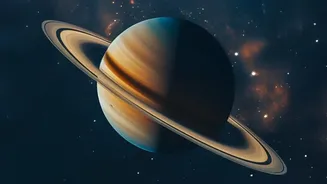
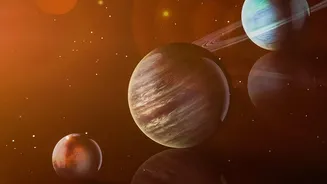
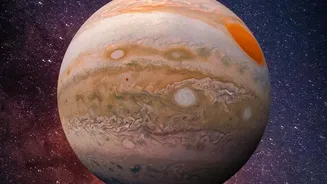
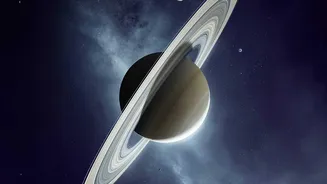
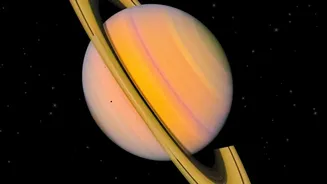
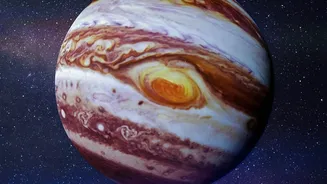
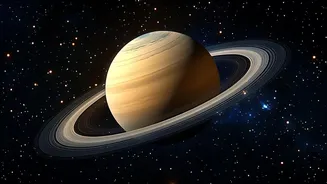
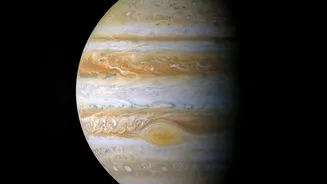
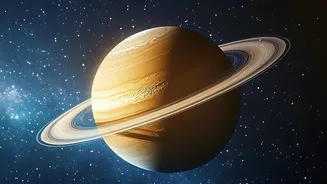
exactly where you are and which direction you're pointing, transforming a simple star chart into an interactive, augmented-reality window to the cosmos. In late August 2026, yellowish Saturn is a fantastic object to spot, rising in the evening and visible for much of the night. Jupiter, while very bright, is more of a challenge, appearing very low in the east just before dawn. With the right app, your phone can guide your eyes directly to them, no prior knowledge needed.
The Three Key Sensors
Three core components work together to make this magic happen: the GPS, the accelerometer, and the magnetometer. First, the Global Positioning System (GPS) receiver determines your precise location on Earth. This is the crucial first step, as the view of the night sky changes dramatically depending on your latitude and longitude. Next is the accelerometer, which measures motion and orientation. It knows when you tilt the phone up, down, left, or right, effectively acting like a digital spirit level to sense its angle relative to the ground. Finally, there's the magnetometer, which is essentially a tiny, solid-state compass. It detects the Earth's magnetic field to determine which direction you are facing—north, south, east, or west. Together, these three sensors provide a complete picture of your phone's position and orientation in 3D space.
How Apps Create Your Personal Planetarium
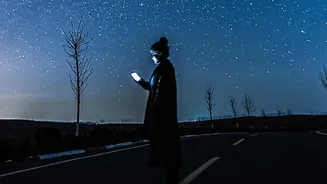
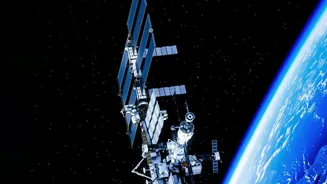
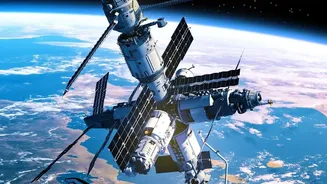
Stargazing apps like Star Walk 2, SkyView, or Stellarium Mobile combine the real-time data from these sensors with a vast, pre-loaded catalogue of celestial objects. The app knows your location from GPS, the angle you're holding the phone from the accelerometer, and the compass direction from the magnetometer. By processing these inputs, it calculates exactly which part of its star map corresponds to the patch of sky you're pointing at. The app then overlays this map onto your screen. Many use augmented reality (AR) to superimpose star names, constellation lines, and planet labels over your camera's live view, making identification seamless. You simply point your phone at a bright object, and the app will tell you if you're looking at Saturn, a distant star, or the International Space Station flying by.
Choosing Your Guide to the Galaxy
A universe of stargazing apps is available for both Android and iOS, many of which are free or offer free versions. Star Walk 2 is often praised as a great app for beginners, while SkyView is also incredibly popular and user-friendly. The original Google Sky Map, now open-source, is a simple, no-frills option for Android users who just want a basic map. For those wanting more detail, Stellarium Mobile provides a realistic and comprehensive sky simulation. Most of these apps offer similar core functionality: a searchable database of objects, the ability to track the path of the Sun and Moon, and even a 'time travel' feature to see the sky on past or future dates. Many also include a red-light mode, which dims your screen and preserves your night vision for a better viewing experience.
Tips for the Best Viewing Experience
To make the most of your mobile observatory, find a location away from bright city lights. Light pollution can wash out all but the brightest stars and planets. Give your eyes at least 15-20 minutes to adapt to the darkness; this will dramatically increase the number of stars you can see. While the sensors are remarkably accurate, they can sometimes be affected by magnetic interference from nearby metal objects. If the app seems misaligned, most have a simple calibration function, often involving moving your phone in a figure-eight pattern. The phone itself doesn't need to 'see' the stars to know where they are, so these apps work perfectly even on cloudy nights or during the day, allowing you to see which constellations are currently behind the clouds or under the horizon.