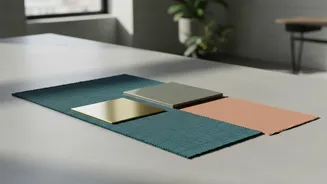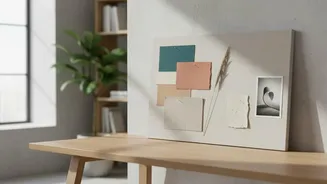




The Old Way vs. The AI-Powered Way
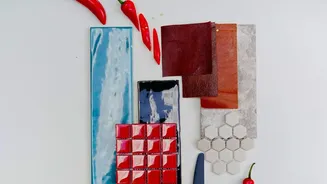
Traditionally, creating a mood board meant hours spent scrolling through sites like Pinterest and stock photo libraries, manually collecting images, textures, and typography. It's a process of patient curation. While effective, it can be a significant
bottleneck, especially when juggling multiple client projects. AI tools dramatically accelerate this initial ideation phase. Instead of searching for hours, an artist can now write a detailed text prompt describing a concept and receive a full board of visual ideas in minutes. This doesn't replace the artist's taste but rather gives them a powerful starting point, compressing a day's work into a coffee break.
Choosing Your AI Creative Partner
The market for AI creative tools is expanding rapidly. Some, like Midjourney, are powerful text-to-image generators that create entirely new visuals from a prompt. Others, like Adobe Firefly Boards and Canva's Magic Design, are more integrated platforms designed specifically for creating visual collages and brand concepts. Many artists use a combination of tools. For instance, they might use a generator like Midjourney to create unique, core images and then use a platform like Milanote or Adobe Express to arrange those images with text, colour palettes, and other elements. The key is to find tools that fit your specific workflow, whether you need pure image generation or a more comprehensive board-building environment.
Mastering the Art of the Prompt
The quality of an AI-generated mood board is directly tied to the quality of the prompt. A vague instruction will yield generic results. The trick is to be descriptive and specific. A successful prompt often includes keywords related to the subject, desired style (e.g., 'Art Deco,' 'minimalist'), mood, colour palette, and even lighting. For example, instead of 'a logo for a coffee shop,' a more effective prompt would be: 'A minimalist logo for a modern coffee shop, featuring a stylized mountain range, using a warm terracotta and deep forest green colour palette, flat design style.' Learning to 'speak' the language of AI is becoming a crucial skill, allowing designers to steer the output with precision.
From Raw Generation to Refined Concept
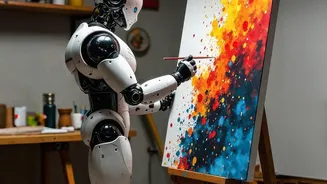
It's a common misconception that AI does all the work. The reality is that AI-generated images are a starting point, not a final product. The professional artist’s most important role remains curation and refinement. After generating a batch of images, the designer must use their expertise to select the most compelling visuals, edit them, and arrange them into a cohesive and strategic argument for the project's direction. This human touch is what turns a random collection of AI images into a purposeful mood board that aligns with a client's brand and objectives. The AI provides the raw material; the designer provides the vision and intelligence to shape it.
Integrating AI into the Client Workflow
Presenting AI-generated mood boards to clients can streamline the approval process, but it requires clear communication. It's helpful to explain that these boards represent a visual direction or 'vibe' rather than a finished design. This manages expectations and frames the AI-generated visuals as a tool for conversation and alignment. By getting initial aesthetic approval faster, freelancers can move on to the actual design work with greater confidence. This efficiency is a valuable selling point for clients, as it means projects can move forward more quickly. Many businesses are now actively seeking freelancers with AI skills, recognizing the productivity benefits they bring.