


Your Phone is a Planetarium
The magic behind using your phone for stargazing lies in its built-in sensors: the GPS knows your location, the compass knows which way you're facing, and the gyroscope knows how you're tilting it. Stargazing apps use this data to create an accurate map
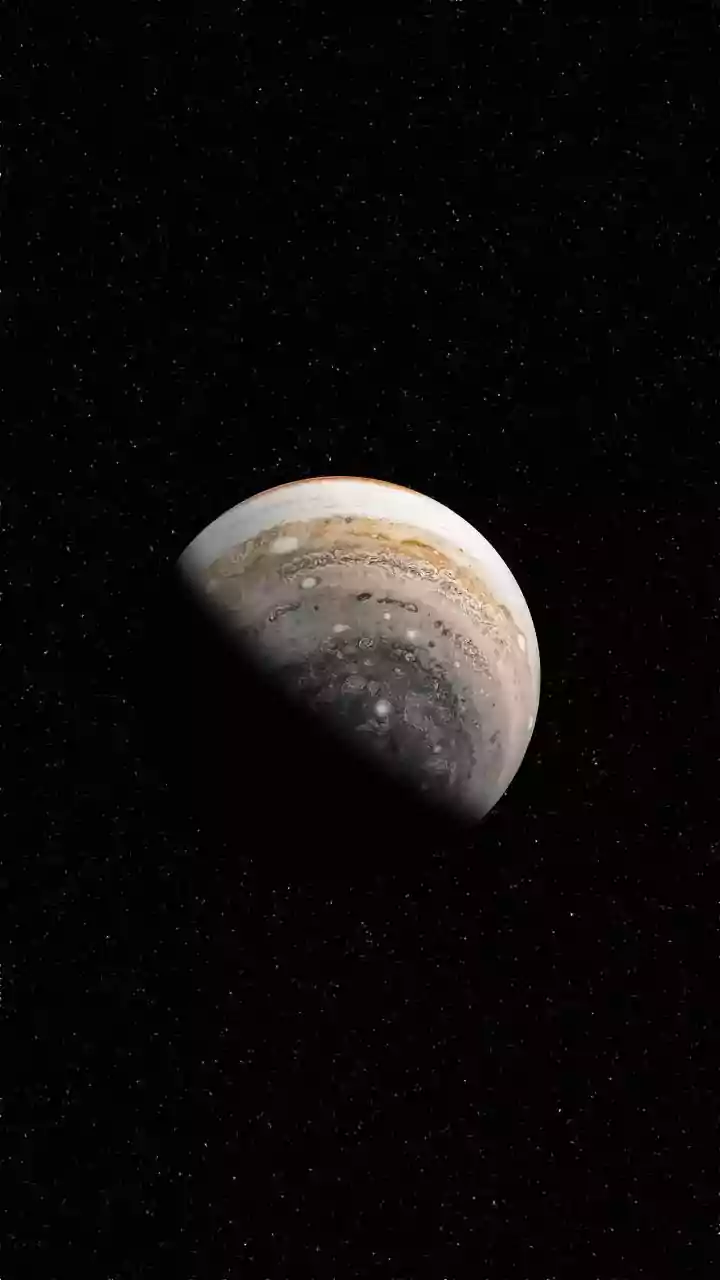
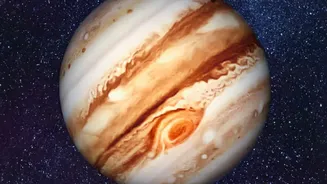
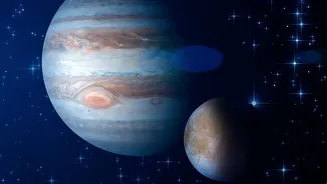
of the sky right where you are. When you point your phone at a bright object, the app overlays information, telling you if you're looking at a star, a satellite, or a planet like Jupiter. This technology, known as augmented reality (AR), transforms the vast, confusing starscape into a friendly, navigable map.
The Best Apps to Get Started
You don't need to be an expert to use these apps, and many of the best ones are free. For beginners, Star Walk 2 and SkyView Lite are fantastic choices. Both offer user-friendly interfaces and use augmented reality to help you identify celestial objects simply by pointing your phone at them. Another excellent option is Stellarium Mobile, which is known for its realistic and detailed sky simulations. For a simple, no-fuss experience on Android, the open-source Sky Map is a great ad-free option that was originally developed by Google. Most of these apps have free versions that are more than powerful enough for a beginner's needs.
How to Find a Planet in Minutes
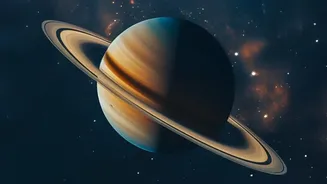
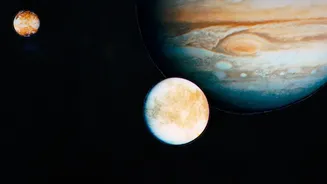
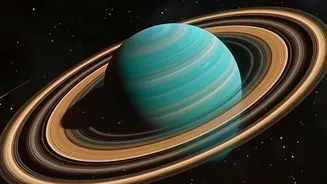
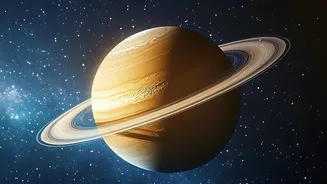
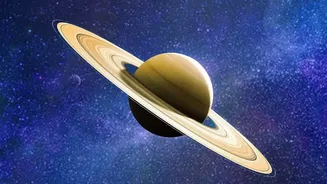
Once you have an app installed, finding a planet is simple. Open the app and give it permission to access your location. Point your phone towards a bright light in the sky that isn't twinkling. Stars twinkle because their light is distorted by Earth's atmosphere; planets are much closer, so they shine with a steadier light. Your app will instantly identify the object. You can tap on it to learn more, like its name, distance, and even see its moons. Venus and Jupiter are often the brightest and easiest planets to spot. Mars is identifiable by its distinct reddish hue. With these apps, what once required complex charts is now a matter of point-and-discover.
Catching the International Space Station
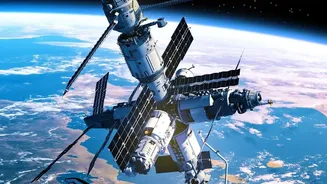
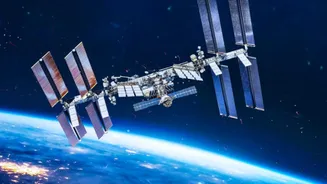
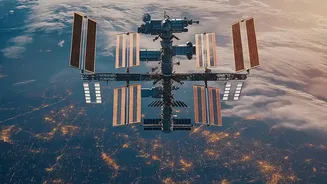
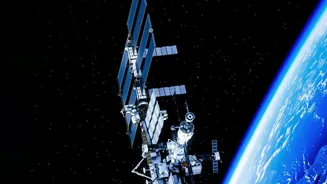
Spotting the International Space Station (ISS) is a thrilling experience. It looks like a very bright, fast-moving star gliding silently across the sky, with no flashing lights. Because it's only visible for a few minutes during specific passes, timing is everything. This is where your phone becomes essential. NASA’s official Spot The Station app is a must-have. After setting your location, the app will send you push notifications a few hours before the ISS is scheduled to fly over your area. It will tell you exactly when to look, which direction it will appear from, and how long it will be visible. These passes usually happen just before sunrise or after sunset, when the sky is dark but the station is high enough to catch the sun's rays.
Tips for the Best Viewing Experience
To make the most of your skywatching session, a little preparation goes a long way. First, try to get away from bright city lights, as light pollution washes out all but the brightest objects. Second, give your eyes about 20-30 minutes to fully adjust to the darkness; you'll be amazed at how many more stars become visible. Avoid looking at your bright phone screen during this time. Many apps have a 'night mode' that turns the display red, which helps preserve your night vision. Finally, check the weather forecast for a clear, cloudless night and dress in layers, as even warm days can lead to chilly nights when you're standing still.