




Beyond a Single Prompt
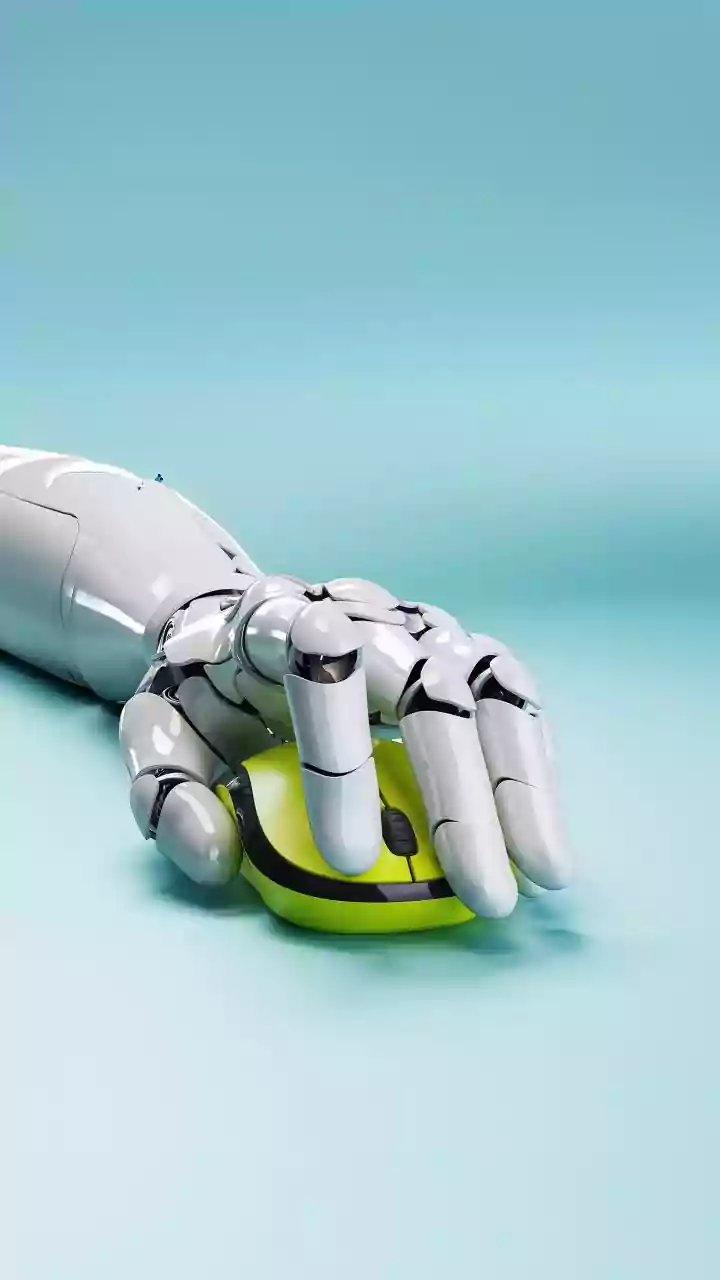
When we talk about an AI workflow system, it's more than just typing a phrase into an image generator. For a freelance graphic designer, it's an integrated process. It involves using one or more AI tools as a starting point for ideation, then moving those
assets into traditional design software for refinement, and even using AI to automate repetitive tasks like resizing images. This system treats AI not as a one-stop-shop for a final product, but as a powerful, tireless assistant that helps with the early, often time-consuming, stages of a project. The goal is to combine the rapid generation abilities of AI with the critical eye and technical skill of a professional designer.
The Spark: Instant Ideation
The initial brainstorming phase, or 'ideation', is where AI workflows have made the biggest splash. In the time it would normally take to sketch a few rough concepts, a designer can generate dozens of visual starting points. This could mean creating multiple mood boards, exploring a wide range of color palettes, or testing different compositional ideas. For example, a freelancer designing a logo could use an AI tool to explore various icon styles or typographic combinations in minutes, not hours. This rapid iteration helps overcome creative blocks and allows for a much wider exploration of possibilities before committing to a specific direction.
From Raw Concept to Refined Design
The magic of a professional workflow lies in what happens after the initial AI generation. The raw output is rarely the final product. Instead, successful freelancers bring these AI-generated concepts into their primary design tools, like Adobe Photoshop or Illustrator. Here, the artist’s skill takes over. They might use an AI-generated texture as a background element, use a tool like Photoshop’s Generative Fill to expand or modify a concept, or combine elements from several AI images into a single, cohesive design. This hybrid approach ensures the final work is polished and aligned with the client's specific needs, blending AI's speed with human creativity.
A New Way to Communicate with Clients
AI workflows can also transform client communication and satisfaction. By rapidly generating multiple high-fidelity concepts, a freelancer can present a client with a clearer, more tangible vision early in the process. Instead of describing an idea, they can show three or four visual interpretations of the brief. This helps clients feel more involved and confident in the creative direction, leading to faster approvals and fewer costly revisions down the line. It's a way to de-risk the creative process for both the client and the designer, ensuring everyone is aligned long before the final hours are invested.
The Artist Remains Central
A common fear is that AI will replace designers. However, the emerging consensus is that AI is a tool that augments, rather than replaces, human creativity. The technology lacks the human experience, cultural understanding, critical thinking, and emotional intelligence needed for truly impactful design. AI can generate a hundred variations, but it can’t tell you which one will connect with a target audience or best represent a brand's values. The most successful freelance artists are those who learn to direct these tools, using their professional judgment to guide the process and add the essential human touch that makes a design truly great.