


From Pixelated Relics to Digital Heirlooms
Many of our most cherished family photos exist as low-quality digital files. They might be scans of tiny, wallet-sized prints or photos taken with early digital cameras that saved images at a fraction of the resolution we expect today. The result is often
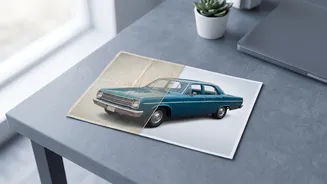
a pixelated, blurry image that looks fuzzy on modern screens and is unsuitable for printing. These digital artifacts carry immense sentimental value, capturing moments and people we never want to forget. For a long time, the only way to improve them was through painstaking manual work with complex software, often with limited success. This is where artificial intelligence has created a new possibility, turning what was once a highly specialized skill into an accessible process for creators and families alike.
The AI Magic Behind the Restoration
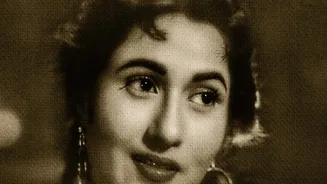
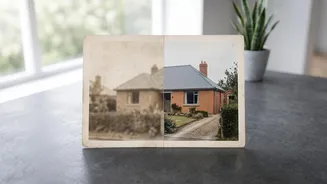
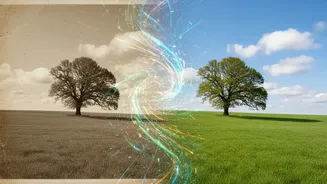
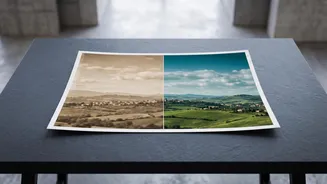
So, how does it work? AI photo restoration tools use machine learning models trained on millions of images. This training allows them to recognize patterns associated with common photo problems like scratches, fading, blurriness, and digital noise. When you upload a pixelated photo, the AI doesn't just blindly sharpen edges. Instead, it analyzes the image to intelligently reconstruct missing details. For faces, this can be transformative. An AI can amplify the subtle, hidden data in a blurry portrait to redefine eyes, lip contours, and skin texture. It’s not inventing features from scratch but rather enhancing the signal that still exists within the low-resolution file. Many tools can also remove scratches, repair torn corners, and even add plausible color to black-and-white images.
The Creator’s Digital Toolkit
A variety of powerful and accessible tools now exist, from web-based services to professional software plugins. Web platforms like Remini, MyHeritage, and PicMa are popular for their ease of use, with a strong focus on enhancing faces. More advanced users and professional creators often turn to plugins and standalone software that offer greater control. Adobe has integrated powerful AI restoration features directly into Photoshop, allowing users to repair damage and colorize photos with simple text prompts using its Firefly AI. Other dedicated software like Topaz Labs' Gigapixel AI and PhotoGlory are highly regarded for their ability to upscale images and recover detail while providing manual controls for fine-tuning the results. The choice often depends on whether you need a quick, automated fix or a more hands-on, customizable workflow.
A General Workflow for Best Results
While each tool is different, a general process yields the best results. The first and most critical step is to start with the best possible source file. If you are scanning a physical print, use a flatbed scanner at a high resolution—at least 600 DPI, and even higher for very small photos. Scan in color, even for black-and-white prints, as this captures subtle toning that helps the AI make better decisions. Once you have your digital file, import it into your chosen AI tool. Apply the primary restoration or enhancement filter first to let the AI handle the heavy lifting of upscaling and de-noising. After the AI pass, you can use manual tools to address any remaining issues, such as removing specific scratches or correcting colors. This combination of AI automation and human oversight often produces the most natural-looking portraits.
Managing Imperfections and AI ‘Hallucinations’
As powerful as these tools are, they are not perfect. One of the biggest challenges in AI restoration is ensuring the final image still looks like the person in the original photo. Some AI models, particularly when pushed too hard, can create an overly smooth, artificial, or 'plastic' look. In some cases, the AI might 'hallucinate' details that weren't there, creating strange artifacts in the background or slightly altering facial features. For this reason, it's important for creators to approach the process with a critical eye. Many professionals recommend dialing back the AI enhancement settings to find a balance between sharpness and natural detail. The goal is to restore the memory, not create a flawless but unrecognizable image. The human touch remains essential for guiding the technology to an authentic and emotionally resonant result.