





The Unseen Cause of Your Aches and Pains
When you work on a laptop or a poorly positioned monitor, your screen is almost certainly too low. This forces you into a posture of excessive neck flexion—the all-too-common 'tech neck' posture where your head drifts forward and down. Your head is heavy,
weighing about 10-12 pounds, and for every inch you tilt it forward, you dramatically increase the strain on the muscles in your neck and upper back. Over a full workday, this sustained poor posture leads to muscle tension, stiffness, headaches, and persistent pain in your neck, shoulders, and back.
Finding the Ergonomic 'Sweet Spot'
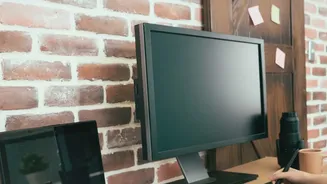
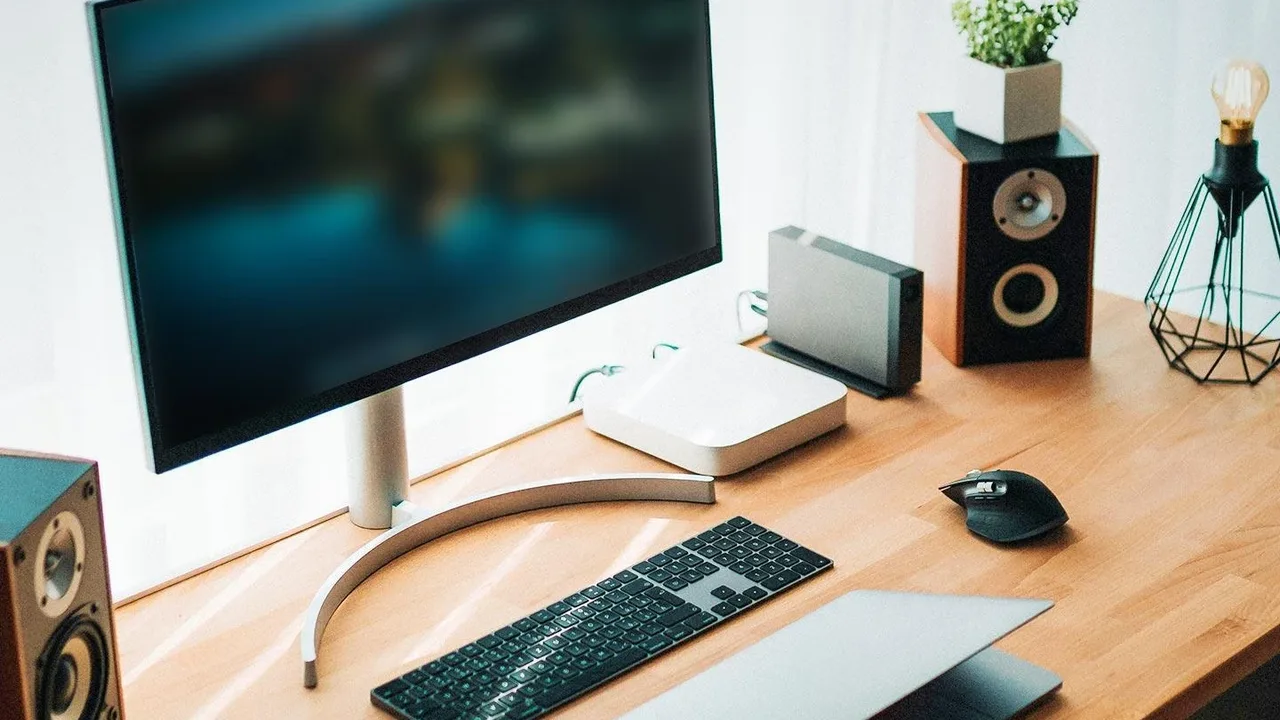
The goal of good ergonomics is to maintain a neutral posture, where your body is aligned and under the least amount of stress. For screen height, the rule is simple: the top edge of your monitor should be at or just slightly below your eye level as you sit up straight. Your eyes should gaze slightly downward to view the center of the screen, around a 15 to 20-degree angle. This position allows your head to stay balanced directly over your shoulders, keeping your neck and spine in a natural, comfortable alignment and minimizing muscle strain.
The Arm's Length Rule for Eye Comfort
Height is only half the battle; distance matters, too. Your monitor should be positioned about an arm's length away from you, typically between 20 to 30 inches. If your screen is too close, your eyes work harder to focus, which can cause strain. If it's too far, you’ll likely lean forward and squint, defeating the purpose of setting the correct height and reintroducing neck strain. A quick test is to sit back comfortably and extend your arm; your fingertips should just about touch the screen. For larger monitors, you may need to add a bit more distance.
Simple Solutions for Any Home Office
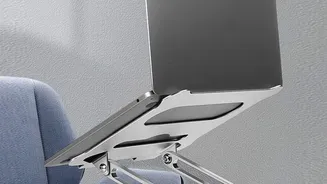
You don't need to buy a whole new desk to fix your setup. The easiest and most affordable solution is to place your monitor or laptop on a stable stack of books until it reaches the correct height. For a more permanent fix, consider a monitor stand or riser, which also frees up desk space. If you primarily use a laptop, a dedicated laptop stand is essential. Using a laptop stand elevates the screen to eye level, so you will also need an external keyboard and mouse to keep your wrists and arms in a comfortable, neutral position.
Beyond Just Neck Pain: The Other Benefits
Correcting your screen height does more than just alleviate aches. It can significantly reduce eye strain, which often manifests as dry, burning eyes and headaches. When your posture improves, you may also find your focus and productivity get a boost because you're not distracted by physical discomfort. By encouraging a neutral spine, you're not just finding immediate comfort; you are also reducing the long-term risk of musculoskeletal issues that can develop from years of poor work habits.