


Your Chair: The Ergonomic Foundation
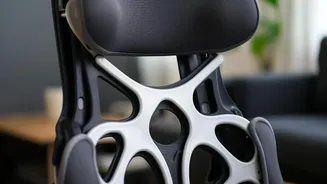
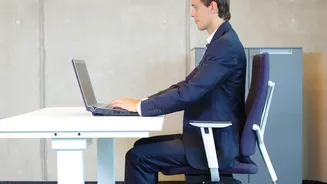
Your office chair is the starting point for a pain-free setup. Think of it as the foundation of your posture. The goal is to create a series of right angles that support a neutral spine. Begin by adjusting the chair's height so your feet are resting flat
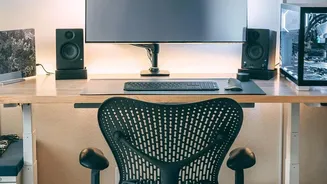
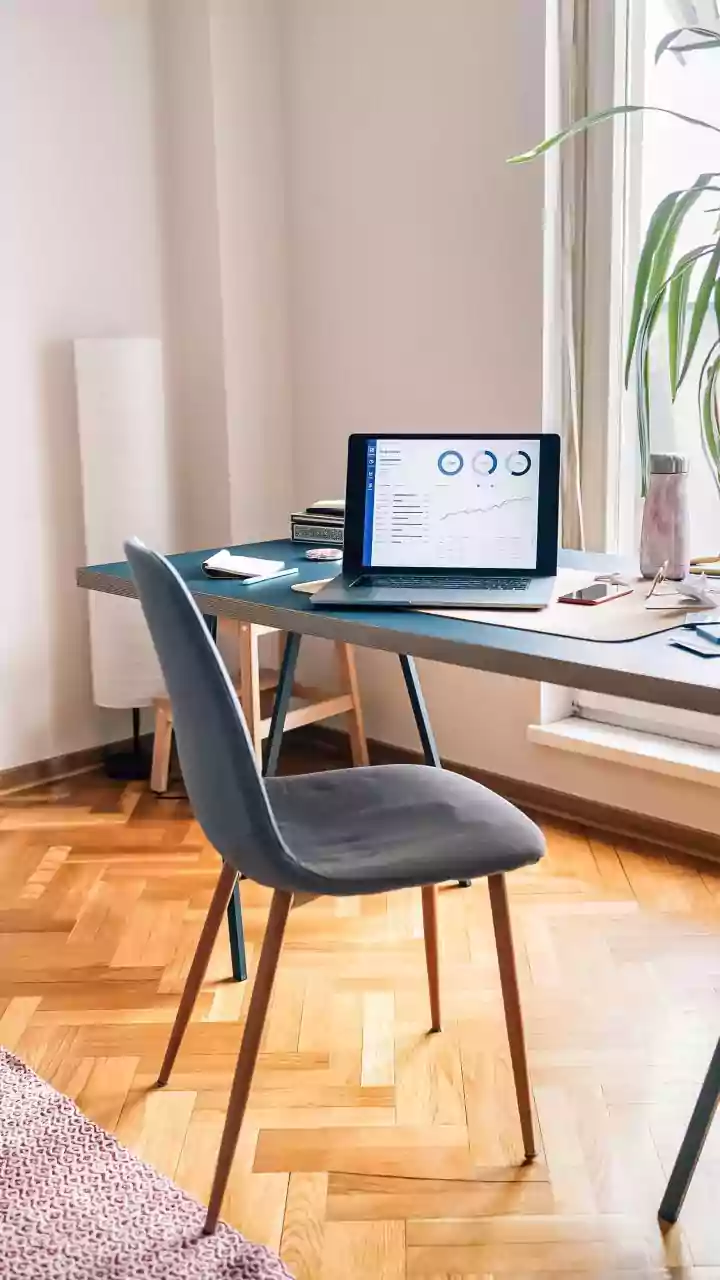
on the floor, with your thighs parallel to it. Your knees should be at a comfortable 90-degree angle. If your feet are dangling, use a footrest to provide stability. Next, address the seat depth. You should be able to sit with your back fully against the backrest while leaving a small gap of about two to three fingers' width between the front edge of the seat and the back of your knees. Finally, position the lumbar support to fit the natural curve of your lower back. Armrests should be set so your elbows can rest at a 90-degree angle, allowing your shoulders to relax.
Monitor Height and Distance
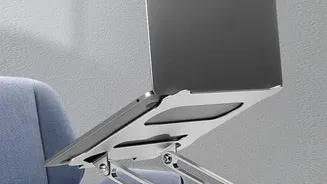
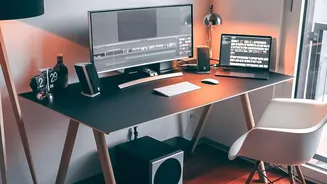
Craning your neck to see your screen is a primary cause of neck and shoulder pain. To correct this, position your monitor directly in front of you. The top of the screen should be at or just slightly below your eye level. This allows you to look slightly downward to view the center of the screen without tilting your head. The ideal viewing distance is about an arm's length away, typically between 20 and 30 inches. This distance helps reduce eye strain and prevents you from leaning forward, which compromises your posture. If you work on a laptop, using a separate keyboard and mouse is one of the most effective changes you can make. This allows you to raise your laptop on a stand to achieve the correct screen height while keeping your keyboard at a comfortable typing level.
Keyboard and Mouse Alignment
The position of your keyboard and mouse directly impacts the health of your wrists, elbows, and shoulders. Your desk height should allow your arms to rest comfortably at your sides, with your elbows bent at roughly a 90-degree angle when typing. Your keyboard should be placed close enough to you that you don't have to stretch to reach it, and your mouse should be positioned right beside it to avoid overextending your arm. The goal is to keep your wrists in a neutral, straight position, not bent up, down, or to the side. Many people incorrectly use wrist rests for support while actively typing. These pads are intended for resting your palms during breaks, not for anchoring your wrists while working, which can add pressure to the nerves.
Keep Your Workspace Organized
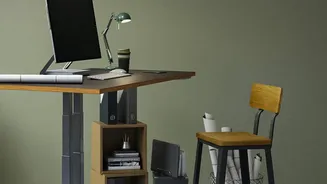
Ergonomics extends beyond your main equipment. A cluttered desk can lead to awkward reaches and twists that strain your muscles over time. Keep frequently used items—like your phone, water bottle, or important documents—within easy reach to minimize stretching. Ensure you have adequate legroom under your desk, free from obstructions, so you can maintain a proper seated position with your feet flat on the floor. A well-organized workspace not only improves your physical comfort but also contributes to a more focused and less stressful environment, allowing you to work more efficiently without unnecessary physical strain.
Beyond the Setup: Movement Is Key
Even the most perfectly ergonomic setup cannot undo the negative effects of remaining static for too long. Your body is designed to move. Integrating regular movement into your day is just as crucial as your initial setup. The American Academy of Ophthalmology recommends the 20-20-20 rule to combat eye strain: every 20 minutes, take a 20-second break to look at something 20 feet away. Better yet, use these moments to stand up, stretch, and walk around for a minute or two. If you have a sit-stand desk, alternate between sitting and standing every 30 to 45 minutes to reduce fatigue and improve circulation. These small breaks prevent muscle stiffness and keep your body from settling into a single, stressful position.