





The Basics of Better Lighting
Before diving into specific tasks, it helps to understand two key concepts: brightness and colour temperature. Brightness is measured in lumens, indicating how much light a bulb produces. Colour temperature, measured in Kelvin (K), describes the light's
appearance, from a warm, yellowish glow (lower K) to a cool, bluish-white light (higher K). A warm light around 2700K is cozy and relaxing, like a sunset, while a cool light around 5000K mimics daylight and can boost alertness. The goal of task lighting is to use the right combination of brightness and colour for the job at hand, layered over the general ambient light of the room.
For Focused Reading
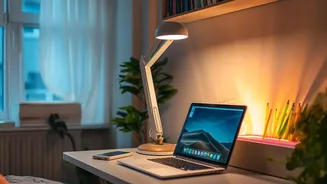
Reading a physical book or document requires direct, focused light that makes the text clear without causing glare. A common mistake is using a light that is too dim, forcing you to squint, or one that is too harsh, reflecting off the page. For optimal comfort, use an adjustable desk or floor lamp that provides around 450 to 800 lumens directly on the page. The ideal colour temperature is a warm to neutral white, somewhere between 2700K and 4000K, which is easier on the eyes for long reading sessions. Position the lamp to the side of your dominant hand; if you are right-handed, place the lamp on your left to prevent your hand from casting shadows on the page as you write or turn pages.
For Flattering Video Calls
Appearing clear and professional on video calls has less to do with your webcam and more to do with your lighting. The most important rule is to have your primary light source in front of you, not behind or directly above you. A light source behind you creates a silhouette, while an overhead light can cast unflattering shadows under your eyes. The best setup involves placing a diffuse light source, like a ring light or a pair of small lamps, on either side of your monitor. This frontal lighting illuminates your face evenly. For a natural appearance, a neutral white light around 4000K is a great starting point, as it provides clean illumination without being too harsh or yellow.
For Comfortable Screen Work
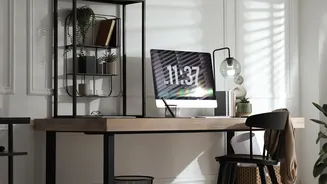
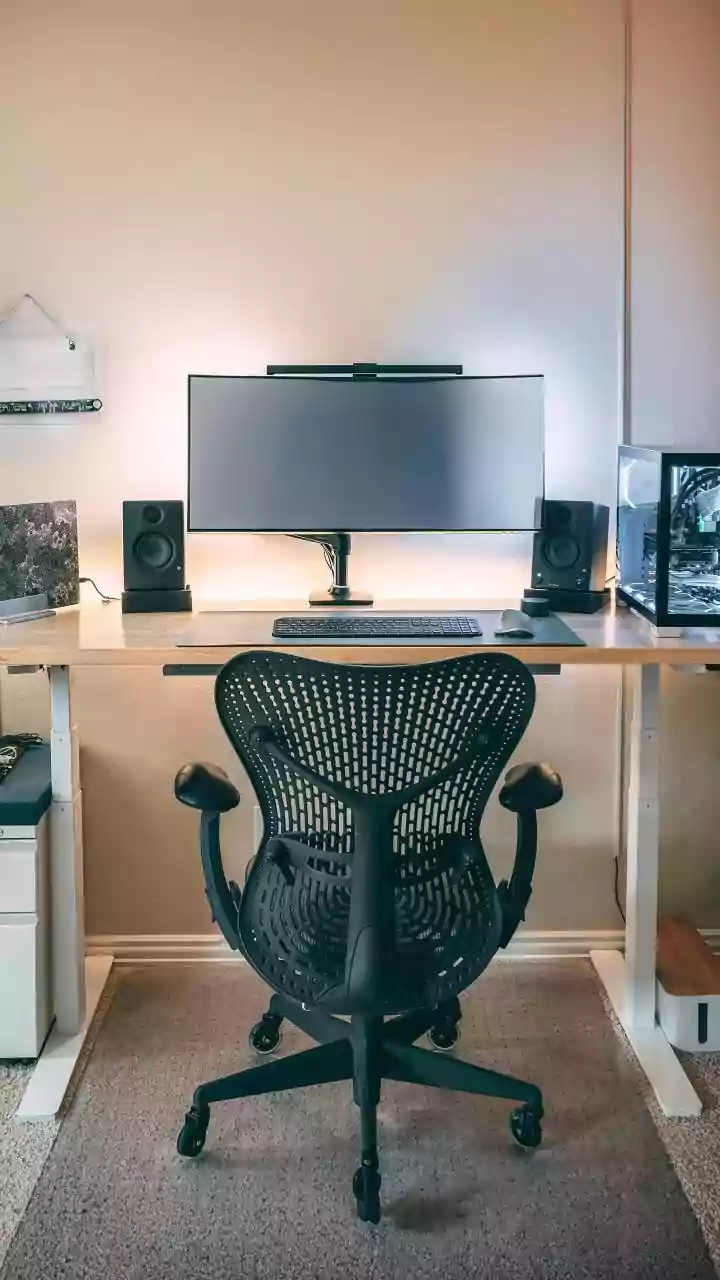
Staring at a bright computer screen in a dark room is a primary cause of digital eye strain, as your pupils are forced to constantly adjust to the high contrast. The solution is to balance the light in your field of vision. First, avoid placing lamps where they can cast glare on your screen. Second, consider adding bias lighting—a strip of soft light placed on the back of your monitor to illuminate the wall behind it. This reduces the harsh contrast between your display and the surrounding environment, allowing your eye muscles to relax. For general desk work, a neutral to cool colour temperature between 4000K and 5000K can help with focus and productivity during the day.