

It All Starts with a Personalised Fit
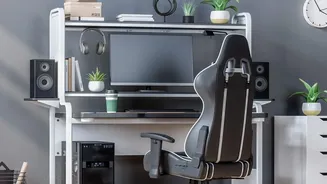
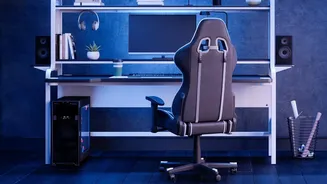
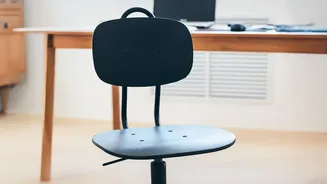
Ergonomics is the science of fitting a job to the person, not the other way around. Your workstation should be tailored to your body's specific dimensions. Start with your chair, as it is the foundation of your posture. Adjust the height so your feet
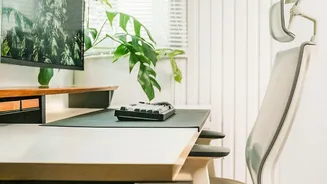
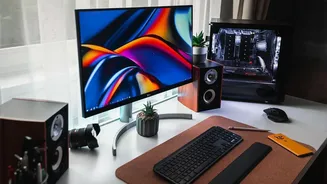
rest flat on the floor with your thighs parallel to it; your knees should be at roughly a 90-degree angle. There should be a small gap of about two to three inches between the back of your knees and the edge of the seat. Crucially, your chair should provide active lumbar support that fits into the natural curve of your lower back. Once your chair is set, turn to your monitor. It should be placed directly in front of you, about an arm's length away. The top of the screen should be at or just below your eye level, which helps you maintain a neutral neck position and avoid craning forward. Finally, position your keyboard and mouse so your elbows are bent at a 90-degree angle, with your wrists straight and your forearms parallel to the floor.
Movement Is Not Optional, It's Mandatory
Even a 'perfect' posture becomes harmful if held for too long. Our bodies are designed to move, and a sedentary workday is a significant health risk. The goal is not to find one ideal position, but to change positions frequently. Experts now promote the idea that your best posture is your next posture. Integrating movement into your workday is crucial for maintaining good circulation, preventing muscle stiffness, and even boosting focus and productivity. Start by taking short breaks every 30 to 60 minutes to stand, stretch, or walk around. This could be a quick trip to get water or walking over to a colleague's desk instead of sending an instant message. Many now follow the '20-8-2' rule: for every 30 minutes, try to sit for 20, stand for eight, and move or stretch for two. Simple desk stretches for your neck, shoulders, and wrists can also provide immediate relief and prevent the slow build-up of strain.
The Power of Small, Practical Adjustments
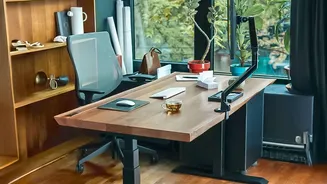
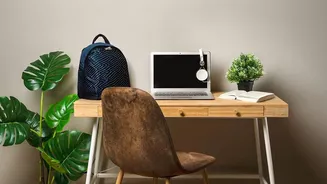
Beyond the big-ticket items of chairs and desks, several smaller adjustments can have an outsized impact on your daily comfort. Lighting, for example, is often overlooked. Position your desk so that windows are to your side, not directly in front or behind you, to reduce glare on your screen. Also, match your monitor's brightness to the ambient light in the room to reduce eye strain. When it comes to your desk area, keep frequently used items like your phone or a notepad within easy reach to avoid repetitive stretching and twisting. Your desk should have enough clear space underneath for your legs and feet. Storing items under your desk can restrict your movement and force you into awkward positions. Finally, consider the psychological benefit of a tidy space. A clutter-free workstation reduces mental distraction and allows you to focus better on the task at hand.