



Start with the Source and Context
Before you zoom in on pixels, take a step back and evaluate the context. Where did you find the image? Was it on a reputable news site or an anonymous social media account known for sensational content? An overly spectacular or emotionally charged image without
a credible source should immediately raise your suspicions. Ask yourself if the image makes sense in the real world. For example, AI might generate a scene with a strange room layout or a person doing something completely out of character. If the context feels off, it’s a major red flag that warrants a closer look.
Look for Anatomical Flaws
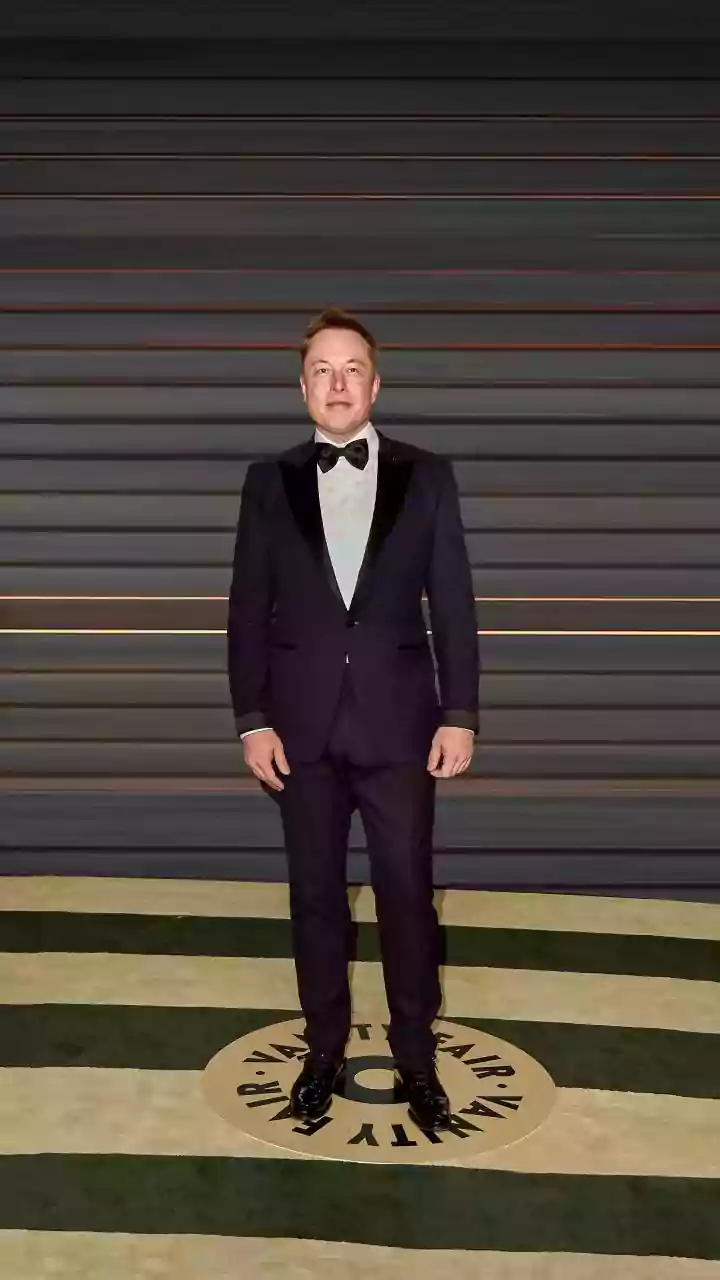
AI image generators have become incredibly sophisticated, but they still struggle with the complex logic of the human body. Hands are a classic giveaway; look for too many or too few fingers, unnatural bends, or digits that seem to melt together. Eyes and teeth are other problem areas. Pupils might be misshapen, eyes might look glassy or asymmetrical, and teeth can appear jumbled or unnaturally perfect. Also, check for strange proportions, like an impossibly long neck or limbs that seem out of place. While AI is improving, these small anatomical errors are often the clearest signs of a synthetic image.
Examine Light, Shadows, and Reflections
The laws of physics are difficult for AI to master. Pay close attention to how light behaves in the image. Are there multiple shadows cast from a single object, suggesting more than one light source where there should only be one? Reflections are another telltale sign; a person’s reflection in a mirror or window might show them wearing different clothing or not match their pose correctly. Inconsistent lighting, where one part of the image is lit from a different direction than the rest, is a common artifact. These physical impossibilities are strong indicators that an image has been generated or heavily manipulated.
Scrutinise Textures and Backgrounds
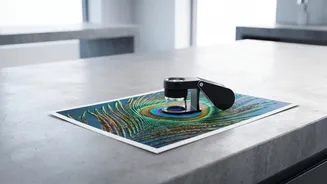
Real-world surfaces have natural imperfections, but AI-generated textures can often look too smooth, too perfect, or strangely repetitive. Skin may appear waxy or plastic-like, with no visible pores or blemishes. Hair can look like a solid mass or blend unnaturally into the background. Backgrounds are often where AI gets lazy. Look for repeating patterns in foliage, bricks, or crowds that seem unnaturally uniform. You might also spot strange artifacts where objects merge, or lines that should be straight appear broken or warped.
Check for Gibberish Text and Watermarks
While AI models are getting better at rendering text, it remains a common point of failure. Zoom in on any text in the image, such as signs, labels, or book covers. If the letters are garbled, nonsensical, or misshapen, you're almost certainly looking at an AI image. Additionally, some AI tools automatically add a visible watermark to their creations, often in a corner of the image. Others embed an invisible watermark in the image’s metadata, which contains information about how the file was created.
Use Digital Verification Tools
When your eyes aren't enough, technology can help. A reverse image search using tools like Google Images or TinEye can show you where else the photo has appeared online. This can reveal the original, unedited version of a photo or expose if it has been taken out of context. For a deeper analysis, you can use AI image detectors. Free tools like 'AI or Not' and others can analyze an image for digital fingerprints left by AI models. While no detector is 100% accurate, they provide another layer of verification when you're unsure.