
Perfect Your Posture With a Towel
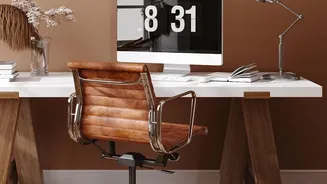
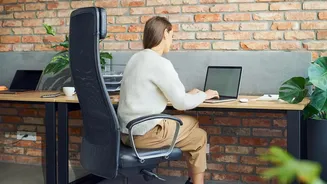
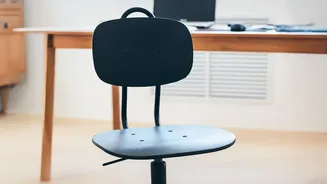
That dining chair you’ve been using was not designed for eight hours of sitting. To combat slouching and back pain, create your own lumbar support. Roll up a bath towel, secure it with rubber bands, and place it in the small of your back. This simple
hack helps maintain the natural curve of your spine, reducing strain. You should aim to sit all the way back in your chair, ensuring your feet are flat on the floor and your knees are at roughly a 90-degree angle.
Elevate Your Screen to Eye Level
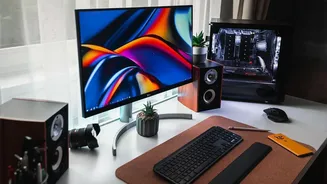
Hunching over a laptop is a primary cause of neck and shoulder pain. Your screen should be positioned so the top of it is at, or slightly below, your eye level. You shouldn't have to tilt your head up or down to view it. A sturdy stack of books, a small box, or a ream of printer paper makes for a perfect, no-cost monitor stand. Aim for the screen to be about an arm's length away from your face.
Find Your Footing
If your chair is too high and your feet are dangling, it can affect your circulation and posture. While an ergonomic footrest is ideal, you can create a substitute with items around the house. A small, sturdy box, a stack of old textbooks, or even a yoga block can provide the support needed to keep your feet flat and your knees at a comfortable 90-degree angle. This helps to properly align your hips and spine.
Optimize Your Lighting
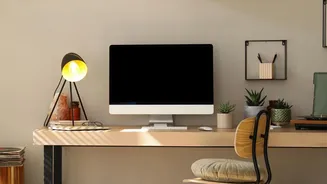
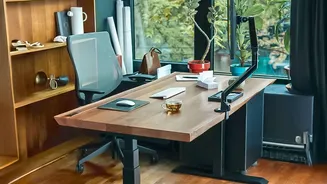
Poor lighting can cause significant eye strain and headaches. If possible, position your desk at a right angle to a window to get the benefits of natural light without direct glare on your screen. Avoid placing a bright light source or window directly behind your monitor, as the contrast can be hard on your eyes. For evenings or windowless spaces, use lamps you already own. A desk or floor lamp can provide focused task lighting, which is often more comfortable than harsh overhead fluorescent lights.
Declutter Your Desktop
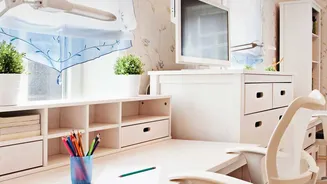
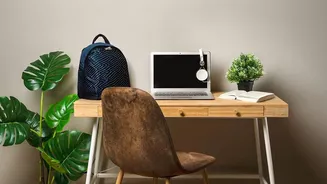
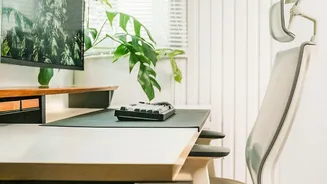
A chaotic desk can lead to a chaotic mind and awkward physical movements. Keep only the essentials within easy arm's reach to avoid repetitive, awkward stretching. Use mugs or jars to hold pens, and repurpose small boxes or containers as organizers for clips and other supplies. Clearing your immediate workspace creates visual calm and ensures you have the physical space to position your keyboard and mouse correctly, with your elbows close to your body.
Embrace Regular Movement
The most ergonomic setup in the world can't beat the benefits of regular movement. Even with a perfect chair, sitting for prolonged periods is detrimental. Set a reminder to get up and walk around for a few minutes every hour. When you're on a phone call, stand up and pace. Simple stretches at your desk, like shoulder rolls, neck tilts, and squeezing your shoulder blades together, can relieve muscle tension and improve circulation.