




Your Chair: The Foundation of Comfort
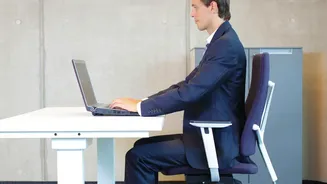
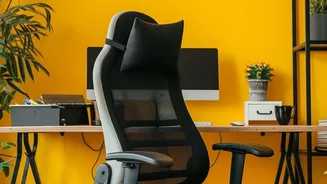
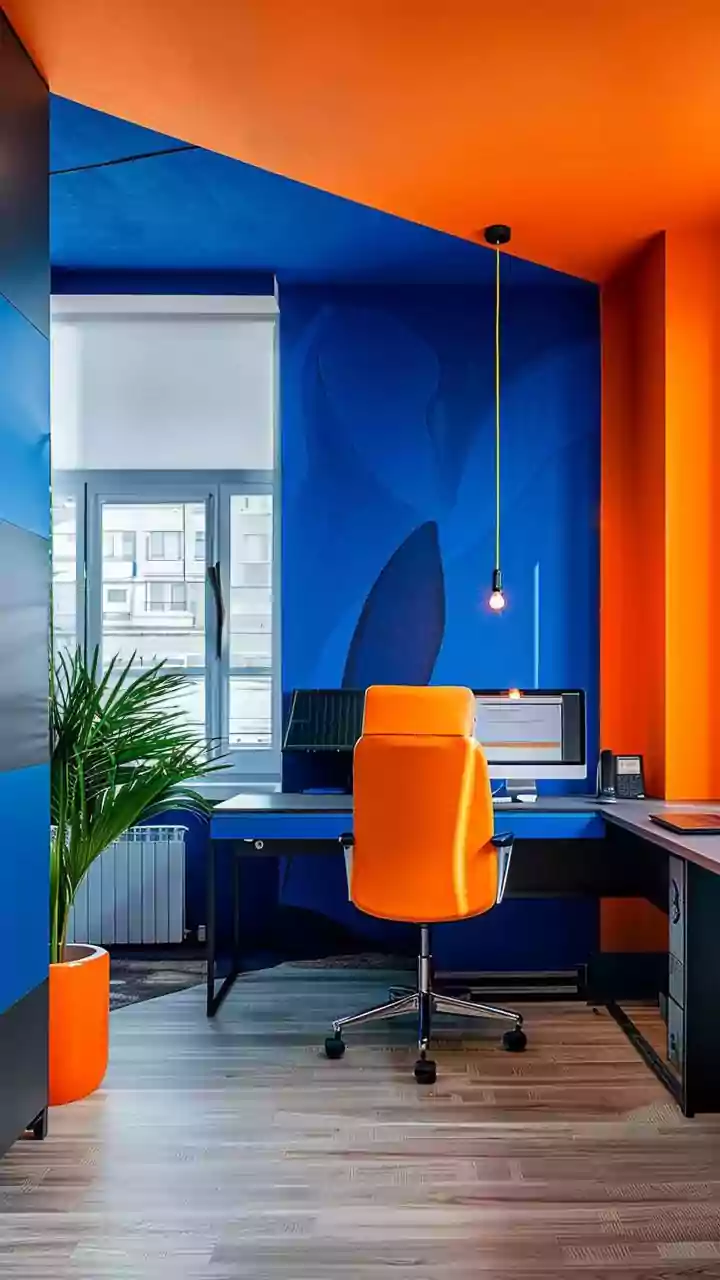
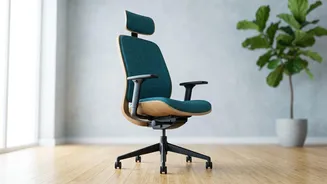
Your chair is the most critical piece of your home office puzzle. Before considering an expensive upgrade, try adjusting what you have. The goal is to maintain a neutral, supported posture. Adjust the height so your feet rest flat on the floor with your knees
bent at a 90-degree angle. Your hips should be level with or slightly higher than your knees. If your chair lacks lumbar support, you can create it by placing a small pillow or a rolled-up towel behind your lower back. This simple trick helps maintain the natural curve of your spine and takes significant pressure off your lower back muscles. If the chair is too low, a firm cushion can add height; if it's too high, a footrest can provide the necessary support for your feet.
Desk and Keyboard: Finding Your Level
Once your chair is set, it's time to address your desk. Your desk and keyboard height should allow your arms to rest comfortably. Your elbows should be bent at a 90-degree angle, with your forearms parallel to the floor and your wrists in a straight, neutral position while typing. If your desk is too high, raise your chair and use a footrest. If it’s too low, you might need to place sturdy blocks under the desk legs. Keep your keyboard and mouse close to you to avoid reaching, which can strain your shoulders. Ideally, the 'H' key on your keyboard should align with the middle of your body.
Screen Placement: A Neck's Best Friend
Hunching over a laptop is a primary cause of neck and upper back pain. Position your monitor so that the top of the screen is at or just below your eye level. This allows you to look straight ahead, keeping your head aligned over your shoulders. A general rule is to place the monitor about an arm's length away from you. If you're using a laptop, this almost always means it's too low. Elevate it using a stack of books or a dedicated stand, and use an external keyboard and mouse to maintain proper arm posture. This separation of screen and keyboard is crucial for an ergonomic setup.
The Power of Movement: Don't Stay Static
Even the most perfect ergonomic setup can't protect you from the negative effects of prolonged sitting. The human body is designed to move. Sitting for hours on end reduces blood flow, stiffens joints, and puts pressure on your spinal discs. Make it a habit to take frequent microbreaks. A popular guideline is the 20-20-20 rule: every 20 minutes, look at something 20 feet away for 20 seconds to rest your eyes, and use this moment to stand up and stretch. Set an alarm to remind yourself to get up and walk around for a few minutes every hour. These short breaks improve circulation, reduce muscle stiffness, and can even boost your productivity.
Lighting and Accessories: The Final Polish
Good lighting reduces eye strain, which can lead to tension headaches and poor posture as you lean forward to see your screen. Position your desk so that the primary light source, like a window, is to the side of your monitor, not directly in front or behind it, to reduce glare. If your space is dark, use a desk lamp to illuminate your work area. Finally, if you frequently talk on the phone, use a headset or speakerphone to avoid cradling the phone between your ear and shoulder, a posture that quickly leads to neck pain.