





Start With Your Chair
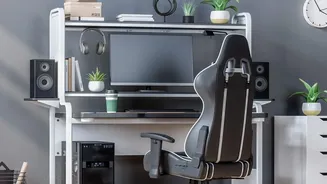
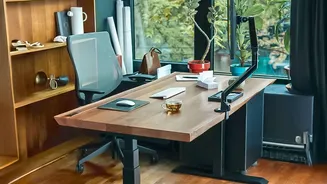
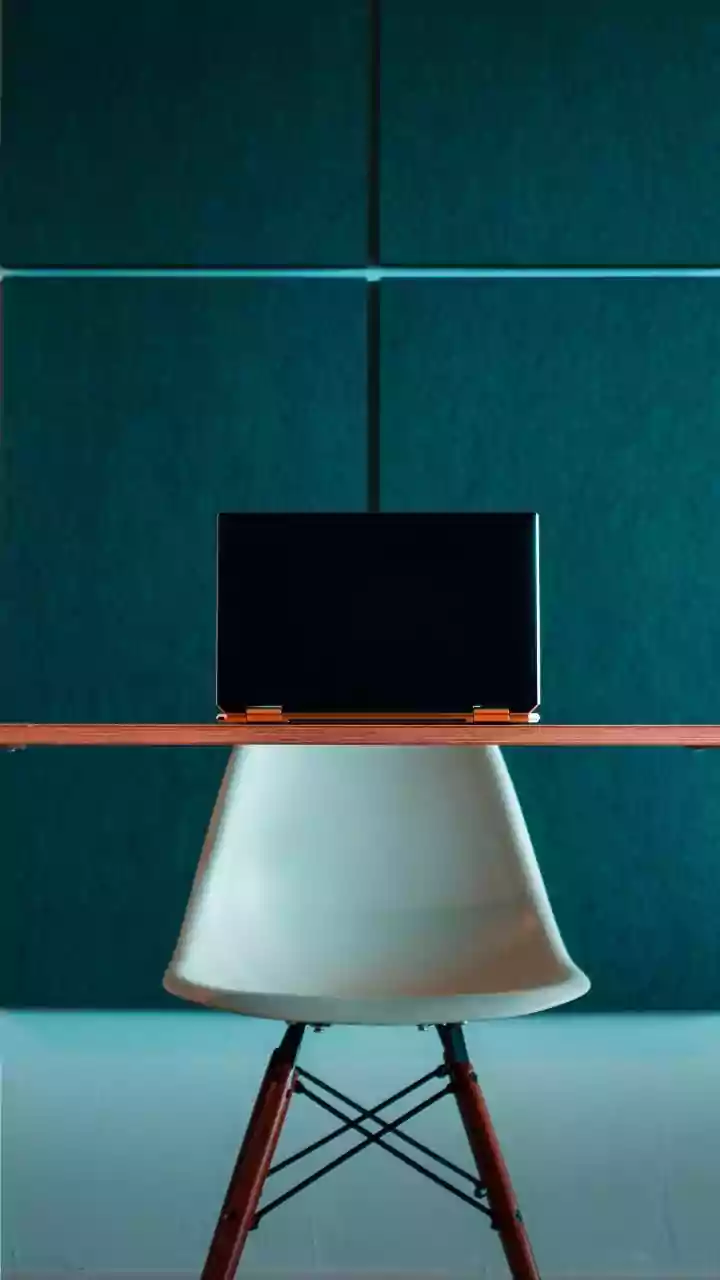
Your chair is the foundation of a comfortable workday. Proper adjustment supports good posture and reduces stress on your body. First, ensure your feet are flat on the floor, with your knees positioned at or slightly below your hips, forming a 90 to 110-degree
angle. If your feet don't reach, use a footrest or a stack of sturdy books. You should be able to sit all the way back, so your spine is fully supported by the backrest. Ideally, there should be a small gap of one to two inches between the back of your knees and the edge of the seat. Finally, adjust the armrests so your shoulders are relaxed and your elbows can rest comfortably close to your body.
Assess Your Monitor Position
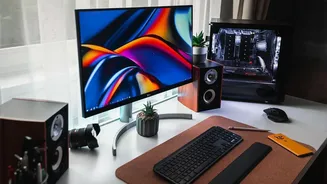
Improper monitor placement is a primary cause of neck pain and eye strain. Your monitor should be placed directly in front of you, about an arm's length away. The top of the screen should be at or slightly below your eye level. This position helps you maintain a neutral neck posture, preventing you from craning your head up or tilting it down. If you wear bifocals, you may need to lower the monitor an extra inch or two for more comfortable viewing. If you work primarily on a laptop, propping it up on a stand or books to raise the screen and using a separate keyboard and mouse is one of the most effective changes you can make.
Check Keyboard and Mouse Placement
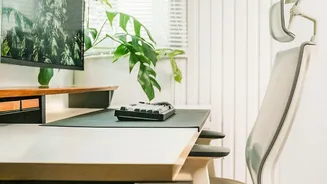
Your keyboard and mouse should allow your arms to work in a relaxed, neutral position. Place your keyboard and mouse on the same level and close enough that you can use them with your elbows bent at roughly a 90-degree angle and close to your body. Your wrists should be straight, not bent up or down, while typing. If your desk has a hard edge, consider using a wrist rest to protect against contact stress. This setup minimizes the strain on your forearms, wrists, and hands, reducing the risk of repetitive strain injuries.
Optimize Your Lighting and Reduce Glare
Digital eye strain can cause headaches, blurred vision, and fatigue. Your lighting plays a significant role in this. Position your monitor to avoid glare from windows or harsh overhead lights. Using soft, indirect lighting is ideal. If you can't control the overhead lights, an anti-glare screen filter can be a great investment. Also, take a moment to adjust your screen’s brightness and contrast for comfortable viewing. Finally, remember to blink. Staring at a screen causes people to blink less frequently, which can lead to dry, irritated eyes.
Declutter Your Physical and Digital Space
A cluttered workspace can lead to a cluttered mind. Before you start your day, take a minute to clear your desk of anything you don’t immediately need. Keep frequently used items, like your phone or a notepad, within easy reach to avoid excessive stretching or twisting. Organizing cables can also create a cleaner, less distracting environment. This principle applies to your digital workspace, too. Close unnecessary tabs and applications to help improve focus and reduce the temptation to multitask, which can hinder productivity.
Don't Forget to Move
Even the most perfectly ergonomic setup cannot counteract the negative effects of sitting in one position for hours. Movement is crucial. Plan to take short breaks every 30 to 60 minutes to stand up, stretch, and walk around. A simple way to combat eye strain is the 20-20-20 rule: every 20 minutes, look at something 20 feet away for at least 20 seconds. Keeping a water bottle on your desk is another great habit; staying hydrated improves energy levels and alertness, and getting up for refills forces you to move.