







Speed vs. Safety: The Q-Commerce Dilemma
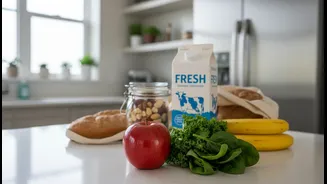
Quick-commerce (q-commerce) platforms like Zepto, Blinkit, and Swiggy Instamart have revolutionised grocery shopping by promising deliveries in minutes. This is achieved through a network of 'dark stores'—small, neighbourhood-specific warehouses. However,
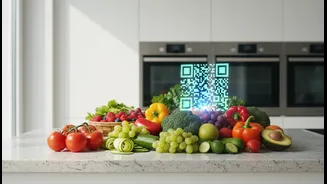
the intense pressure to maintain speed can lead to compromises. Recent incidents and consumer complaints highlight a growing problem: the delivery of rotten food, expired products, and damaged goods. The Food Safety and Standards Authority of India (FSSAI) has taken notice, issuing directives and even notices to major platforms over alleged violations of food safety laws. These issues stem from challenges in maintaining the cold chain, improper storage in busy dark stores, and the sheer volume of orders being processed at high speed. This makes it clear that while these services are convenient, the primary responsibility for verifying order quality currently falls on the consumer.
Your Evidence Toolkit: Photos, Timestamps, and Packaging
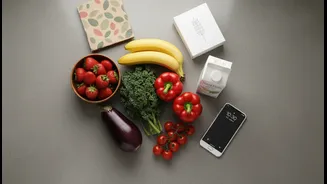
When you receive a wrong, spoiled, or damaged item, your word alone is often not enough to secure a swift resolution. Customer service chats can be overwhelmed, and email responses delayed, leaving consumers frustrated. This is why documentation is not just advisable; it's essential. Think of it as your personal quality control system. A clear photo of a spoiled vegetable or a torn package is indisputable proof. A timestamp from your phone camera, cross-referenced with the delivery time in the app, creates a clear timeline of the event. And the original packaging? Many companies require it for returns and refunds, as it helps them process the claim and ensures the item is returned correctly. This evidence is your leverage in the dispute process, transforming a frustrating situation into a clear-cut case for a refund or replacement.
A Step-by-Step Guide to Documenting Your Order
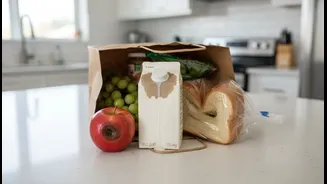
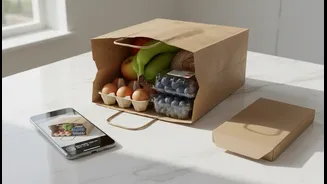
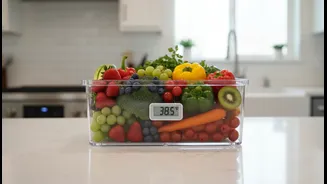
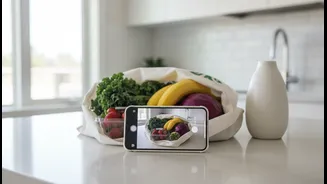
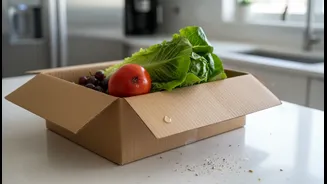
To protect yourself effectively, adopt this simple routine for every quick-commerce order: 1. Inspect Immediately: Don't wait. A former customer service agent for a q-commerce platform advises checking your items at the time of delivery if possible. 2. Take Clear Photos: Before you even open sealed products, take a quick photo of the entire order as it was delivered. If you notice an issue—like a leaking milk carton, a damaged box, or mould on produce—take close-up, well-lit photos immediately. Capture the problem from multiple angles. 3. Check Expiry Dates: For all packaged goods, from milk to masalas, locate and check the 'Best Before' or 'Expiry' date. FSSAI has mandated that delivered products should have a significant portion of their shelf life remaining. If a product is expired or close to expiring, photograph the date stamp clearly. 4. Verify Timestamps: Note the exact time of delivery. You can screenshot the delivery confirmation in the app. This helps establish a timeline if you need to report an issue, especially with perishable items that need to be kept cold. 5. Preserve Packaging: Do not throw away the original packaging, bags, or boxes until you are completely satisfied with your order. This is often a non-negotiable requirement for processing a return or refund.
How to Effectively File a Complaint
Armed with your evidence, you can navigate the customer support process more effectively. Start with the in-app support chat or helpline. Be polite but firm. State the problem clearly and immediately offer to send your photographic evidence. For example: "I received rotten tomatoes in my order [Order ID] delivered at [Time]. I have photos." If the in-app process fails, send a formal email to the company’s support address, attaching your photos and a concise description of the issue, your order number, and what you expect (a refund or replacement). If you receive no resolution, you can take your complaint to social media, tagging the company. If all else fails, consumers can lodge a formal grievance with the National Consumer Helpline by calling 1915 or using the government's online portal.