





When and Where to Look: September Sky Guide
Timing is everything in stargazing. For September 2026, both Jupiter and Saturn are putting on a show. Yellowish Saturn is visible for most of the night, rising in the eastern sky shortly after sunset. It will be the brightest object in its patch of sky,
making it relatively easy to spot. Jupiter, the brighter of the two, makes its grand entrance in the pre-dawn eastern sky. If you're an early riser, look east around 4 a.m. for a brilliant, unblinking white light; that's your target. On the morning of September 8th, the crescent moon will be very close to Jupiter, making for an especially beautiful pairing just before dawn.
Your Smartphone's Best Friend: Astronomy Apps
The magic of modern smartphone astronomy lies in its apps. These tools turn your phone into a powerful, portable planetarium. Simply point your device at the sky, and the app will identify stars, constellations, and, most importantly, our target planets. For beginners, apps like Star Walk 2 and SkyView are excellent choices due to their user-friendly interfaces and augmented reality (AR) overlays. The free version of Stellarium Mobile is also highly recommended for its clean and accurate sky map. These apps use your phone's GPS and compass to show you exactly where to look. Just search for "Jupiter" or "Saturn," and an arrow will guide you to their precise location in the night sky, even if they are not yet visible to your naked eye.
Setting Up For Success on Your Balcony
A city balcony comes with a major challenge: light pollution. To give yourself the best chance, turn off all the lights on your balcony and in the adjacent room. If possible, position yourself where a wall or another building can block the direct glare from a nearby streetlight. Next, give your eyes time to adapt. It takes about 20-30 minutes for your vision to fully adjust to the darkness, allowing you to see much fainter objects. The most crucial element for smartphone astronomy is stability. Any movement will result in blurry images. While a dedicated smartphone tripod is ideal, you can easily prop your phone up securely against a book, a mug, or a small stack of boxes. The goal is to keep it perfectly still while you aim it at your planetary target.
Taking the 'Photo': Tips and Tricks
Once you've found your planet using an astronomy app, open your phone's camera. Don't use the digital zoom, as this will only pixelate the image. Instead, if your phone has a 'Pro' or 'Manual' mode, switch to it. This allows you to control key settings. Try lowering the ISO to its minimum value (like 50 or 100) and using a fast shutter speed to start. Planets are very bright and can easily get overexposed, appearing as a white blob. Tap the planet on your screen to focus, and then manually lower the exposure or brightness until you can see it as a distinct, sharp point of light. Taking a burst of photos or a short video can also be effective, as you can later select the clearest frame captured during a moment of steady air.
What You Will Actually See: Managing Expectations
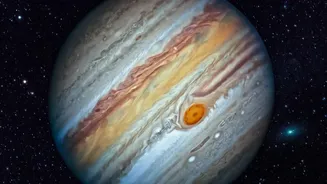
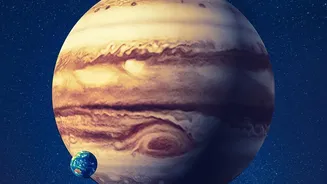
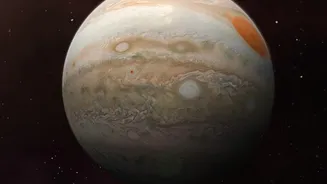
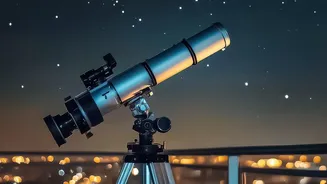
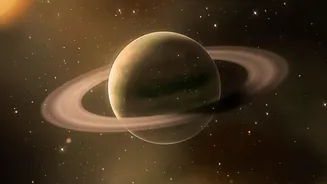
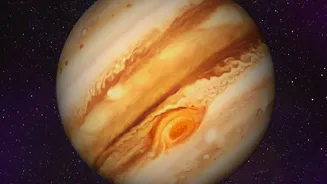
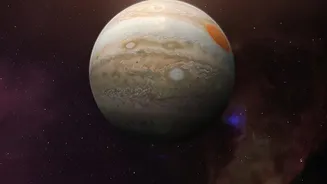
It is important to set realistic expectations. You will not see Saturn’s rings or Jupiter’s Great Red Spot with just a smartphone camera held in your hand. Those views require a telescope. Through your phone, Jupiter will appear as a very bright, clear star-like point. With a steady hand and the right settings, you might be able to capture Jupiter's four largest moons (the Galilean moons) as tiny, faint dots of light flanking the planet. Saturn will appear as a slightly dimmer, yellowish point of light. While you won't discern its rings, the thrill comes from knowing you are looking at the distant, ringed giant. Your astronomy app will confirm its identity, transforming a simple dot of light into a connection with the wider solar system. The goal isn't a Hubble-quality image, but the rewarding experience of finding and identifying a planet from home.