



What are AI Palette and Concept Generators?
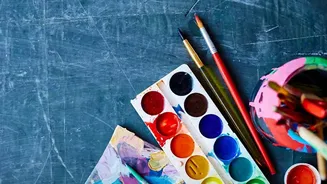
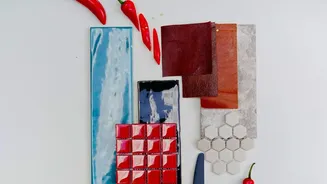
At its core, generative AI creates new content—from text to images—based on user prompts. For designers, this technology now powers a suite of specialized tools. AI color palette generators, like Khroma or ColorMagic, can produce dozens of harmonious
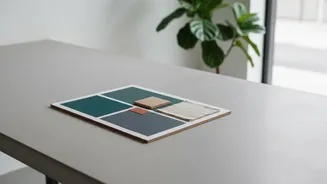
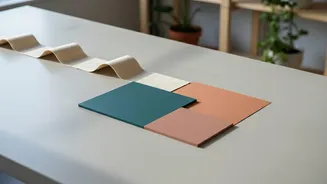
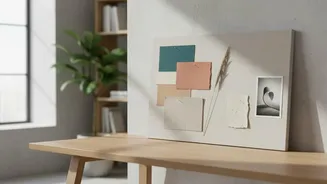
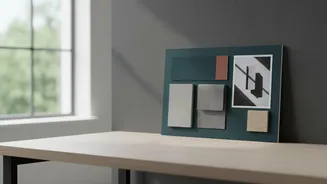
color schemes in seconds based on a simple text prompt like “terracotta desert” or by analyzing a chosen style. Similarly, AI mood board tools from platforms like Adobe, Miro, and Canva can take a brief and instantly pull together a coherent visual story, complete with imagery, textures, and typographic inspiration. This compresses what was once hours of manual searching and curation into a matter of minutes.
The Breakthrough in Efficiency and Speed
The most immediate benefit of these tools is a dramatic increase in speed. Freelancers are effectively sole proprietors who must manage every aspect of their business, from client acquisition to execution. Automating time-consuming, repetitive tasks like sourcing reference images or iterating on color options frees up invaluable time. Instead of spending half a day building a single concept board, a designer can generate multiple directions to present to a client, accelerating feedback loops and project timelines. This reclaimed time allows freelancers to focus on the parts of the job that clients truly pay a premium for: strategy, taste, and communication. Many designers report using this newfound bandwidth to take on more client work and quote more competitively.
A New Partner in Creativity
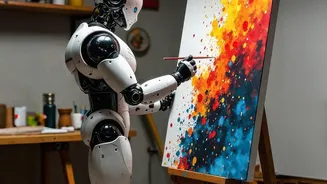
Beyond mere automation, these AI tools can act as a creative partner. They can help designers break through creative blocks by suggesting unexpected combinations and novel directions. By training on vast datasets of human-made designs, these systems can identify patterns and relationships that might not be immediately obvious. This doesn't replace the designer's creativity but augments it, providing a powerful starting point for ideation. Instead of starting with a blank canvas, the designer begins with a range of AI-generated options that they can then curate, refine, and build upon with their unique strategic vision and artistic judgment. The process shifts from pure creation to one of expert curation and direction.
Navigating the Risks and Limitations
Despite the advantages, relying too heavily on AI carries significant risks. The outputs can sometimes feel generic or derivative, lacking the specific context and narrative depth that a human designer provides. There is a danger of converging on a homogenous, AI-driven aesthetic if designers simply accept the first options presented without critical refinement. Furthermore, the legal landscape around the commercial use of AI-generated assets is still evolving, raising potential copyright and intellectual property concerns that freelancers must navigate carefully. The key is to treat AI as an assistant, not an oracle. Human oversight, brand integrity, and strategic thinking remain irreplaceable.
How to Integrate AI Into Your Design Workflow
The smartest freelancers are not being replaced by AI; they are the ones mastering it. The first step is to experiment with different tools, many of which are free or have beta versions. Use AI to handle the initial, divergent phase of brainstorming—generating a wide array of color palettes or mood board concepts quickly. Then, apply your professional expertise to the convergent phase: selecting the strongest ideas, refining them to fit the client's strategic goals, and adding a unique, personal touch. It's also crucial to be transparent with clients about how you use these tools, framing them as a way to deliver more value and explore more creative options efficiently. Mastering AI is becoming a key differentiator in a competitive market.