





The Ergonomic Foundation
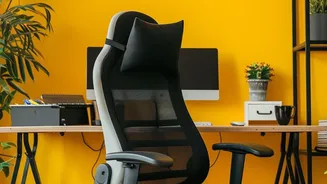
Before specializing your setup, nail down the fundamentals of ergonomics to protect your body from strain. Start with your chair: adjust the height so your feet are flat on the floor with your knees bent at about a 90-degree angle. Your thighs should
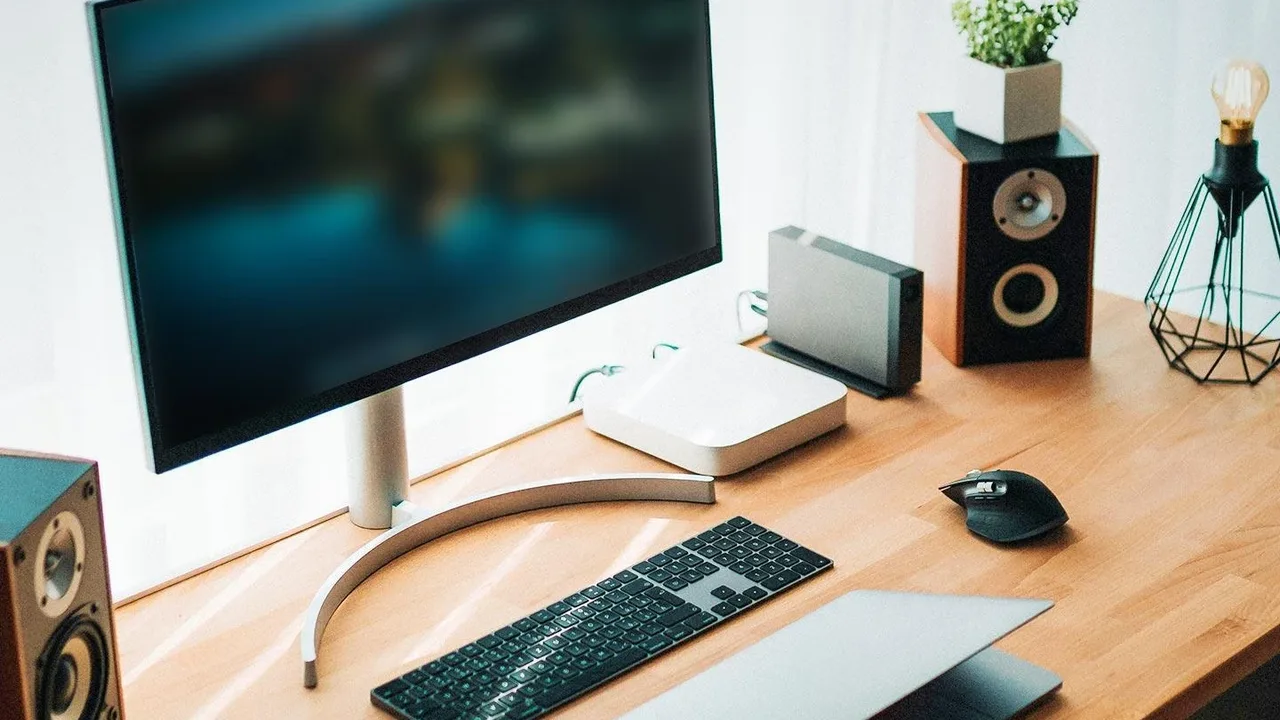
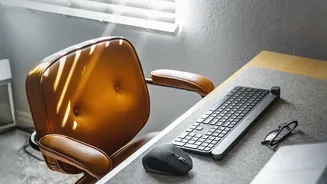
be parallel to the ground. Next, position your monitor. It should be about an arm's length away, with the top of the screen at or just below eye level to keep your neck in a neutral position. If you're using a laptop, a stand or a stack of books can help you achieve the correct height. Finally, arrange your keyboard and mouse. Your elbows should be bent at a 90-degree angle, close to your body, with your wrists straight and in line with your forearms. Avoid using the small feet on your keyboard, as a flat keyboard helps prevent wrist extension.
The Setup for Writing and Creative Tasks
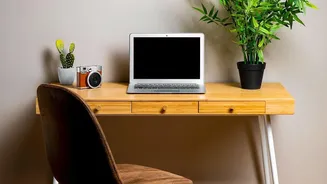
When your primary task is writing, the goal is to create a comfortable space that encourages flow and minimizes physical friction. Your ergonomic foundation is crucial here, as long hours of typing can take a toll. Keep your most-used items, like a notebook or a planner, within your primary zone—the area you can reach without leaning or stretching. This reduces the minor interruptions that can break your train of thought. Consider what you need to see and what you don't. If you use physical documents for reference, have them organized in a paper sorter. If your work is entirely digital, declutter your physical space to remove visual distractions. Put items you don't immediately need into drawers or on shelves. This minimalist approach helps you avoid decision fatigue by reducing the number of stimuli your brain has to process.
The Desk as a Video Call Studio
For video calls, your desk becomes a stage. The priority shifts from personal comfort to professional presentation. Your camera angle is paramount. Position your camera at or slightly above eye level. This is the most flattering angle and usually requires placing your laptop on a stand or using an external webcam on top of your monitor. Ensure your primary light source is in front of you, not behind you. A window in front of your desk is ideal, but a simple lamp or ring light works well to eliminate shadows and backlighting. Pay attention to your background. A cluttered bookshelf or a busy room can be distracting. Opt for a simple, clean wall, a plant, or a curated background that reflects professionalism. Finally, consider audio. If you take many calls, a dedicated microphone on a boom arm can dramatically improve sound quality while keeping it out of the way when not in use.
The Zone for Deep, Focused Work
When you need to concentrate without interruption, your desk should become a fortress of focus. This is about ruthlessly eliminating distractions, both digital and physical. Clear your desk of everything not essential to the immediate task. Studies show that a clutter-free space helps boost focus and reduce stress. If you're working on a single report, the only things on your desk might be your computer and a glass of water. This practice, inspired by minimalism, reduces cognitive load and allows you to give your full attention to the work at hand. For your digital space, close unnecessary tabs and turn off notifications. Consider organizing your workspace based on your workflow. Creating zones for different types of tasks can improve efficiency because you know exactly where everything is located, reducing friction when you need to find something.
Switching Modes Without the Hassle
The key to a multi-purpose desk isn't having three different desks, but creating a system that allows for quick transitions. Use portable storage like trays or caddies for task-specific items. For example, have a 'video call' tray with your microphone, notes, and ring light that you can quickly place on your desk and put away afterward. Drawer dividers and labeled boxes are essential for keeping things organized and accessible. When it’s time for deep work, have a designated spot to move all non-essential items. The goal is to make the transition between modes take less than a minute. This deliberate act of reconfiguring your space also acts as a powerful mental cue, signaling to your brain that it's time to shift gears and focus on a new type of activity.