


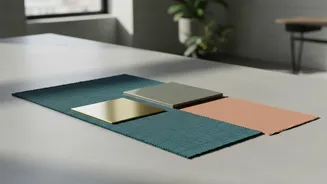
The Old Way vs. The New Way
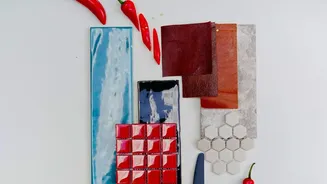
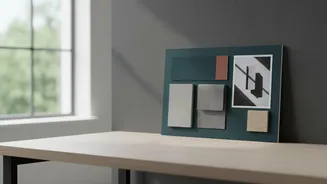
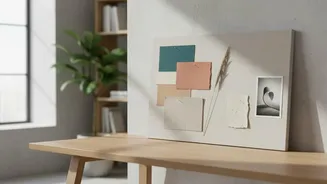
Traditionally, creating a mood board meant hours spent scrolling through Pinterest, stock photo sites, and design blogs, hoping to find the perfect images to capture a feeling. It involved manually collecting, cropping, and arranging dozens of assets
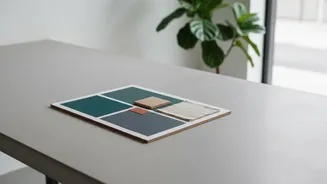
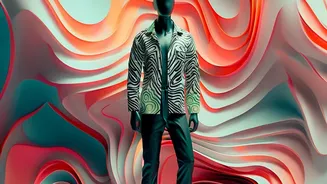
to build a cohesive visual argument for a client. While inspiring, this process is a significant time sink. Generative AI flips this workflow on its head. Instead of searching for existing images, designers can now generate new ones from simple text prompts. An AI mood board is a digitally generated collection of images, colours, and styles created using artificial intelligence. By typing a description like “a minimalist brand identity with an earthy colour palette and clean typography,” an AI tool can produce a curated set of visuals in seconds, offering a powerful starting point.
The Unbeatable Advantage: Speed and Efficiency
The most immediate benefit of using AI for mood boarding is the incredible speed. Freelancers are often juggling multiple projects with tight deadlines. Automating repetitive and time-consuming tasks like sourcing images or resizing graphics allows designers to focus on higher-value work like strategy and concept development. This efficiency means projects can be completed faster, freeing up artists to take on more clients and increase their income. Instead of spending a full day on ideation, an artist can generate several distinct visual directions for a client presentation in the time it takes to drink a coffee, dramatically accelerating the creative process.
A Partner in Creativity, Not a Replacement
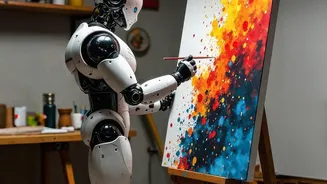
A common fear is that AI will replace human creativity. However, most designers find the opposite to be true. AI acts as a creative partner, not a replacement. It can break through creative blocks by suggesting unexpected visual combinations and generating entirely unique imagery that doesn't exist anywhere else. This is especially useful when a client has a high-concept idea that’s difficult to source with stock photography. Generative tools can produce rough drafts of designs that the artist then refines, curates, and imbues with their unique taste and critical thinking. The human touch remains essential for storytelling, emotional intelligence, and creating work that truly resonates.
Top AI Tools for Your Mood Board Workflow
Several powerful tools have emerged to help designers with AI-assisted mood boarding. Adobe Firefly is deeply integrated into the Adobe ecosystem, allowing users to generate images and create mood boards that sync with apps like Photoshop. Midjourney, which operates via Discord, is renowned for its ability to produce highly atmospheric and artistic images, making it perfect for capturing a specific mood. For designers looking for a more all-in-one solution, tools like Canva have incorporated features like 'Magic Design' which can create entire templates from a prompt. Other platforms like Milanote are praised for their organizational capabilities, helping you build the final board, while Microsoft Copilot can generate visual suggestions from natural language prompts.
Making AI Work for You
To get the most out of these tools, mastering the art of the prompt is key. Be specific with your descriptions. Instead of just “modern,” try “modern Scandinavian interior with light oak, neutral textiles, and morning light.” Use the generated images as a starting point, not the final product. The best workflows combine AI generation with human curation. Use AI to rapidly explore ideas, then use your professional judgment to select, edit, and arrange the best elements into a compelling narrative for your client. Remember, the mood board is not just a collection of nice images; it's an argument for the work you are about to create.