


Start with Your Chair: The Foundation of Good Posture
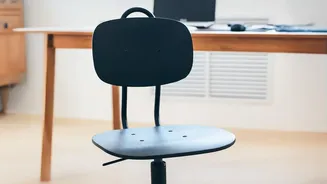
Your chair is the single most important element in your ergonomic setup. The goal is to maintain a neutral, supported posture. Adjust your chair height so your feet rest flat on the floor with your knees at or slightly below hip level, forming a 90-degree
angle. There should be a small gap, about three fingers wide, between the front edge of the seat and the back of your knees. Your buttocks should be pressed against the back of the chair to fully utilize its support. If your chair lacks built-in lumbar support, you can create your own by placing a small, rolled-up towel or a cushion in the curve of your lower back. This simple addition helps maintain the natural S-shape of your spine and prevents you from slouching forward.
Align Your Screen to Reduce Neck Strain
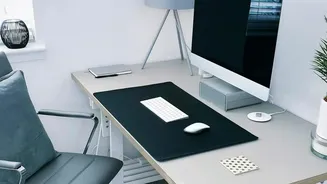
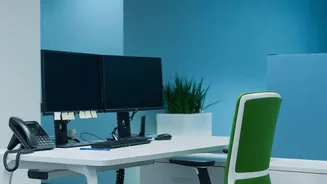
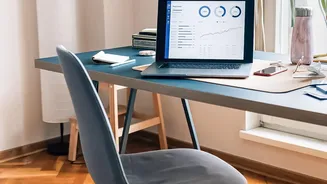
Constantly looking down at a laptop screen is a primary cause of neck and upper back pain. Your monitor should be positioned directly in front of you, about an arm's length away. Adjust the height so that the top of the screen is at or slightly below your eye level. This allows you to keep your head in a neutral position, aligned directly over your shoulders. If you're working on a laptop, this almost always means you need to elevate it. You can use a dedicated laptop stand or a stack of books to achieve the correct height. Investing in an external keyboard and mouse is crucial when elevating a laptop, as it allows you to maintain proper arm and wrist posture.
Position Your Keyboard and Mouse Correctly
Your arms and wrists also play a role in overall spinal health. Your keyboard and mouse should be on the same surface and close enough to avoid reaching. When typing, your elbows should be bent at approximately a 90-degree angle, close to your body. Your forearms should be parallel to the floor, and your wrists should be in a straight, neutral position—not bent up, down, or to the sides. This prevents strain that can travel up your arms to your shoulders and neck, ultimately affecting your back. Ensure your shoulders are relaxed and not hunched up towards your ears.
Don’t Let Your Feet Dangle
Having your feet firmly on a flat surface is a cornerstone of proper sitting posture. It helps to balance your pelvis and provides a stable base for your entire body. If you've adjusted your chair for proper arm height but your feet no longer touch the ground, use a footrest. You don't need to buy a special product; a sturdy box or a stack of books can work just as well. You should also avoid crossing your legs, as this can misalign your hips and spine, putting uneven pressure on your lower back and potentially affecting circulation.
Incorporate Movement and Stretching
Even the most perfectly ergonomic desk setup cannot protect you from the negative effects of prolonged sitting. Movement is essential. Experts recommend getting up to stand, stretch, and walk around for a few minutes at least once every hour. Simple stretches can be done right at your desk. Try a chest opener by sitting at the edge of your chair, grabbing the back, and pulling your chest forward. Gently rotate your spine by turning to look over your shoulder while holding your chair. A backward bend, done by placing your hands on your hips and gently arching your back, can also provide significant relief. These small breaks prevent muscle stiffness and reduce the strain that builds up from being in one position for too long.