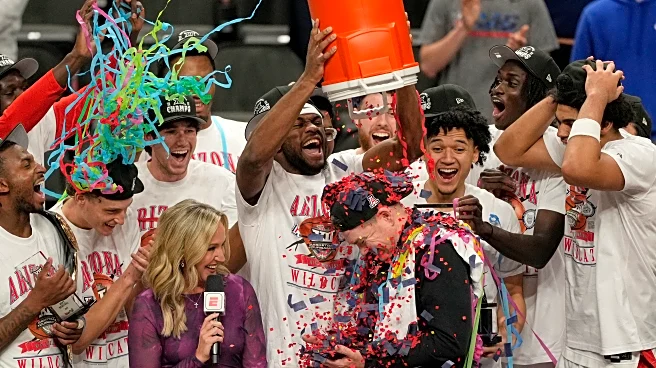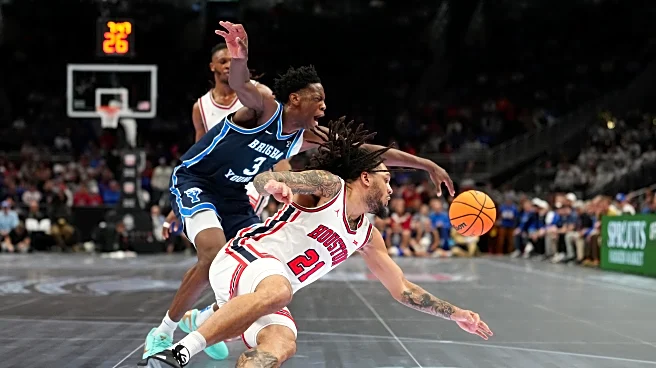



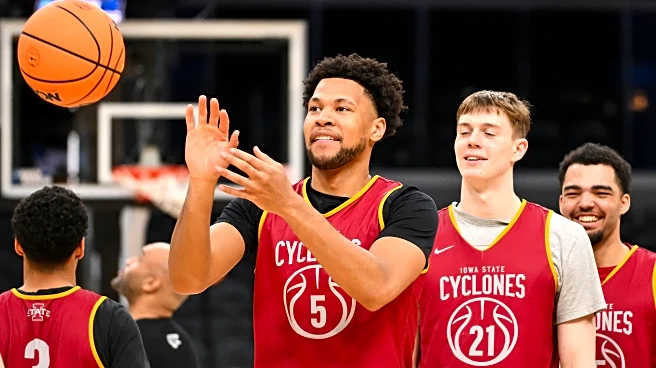
Welcome, all, to the 13th annual Royals Review NCAA March Madness bracket challenge. Normally, as I have done for the last dozen years, I would start this off by listing the winners of the previous year’s bracket. Unfortunately, ESPN is absolutely not displaying this correctly, and I don’t see anybody having participated in the bracket, which is a lie.
So, uh. You are all winners. In a small way, we all won last year’s bracket.
In any case, it’s a new year and you might actually win the bracket this
time. Who knows!
How to Join
- Go to the ESPN Tournament Challenge page.
- If you don’t already have an ESPN profile, sign up—it’s free and only requires an email account.
- Under the ‘My Groups’ tab click ‘Find a Group’ and search for ‘Royals Review 2026’ for the men’s bracket and ‘Royals Review 2026 W’ for the women’s bracket. Or, just follow this hyperlink for the men’s bracket or this hyperlink for the women’s bracket.
- Enter the password of Espresso (same password for both groups) and join.
You can then, under ‘My Brackets,’ choose your teams until the first round of 64 begins. If you haven’t logged in a few years, you’ll find that the Disney and ESPN logins have sort of congealed, so there are a lot of real names that appear. If you don’t want to put your government name in view of other Royals Review community members, keep that in mind. But as a result, that’s made it harder than ever to tell who’s who, so try to include your Royals Review screenname in the bracket name.
Good luck, everyone.