






The Processor (CPU): Your Laptop's Brain
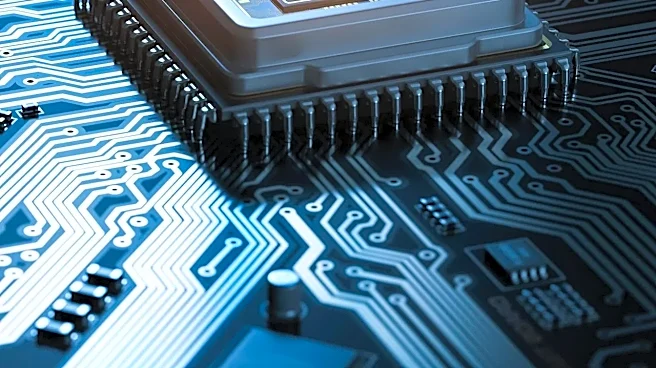
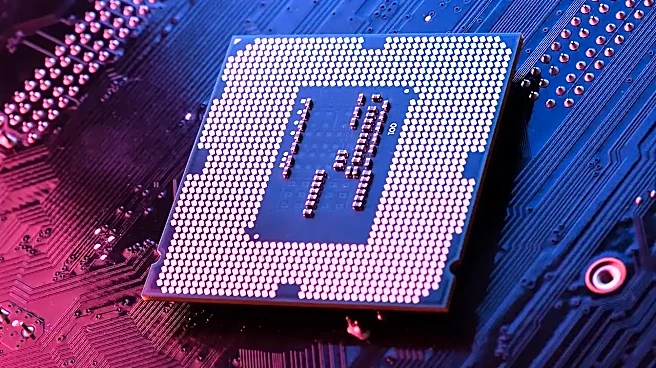
The processor, or CPU (Central Processing Unit), is the engine of your computer. It performs the calculations and executes the commands that make everything happen, from opening an app to running complex software. Think of it as the chef in a kitchen:
a better chef can handle more complex recipes and work faster. For CPUs, speed is measured in gigahertz (GHz), and multitasking ability is handled by cores. More cores allow the computer to work on more tasks at once. For most students in 2026, the sweet spot for a Windows laptop is an Intel Core Ultra 5 or an AMD Ryzen 5 processor. These mid-range chips offer an excellent balance of performance for research, writing, and multitasking without the high cost or battery drain of top-tier models. If your studies involve heavy lifting like video editing, 3D modeling, or extensive coding, stepping up to a Core Ultra 7 or Ryzen 7 is a wise investment. Liberal arts and business majors, however, will find a Core Ultra 5 or Ryzen 5 more than sufficient for their daily workload.
Memory (RAM): The Computer's Workbench
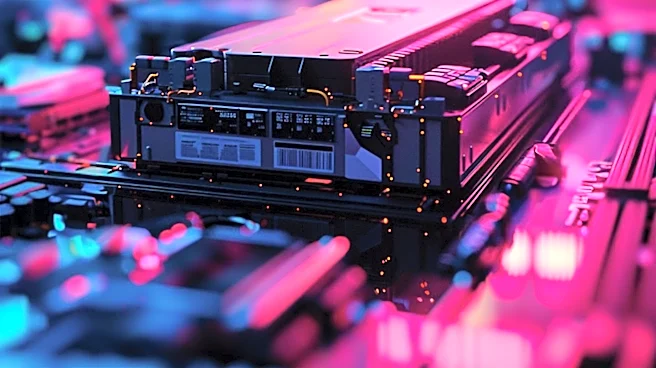
Random Access Memory, or RAM, is your computer's short-term memory. It's not where your files are stored permanently; it's the active workspace your computer uses for tasks that are happening right now. Imagine it as a workbench: the bigger the bench, the more tools and projects you can have out at once without everything becoming a cluttered, slow mess. If you're the type of student who has 30 browser tabs open for a research paper while also running Spotify and a chat app, you'll feel the limits of too little RAM very quickly. In 2026, 8GB of RAM should be considered the absolute minimum, and it may feel tight. The recommended standard for most students is now 16GB. This amount provides enough breathing room for heavy multitasking and ensures your laptop will remain responsive for years to come. For students in engineering, computer science, or digital arts programs who use memory-intensive applications, 32GB is becoming more relevant. Since the RAM in many thin laptops is soldered and cannot be upgraded later, it's best to get the amount you'll need from the start.
Storage (SSD): The Filing Cabinet
Storage is your computer's long-term memory, where your operating system, applications, and all your files—from papers to photos—are permanently kept. For years, this meant a hard disk drive (HDD), a mechanical device with spinning platters. Today, the standard is the Solid-State Drive (SSD). An SSD uses flash memory with no moving parts, like a giant USB drive. The difference is dramatic. An SSD is significantly faster, more durable, and quieter than an HDD. A laptop with an SSD will boot up in seconds, open applications instantly, and feel far more responsive. Because they have no moving parts, SSDs are also much more resistant to damage from accidental drops or bumps in a backpack—a huge plus for any student on the go. In 2026, you should only consider laptops with SSD storage. A minimum of 256GB is acceptable for light use, but 512GB is the recommended starting point to comfortably hold your software and files for several school years.
Putting It All Together: Finding the Right Balance
A great laptop isn't about having the biggest number in one category; it's about a balanced system where the components work well together. A top-of-the-line processor is useless if it's starved for memory or slowed down by old storage technology. For the majority of students, the ideal, cost-effective combination in 2026 is a Core Ultra 5/Ryzen 5 processor, 16GB of RAM, and a 512GB SSD. This setup will handle nearly any academic task with speed and efficiency. If your budget is tight, prioritizing 16GB of RAM and an SSD over a slightly faster processor will often result in a better day-to-day experience. A slightly slower CPU is less noticeable than constant slowdowns from a lack of memory or a sluggish hard drive.