






It’s a Forecast, Not a Fuel Gauge
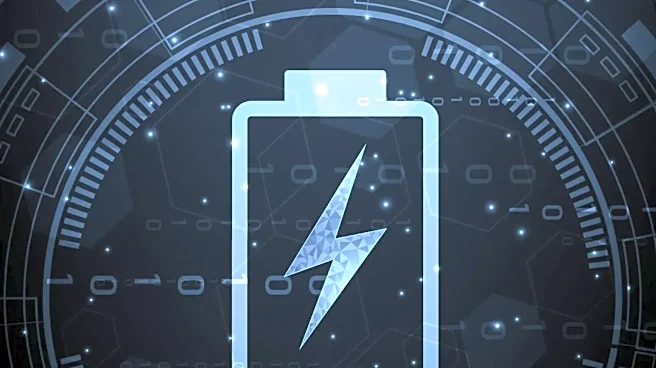
The most important thing to understand is that the time-remaining estimate is not a measurement of how much energy is left; that’s what the percentage is for. Instead, the time is a prediction of the future. Think of it like the “miles to empty” display
in a car. That number is based on your current driving style. If you’re cruising on the highway, it might predict 50 miles left. But if you suddenly hit city traffic with constant stopping and starting, that number will plummet, even though the amount of gas in the tank hasn't changed that drastically. Your laptop is doing the exact same thing. It’s making an educated guess based on your immediate activity.
A Glimpse Into the Recent Past
So, how does your laptop generate this forecast? Operating systems like Windows and macOS are constantly monitoring your power consumption. They look at how much energy your computer has been using over the last few moments—sometimes polling multiple times a minute—and then extrapolate that rate into the future. The formula is simple: based on the power you're drawing right now, how long would the remaining battery percentage last? If you're just staring at your desktop, power draw is minimal, and the estimate soars. The moment you open a demanding application like a video game or a complex spreadsheet, your processor and graphics chip demand more power, and the estimate recalculates to a much lower number.
The Three Biggest Power Culprits
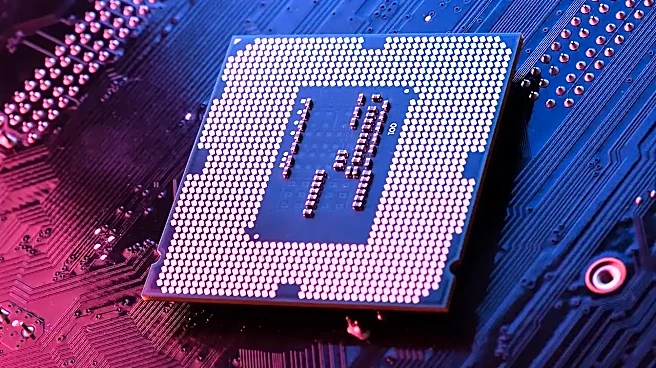
Not all tasks are created equal. The wild swings in your battery estimate are almost always caused by a handful of power-hungry components kicking into gear. The biggest offender is the processor (CPU). When you're doing simple tasks like writing an email, the CPU is mostly idle. But when you start editing video, running complex calculations, or even opening a website with heavy ads and scripts, the CPU usage spikes, and so does power consumption. Another major factor is your screen. A display set to maximum brightness can be one of the single biggest drains on your battery. Finally, wireless communications like Wi-Fi and Bluetooth constantly use energy to send, receive, and search for signals. Even background processes you don't see, like a cloud service syncing files or an automatic software update, can cause a sudden dip in your estimated battery life.
Why Can’t It Just Be Smarter?
You might wonder why, with all our advanced technology, these estimates aren't more stable. While modern operating systems use machine learning and historical data to try and smooth out the predictions, they can't solve an impossible problem: they don't know what you're going to do next. Your laptop has no way of knowing if you're about to open a power-hungry game or simply continue typing a document. It can only react to what you’ve just done. This is also why an aging battery can make estimates even more erratic. As a battery degrades, its ability to hold a charge becomes less predictable, making the software's job even harder. Some manufacturers have even started removing the time-remaining estimate entirely, opting to show only the more reliable percentage to reduce user anxiety over the fluctuating numbers.