






First, Match the Laptop to the Major
The single most important factor in choosing a laptop is what you plan to study. A humanities or business major who primarily writes papers and uses web-based applications has very different needs from an engineering or film student. For majors like English,
history, or business, a laptop with a modern processor (like an Intel Core i5 or Apple M-series), 8GB of RAM, and a 256GB solid-state drive (SSD) is often sufficient. However, for more demanding fields, you'll need more power. Engineering, computer science, or architecture students will work with specialized software like CAD, virtual machines, or complex datasets that require more processing muscle and memory. For these fields, upgrading to 16GB of RAM and a larger 512GB or 1TB SSD is a wise investment to avoid performance bottlenecks. Film and graphic design majors should prioritize a machine with a powerful dedicated graphics card (GPU) and a high-resolution screen for editing video and large image files.
Choose Your Operating System Wisely
The debate between Windows, macOS, and ChromeOS often comes down to personal preference and your field of study. Windows is the most versatile platform, offering the widest compatibility with software across all academic disciplines. If your program requires specific applications, a Windows laptop is almost always a safe bet. MacBooks, running macOS, are renowned for their user-friendly interface, strong security, and excellent build quality. They are a favorite among creative students and those already invested in the Apple ecosystem, but they come at a premium price. It's also worth noting that some specialized engineering or business software may be Windows-only, requiring Mac users to run emulation software. Chromebooks, which run on Google’s web-focused ChromeOS, are the most affordable and straightforward option. They are great for students whose work is entirely online—writing papers in Google Docs, conducting research, and attending video lectures. However, their reliance on an internet connection and inability to install traditional desktop software makes them unsuitable for many technical and creative majors.
Portability and Battery Life Are Non-Negotiable
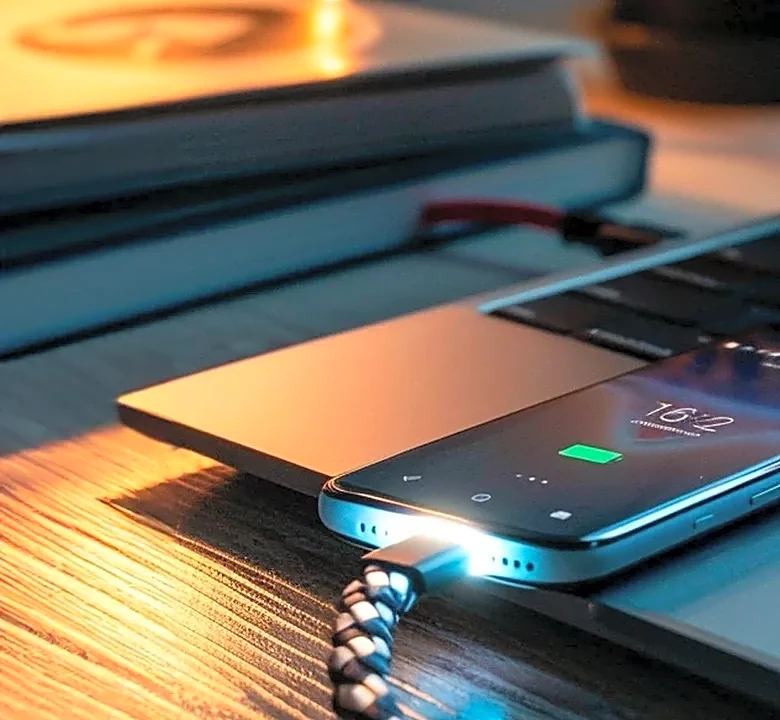
A student's laptop is a constant companion, carried from the dorm to the lecture hall, the library, and the campus coffee shop. Weight and size matter. A 13- or 14-inch laptop typically offers the best balance of screen real estate and portability, easily fitting into a backpack without causing strain. While a larger 15-inch screen is better for multitasking, it comes at the cost of added weight. Equally important is battery life. There’s nothing more stressful than your laptop dying mid-lecture because you couldn't find a seat near a power outlet. Look for models that advertise at least 10 to 12 hours of battery life on a single charge. This ensures the device can survive a full day of classes and study sessions without needing a charger, giving students the freedom to work wherever they need to.
Focus on Durability and a Great Keyboard
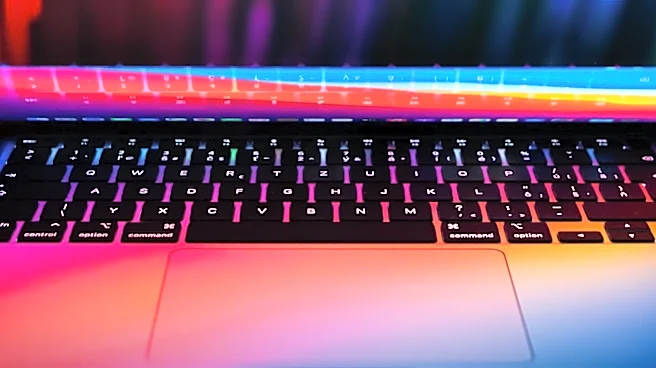
A college laptop will endure four years of being tossed into bags, bumped on desks, and surviving the occasional all-nighter. Build quality is crucial. While premium metal bodies found on models like the Dell XPS or MacBook Air offer superior durability, many mid-range options provide sturdy plastic chassis that can withstand the rigors of student life. Pay attention to the keyboard and trackpad. As the primary tools for writing essays, coding, and taking notes, they need to be comfortable and reliable. A backlit keyboard is a huge plus for late-night study sessions in a dimly lit dorm room. Before buying, if possible, try typing on a display model to ensure it feels right.
Don't Forget About Storage
When it comes to storage, a solid-state drive (SSD) is a must. SSDs are significantly faster than traditional hard drives, meaning your laptop will boot up in seconds and launch applications instantly. The question is how much storage you need. While 256GB may be enough for a liberal arts student who relies heavily on cloud storage, it can fill up quickly. For most students, a 512GB SSD is the recommended sweet spot, providing ample space for the operating system, essential software, and several semesters' worth of projects and papers. For those in creative or technical fields that involve large files—like video projects or extensive code libraries—investing in a 1TB drive from the start can prevent headaches down the road.