







1. The Chair: Your Body's Foundation
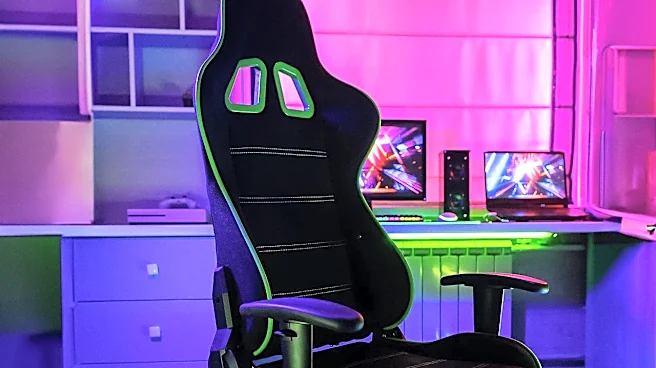
An expert's assessment starts with the chair, because if it's wrong, everything else will be a compromise. The goal is to support a neutral, upright posture. First, adjust the height so your feet are flat on the floor and your thighs are parallel to it,
with knees at a 90-degree angle. There should be a small gap of two to three fingers between the back of your knees and the edge of the seat. Next, address your back. The chair's lumbar support should fit snugly into the natural curve of your lower back. Finally, check the armrests. They should be positioned so your elbows are bent at roughly 90 degrees and your shoulders are relaxed, not hunched.
2. The Monitor: Your Visual Centerpiece
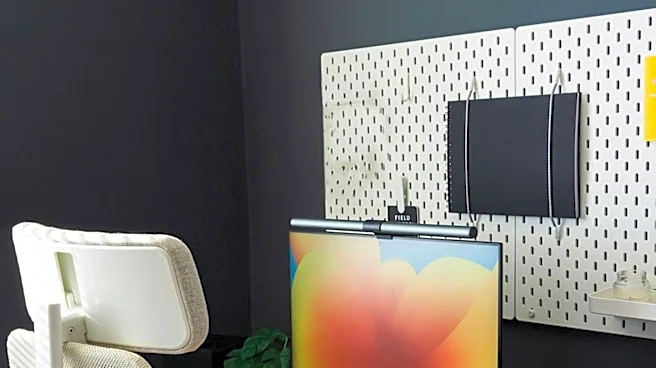
Hunching forward or craning your neck is a direct path to pain, and it’s almost always caused by poor monitor placement. An ergonomist will check two key things: height and distance. The top of your monitor should be at or just slightly below your eye level when you're looking straight ahead. This prevents you from tilting your head up or down. For distance, a good rule of thumb is to sit about an arm's length away from the screen. If you find yourself leaning in to read, you might need to increase the font size on your computer, not move the monitor closer. Also, ensure the monitor is directly in front of you to avoid twisting your neck.
3. The Keyboard and Mouse: Your Primary Tools
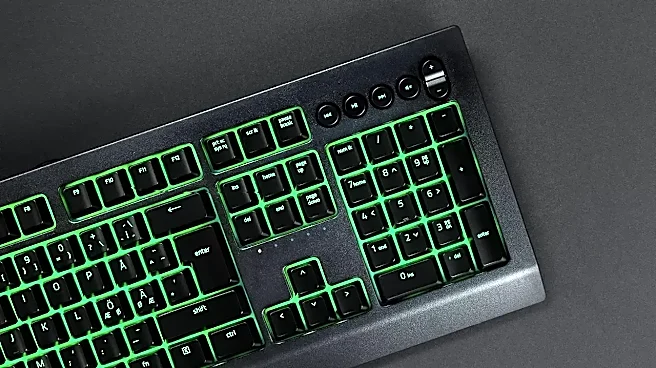
Wrist and shoulder strain often stem from how you interact with your keyboard and mouse. The goal is to keep your wrists in a neutral, straight position—not bent up, down, or to the side. An expert checks that your keyboard is positioned so your forearms are parallel to the floor, with your elbows close to your body. Many keyboards have little feet at the back; ergonomists often recommend keeping these closed to maintain a flat, neutral wrist angle. Your mouse should be placed right beside your keyboard, minimizing the reach and keeping your shoulder relaxed. Reaching too far for your mouse is a common mistake that leads to shoulder and upper back tension.
4. The Desk: Surface and Space
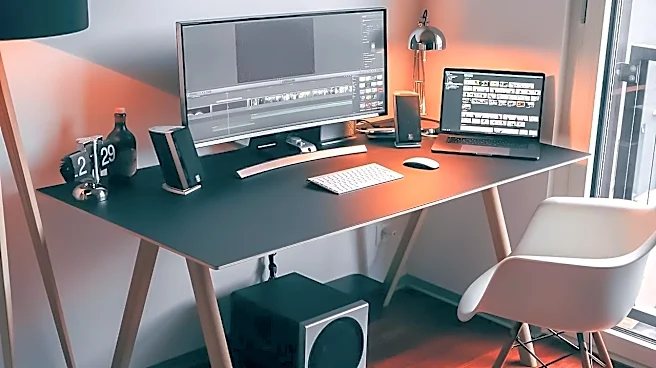
The desk itself is a crucial, often overlooked, component. An ergonomics expert will first check for adequate height. If your desk is too high, it will force you to raise your shoulders to type. If it's too low, you'll slouch. For a fixed-height desk, you may need to adjust your chair up and use a footrest to compensate. Beyond height, an expert looks at the surface area. Is there enough room for your keyboard, mouse, and any documents without feeling cramped? Frequently used items should be within easy arm's reach to prevent awkward stretching. There should also be enough clearance under the desk for your legs to move freely.
5. The Environment: Light and Movement
A truly ergonomic setup goes beyond just your equipment. An expert will always assess the surrounding environment. One of the biggest culprits of discomfort is screen glare. Position your monitor so that windows or bright overhead lights aren't creating reflections, which can cause eye strain. But the most important environmental factor is movement. Even a perfect setup can't combat the negative effects of staying in one position for too long. Experts will always check for opportunities to change your posture. This includes encouraging short breaks every 30 to 60 minutes to stand, stretch, or walk around. If you have one, alternating between sitting and standing is a fantastic way to combat static posture.