







Step 1: Create a Security Blueprint
Before buying a single device, take a walk through your home and think like an intruder. Where are the most vulnerable points? Start by identifying every potential entry point: ground-floor windows, front and back doors, patio doors, and even the garage.
This initial assessment is the most crucial step. Draw a simple floor plan and mark the locations where you'll need sensors, cameras, or other devices. Consider the daily traffic patterns of your household to avoid placing motion sensors where they’ll be constantly triggered by family members or pets. This blueprint will be your shopping list and installation guide, ensuring you buy what you need without overspending on unnecessary gadgets.
Step 2: Choose Your Core Components
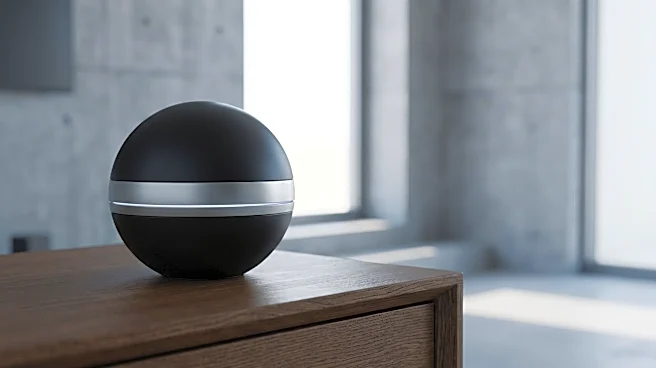
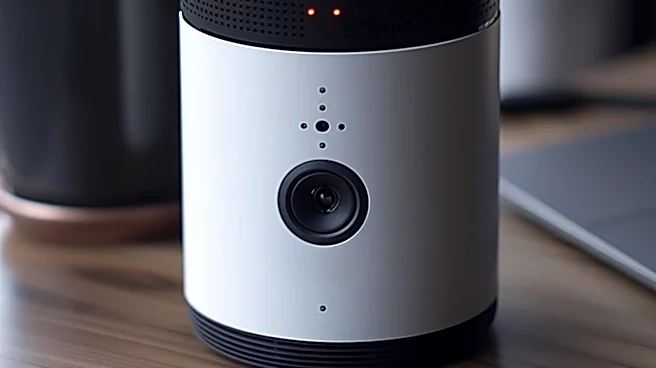
Every smart security system is built around a few key pieces of hardware. The central hub, or base station, is the brain of the operation, communicating with all your other devices. You'll also need sensors. Door and window sensors are fundamental for securing entry points. Motion sensors cover larger areas like hallways or living rooms. Security cameras, including doorbell cameras, provide visual monitoring and evidence. Other useful additions can include glass break sensors for windows, smoke detectors, and keychain remotes for easy arming and disarming. Start with the essentials for your key vulnerable areas and remember you can always add more devices later.
Step 3: Pick Your Ecosystem and Brand
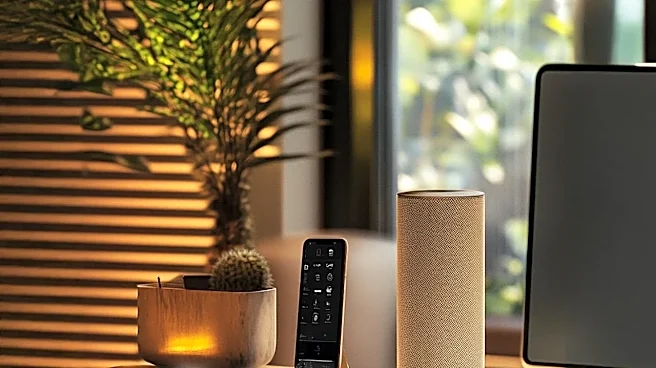
Your smart security system needs to work together seamlessly. This means choosing an ecosystem—like Apple HomeKit, Google Assistant, or Amazon Alexa—that will allow your devices to communicate. Many security brands design their systems to be compatible with these major platforms. When selecting a brand, you're choosing more than just hardware; you're also choosing the app you'll use to control everything. Research user reviews for different brands, focusing on the ease of setup, app reliability, and customer support. Some systems are sold as all-in-one kits which are great for beginners, while others allow you to buy components à la carte for a more customized setup.
Step 4: The Installation Process
Modern DIY systems are designed for easy, tool-light installation. Most sensors and keypads use strong adhesive strips, eliminating the need to drill holes. Start by setting up your hub or base station, connecting it to your home's Wi-Fi network via the brand's mobile app. The app will then guide you through adding each component one by one. Typically, this involves pulling a battery tab and scanning a QR code. Place your door and window sensors on the frames you identified in your plan. Mount motion sensors in corners for the best room coverage. For cameras, consider placement that offers a wide field of view without invading personal privacy.
Step 5: Configure and Customize Your Rules
Once everything is installed, the real “smart” part begins. Using the system's app, you'll set up the rules and automations. Decide what happens when a sensor is triggered. Do you want an instant siren, or just a notification on your phone? You can set different modes for when you're home, away, or asleep. For example, the 'Home' mode might only arm the door sensors, while 'Away' mode activates everything, including interior motion detectors. This is also where you'll link your system to your broader smart home ecosystem, allowing for voice commands like, "Hey Google, arm the security system."
Step 6: Test, Refine, and Monitor
Never assume your system is working perfectly right out of the box. Spend time testing every single sensor. Open each protected door and window to ensure you get an alert. Walk in front of motion detectors and cameras. Use this testing phase to fine-tune the sensitivity of your motion sensors to prevent false alarms. Finally, decide on your monitoring plan. You can self-monitor for free, receiving alerts directly to your phone. Alternatively, most brands offer optional professional monitoring subscriptions for a monthly fee, where a dedicated service will contact emergency services on your behalf if an alarm is triggered.