

Your Official Livestream Destination
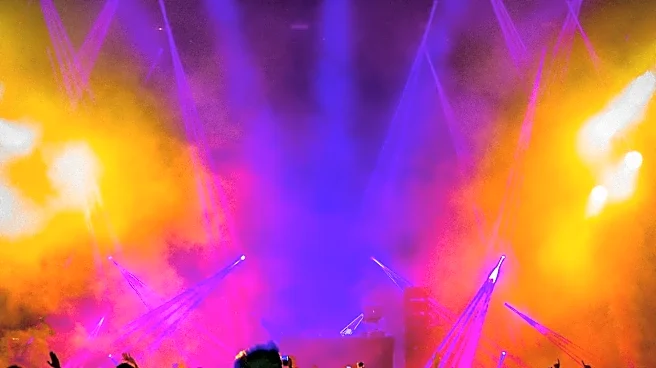
For 2026, Lollapalooza is making its at-home experience bigger than ever. For the first time, the festival will be livestreamed across both Hulu and Disney+ for subscribers in the U.S. The four-day event, running from July 30 to August 2, will feature
multiple channels covering the biggest stages at Grant Park. You'll get access to live performances, artist interviews, and exclusive behind-the-scenes content. All you need is a subscription to either service to tune in. The daily broadcast kicks off at 2:45 p.m. CST, so make sure your account is active and you're ready to go. Just remember, this is a live-only affair; the streams will not be available for replay once the festival ends, so you have to catch the sets as they happen.
The Smart Way to Beat Stream-Switching
The biggest challenge of watching a festival at home is managing stage conflicts. While the official streams don't offer a built-in multi-view feature to watch four stages at once, you can create your own 'command center' to solve the problem. The simplest solution is using multiple devices. Since a standard Hulu subscription allows for two simultaneous streams, you can run one stage on your laptop and another on your smart TV or tablet. This setup lets you keep an eye on two performances at the same time, perfect for when your favorite indie darling overlaps with a headlining act. For a single-screen solution, use your browser's picture-in-picture function to pop one stream out into a floating window while you keep the main stage full-screen. It's the next best thing to being there, without the frantic clicking.
Plan Your Personal Festival Lineup
Going into the weekend without a plan is a recipe for missing out. The full performance schedule, including headliners like Lorde, Charli XCX, The Smashing Pumpkins, and The xx, is available on the official Lollapalooza website. Before the music starts, take 15 minutes to map out your must-see artists. Create a personalized schedule in your calendar or a notes app, complete with start times and which stage (or stream channel) they'll be on. Set reminders for 5-10 minutes before each set you absolutely can't miss. This little bit of prep work transforms your viewing from a chaotic scramble into a curated concert experience, ensuring you're on the right stream at the right time for every opening chord.
Upgrade Your Couch Concert Audio
You wouldn't settle for bad sound at a live show, so don't settle for it at home. The visual element of a livestream is only half the equation. To truly capture the festival atmosphere, give your audio setup some attention. If you're watching on a laptop or tablet, even a small external Bluetooth speaker will offer a massive improvement over tinny built-in speakers. For a more immersive experience, connect your device to a soundbar or home stereo system. And if you want to block out all distractions and focus purely on the music, a quality pair of over-ear headphones is your best bet. This simple step makes the difference between passively watching a stream and actually feeling the energy of the performance.