

Confirm Your Streaming Access
First things first: make sure you can actually watch the show. For 2026, Lollapalooza is streaming live on Hulu and Disney+ from July 30 to August 2. You'll need a subscription to one of these services. Don't wait until the headliner is on to discover
you've forgotten your password or your subscription has lapsed. Log in to your Hulu or Disney+ account now. Navigate to the Lollapalooza section to see the placeholder or live hub. This confirms your access is active and you know exactly where to go when the stream starts. According to the official site, the stream will only be available live, with no replays, so being ready is crucial.
Test Your Internet Speed
A choppy, buffering stream is the ultimate concert buzzkill. A stable, high-quality livestream requires a solid internet connection. Don't just assume your Wi-Fi is good enough. Run a speed test (just search "internet speed test" on Google). For a high-definition stream, you'll want at least 15-25 Mbps download speed. If you have multiple people using the internet in your house, you'll need more. If your speed is low, try moving your router to a more central location, closer to your viewing device. For the most reliable connection, plug your computer or smart TV directly into your router with an Ethernet cable. This eliminates Wi-Fi interference and gives you the strongest possible signal.
Dial In Your Audio
You’re here for the music, so don’t settle for tinny laptop speakers. This is the single most important upgrade for a livestream. If you have external speakers, a soundbar, or even a great pair of headphones, now is the time to connect and test them. Play a high-quality video or a song from one of the festival artists, like The Smashing Pumpkins or Lorde, to check the quality. Make sure the sound is balanced and clear. If you're using Bluetooth headphones or speakers, ensure they are fully charged and properly paired with your device long before the first set. A last-minute Bluetooth pairing struggle is a frustrating way to miss an opening song.
Optimize Your Screen
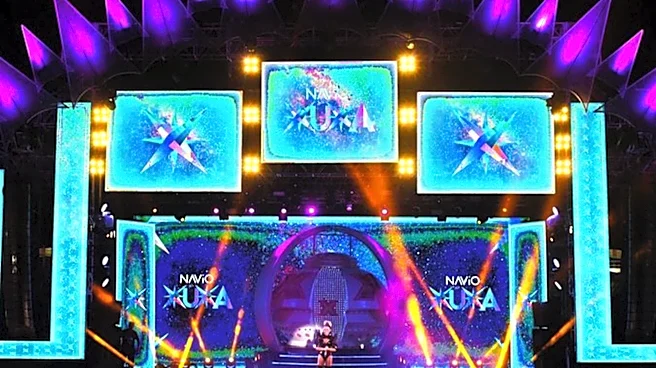
You want to see the stage, not a pixelated mess. The bigger the screen, the better the experience. If you can, stream the festival on a large smart TV instead of a phone or laptop. Check your streaming device and TV settings. Make sure the output resolution is set to 1080p or 4K if available. On the Hulu or Disney+ app, look for a video quality setting and select "Best" or "High." Also, consider your room's lighting. A dark room will make the screen pop and feel more like a real concert venue, reducing glare and improving contrast so you can appreciate the stage production.
Plan Your Viewing Schedule
With multiple stages and over 170 artists, you can't watch everything. Lollapalooza has released the livestream schedule, which features different artists on different channels or streams. Check the official Lollapalooza website or the streaming platform to see who is playing when. Decide on your must-see acts, from headliners like Charli XCX and The xx to other performers like SB19 and The Chainsmokers. Make a schedule, and be aware of potential conflicts. This is your chance to be your own festival director, curating a personal lineup without the long walks between stages in Grant Park.
Set the At-Home Festival Vibe
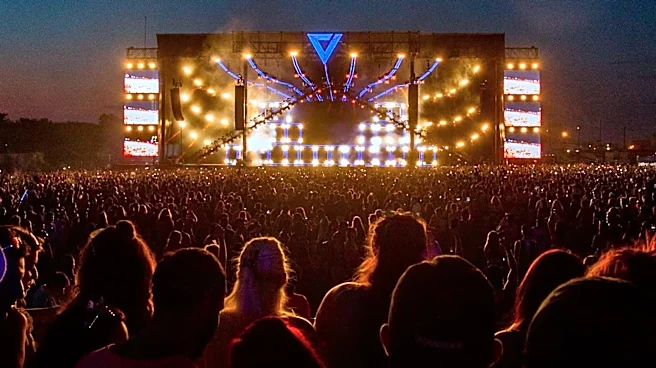
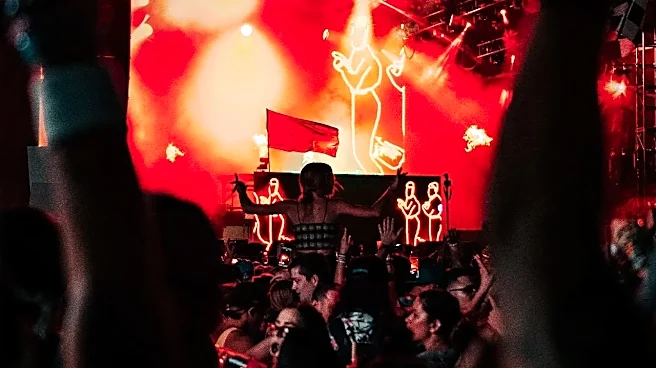
Finally, this isn't just another night of television. It's a music festival. Prepare your space. Get your favorite drinks and snacks ready so you don't have to miss a song. If you're watching with friends, set up a comfortable viewing area with plenty of seating. Some fans even put up decorations or use smart lighting to add to the atmosphere. The official livestream starts daily around 2:45 p.m. CST, so you have plenty of time to prepare. Embracing the event a little will elevate the experience from simply watching a screen to feeling like you're part of the action.