

Lock Your Focus and Exposure
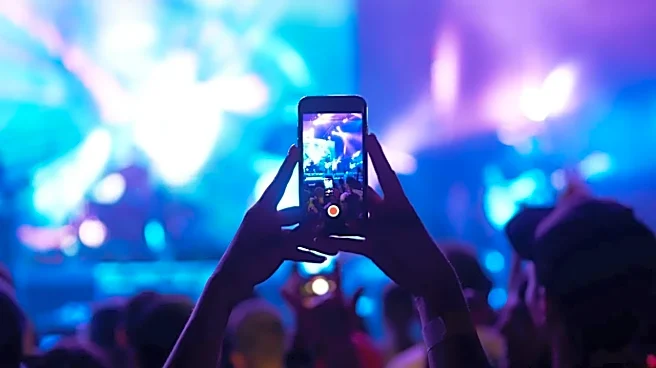
Concert lighting is dynamic and chaotic, causing your phone's camera to constantly adjust, making the video pulse or blow out the highlights. Before you hit record, tap and hold on the main performer on your screen. A yellow box will appear, often with
a sun icon next to it. This locks the focus and exposure. You can then slide your finger down to slightly darken the image. This prevents the bright stage lights from turning the artists into glowing blobs and gives you a much more professional, stable shot. A slightly darker, clear video is always better than a bright, blown-out one.
Ditch the Digital Zoom
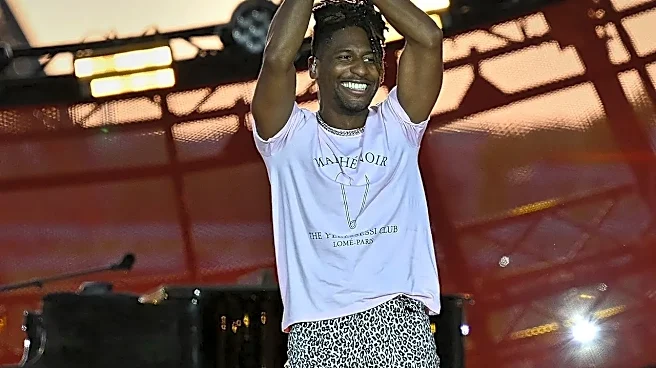
When you’re far from the stage at Zilker Park, it's tempting to pinch-to-zoom to get a closer view of artists like Lorde or Twenty One Pilots. Resist the urge. Digital zoom isn't a real zoom; it just crops the image and severely degrades the quality, resulting in a pixelated, muddy mess. Instead, use your phone’s built-in optical zoom presets, like 2x or 5x, which use the actual lenses. If the subject is still too far, film a high-quality wide shot in 4K. You can crop it later and still retain more detail than you would by using digital zoom in the moment.
Follow the 15-Second Rule
No one, not even you, is going to rewatch that shaky, four-minute video of one song. Instead of recording long, unwieldy files, think in terms of social media stories. Aim to capture the best 10-15 seconds of a chorus, a cool light effect, or a guitar solo. This strategy does two things: it forces you to be selective and capture only the peak moments, and it makes your clips instantly shareable. More importantly, after your 15 seconds are up, you can put your phone away and actually sing along, dance, and be present for the rest of the song.
Capture the Vibe, Not Just the Stage
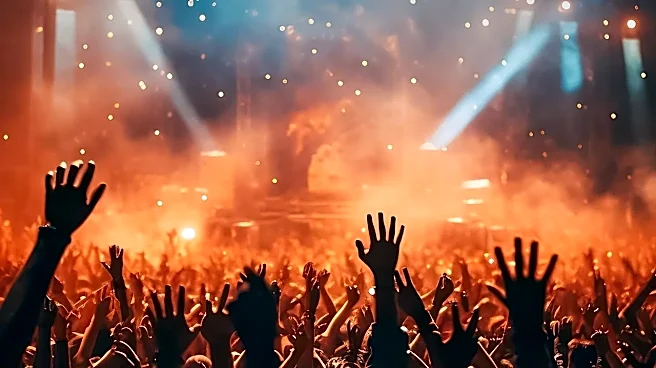
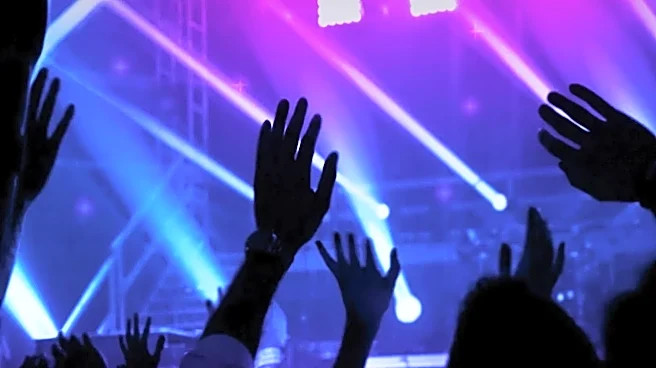
The best festival videos tell a story that goes beyond the headliner. Turn your camera around and capture the world around you. Film your friends laughing and singing along. Take a wide shot of the entire crowd with their hands in the air as the sun sets over Austin. Record the cool art installations, the glowing wristbands in the dark, or the steam coming off a slice of pizza. These 'B-roll' clips provide context and emotion. When you edit them together with short clips of the performance, you create a video that feels like a memory of the entire experience, not just a poor recording of a concert.
Go Horizontal (Most of the Time)
While vertical video is the standard for social media stories, shooting horizontally gives you a more cinematic feel and much more flexibility. A landscape video captures the width of the stage, the lighting rigs, and the scale of the production. It also looks better if you ever want to watch your clips on a computer screen or TV. A good compromise is to shoot your main, high-quality clips in 4K horizontally, knowing you can crop a vertical version from it later without losing too much quality. For quick, in-the-moment story posts, vertical is fine, but for the keepers, turn your phone sideways.
Prioritize Your Audio
A great video can be ruined by distorted, crackling audio. Phone microphones are easily overwhelmed by the immense volume of a live show. While you can't expect studio-quality sound, you can make improvements. Avoid standing directly in front of a speaker stack. Some users report that partially covering one of your phone’s microphones with a finger can sometimes reduce the overwhelming bass and prevent clipping. Another strategy is to focus on capturing short clips where the audio is clearest and plan to layer a clean version of the song over your edited video later.