






The Good Enough Trap of Wi-Fi Extenders
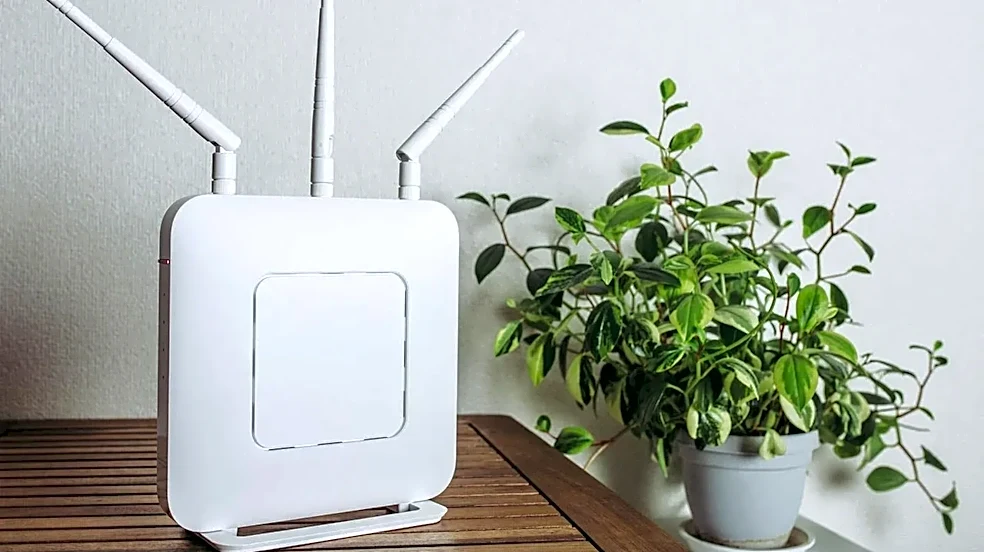
That cheap plug-in Wi-Fi extender seemed like a magic bullet. You plug it in halfway between your router and the dead zone, and suddenly you have bars where there were none. The problem is, you didn't really fix your network; you just stretched it thin.
Most basic extenders work by catching the signal from your router and rebroadcasting it. This simple act cuts your potential Wi-Fi speed in half. The extender has to use the same radio to talk to your device and then talk back to the router, like a walkie-talkie where only one person can speak at a time. This creates latency and congestion. Worse, many extenders create a second network name (like 'MyWiFi_EXT'), forcing you to manually switch between them as you move around, often leading to dropped connections. It’s a band-aid, not a cure.
What 'In Production' Really Means for Your Home
In the tech world, a 'production' environment is the live system that real users depend on. It’s built for stability and reliability, not just for testing things out. Applying this mindset to your apartment Wi-Fi means shifting your goal from simply 'extending a signal' to 'deploying a stable network'. A production-level home network is one that you can depend on for work, streaming, gaming, and a house full of smart devices without thinking about it. It’s about seamless coverage, consistent speed, and low latency everywhere, for every device. This is especially critical in an apartment, where you're already fighting for airwave space with dozens of your neighbors.
Your First 'Production' Upgrade: Mesh Wi-Fi
The most significant step up from a simple extender is a mesh Wi-Fi system. Instead of one device trying to shout a signal across your home, a mesh system uses multiple 'nodes' that work together as a single, intelligent team. You replace your old router with a primary mesh node, then place other nodes around your apartment. They all operate under a single Wi-Fi name, automatically and seamlessly handing your device off to the node with the strongest signal as you move around. Unlike an extender that just repeats a potentially weak signal, mesh nodes are designed to communicate with each other efficiently, preserving more of your internet speed across your entire home. This eliminates the awkward network switching and provides far more consistent coverage.
Winning the Airwave War in a Crowded Building
Apartments are notoriously hostile environments for Wi-Fi. The sheer number of competing networks from your neighbors creates massive signal interference, a problem known as channel congestion. When dozens of routers are all trying to use the same few channels, they have to 'wait and listen' before transmitting, which is what causes that frustrating lag and buffering. Modern mesh systems are built to handle this. They automatically scan for the least crowded channels and can switch frequencies on the fly to avoid interference. Furthermore, building materials like concrete, steel, and even plaster can absorb and block Wi-Fi signals far more than the drywall in a typical house. A multi-node mesh system helps overcome these physical barriers by creating multiple paths for the signal to travel.
The Ultimate Power Move: Wired Backhaul
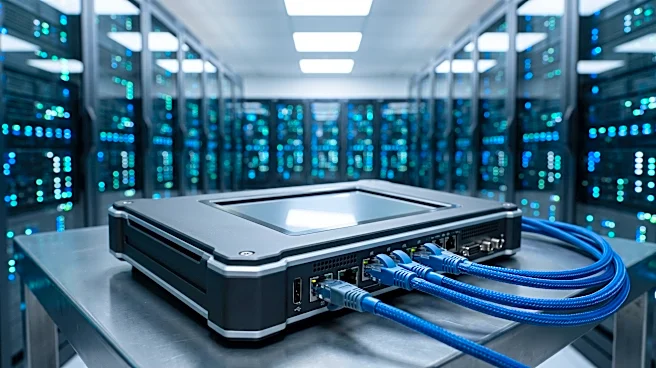
If you want the absolute most reliable, 'production-grade' performance, there's one more step: using an Ethernet backhaul. 'Backhaul' is the term for how your mesh nodes talk to each other. By default, they do this wirelessly. But if your apartment has Ethernet jacks in the walls, or if you can run a cable, you can connect your mesh nodes with a physical wire. This creates a dedicated, interference-free superhighway for your data. A wired backhaul frees up all the wireless bandwidth for your devices, dramatically reducing latency and maximizing speed. It’s the equivalent of giving your network its own private lane on the information highway, completely bypassing all the wireless traffic jams. For demanding tasks like 4K streaming and competitive gaming, a wired backhaul is the gold standard for stability.