








Why Most Reviews Lead You Astray
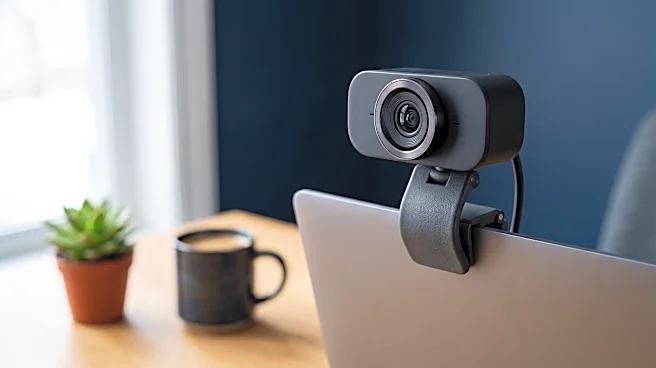
Pick up any 'Best Webcams' list, and you'll see a familiar pattern. The rankings are dominated by video resolution (is it Full HD or 4K?), frame rate (how smooth is the motion?), and advanced software features. These are critical specs if you're a professional
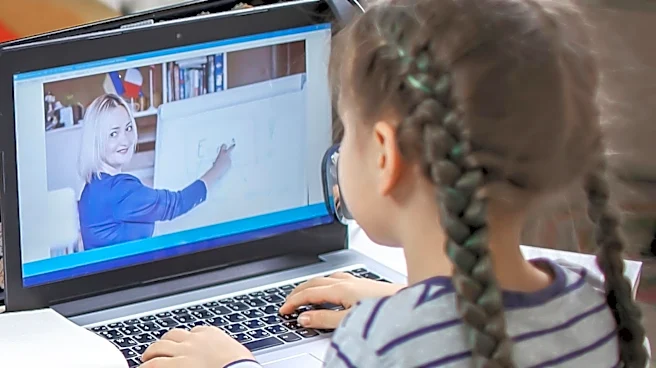
Twitch streamer trying to produce buttery-smooth content or a CEO dialing into a board meeting from a home office. For that audience, visual fidelity is paramount. Reviewers test for crispness, color accuracy, and how well the camera’s software allows for granular control over the image.But a third-grader trying to follow a math lesson has fundamentally different needs. The arms race for higher resolution often ignores the practical realities of a child's learning environment. A student isn’t a content creator; they are a communicator. The goal isn't to produce a cinematic masterpiece but to see, hear, and be understood without friction. The features that earn a webcam a top spot on a tech blog are often overkill, or in some cases, even detrimental in a classroom context.
The Detail That Actually Matters: Audio
Here's the hidden detail: for a student, the built-in microphone is often more important than the 4K sensor. While video shows presence, audio enables participation. A student with a grainy picture can still answer a question, but a student with a muffled, static-filled microphone might as well be on mute. Participation drops when communication is a struggle. Unfortunately, microphone quality is frequently an afterthought in webcam design and reviews. Many budget and even mid-range webcams pack in a stellar image sensor but pair it with a low-quality, tinny-sounding microphone that picks up every keyboard clack and room echo.When shopping, actively look for webcams that advertise 'dual-mic arrays' or 'noise-reducing microphones'. These features are specifically designed to isolate the speaker's voice from ambient sound, a crucial function in a busy household. Some product descriptions will bury this, so it’s worth digging for. A reliable 1080p webcam with a clear microphone is vastly superior for education than a 4K model with a subpar one. Clear audio ensures a student can ask a question, contribute to a group discussion, and feel like a present member of the class, not just a silent observer.
When 'Smarter' Is Dumber
Another feature praised in reviews but problematic for students is aggressive autofocus. For a presenter who moves around, it’s great. For a child sitting at a desk, it can be a constant distraction. If the lighting isn't perfect, these systems can 'hunt' for focus, causing the image to pulse in and out of sharpness every time the student shifts their weight or raises a hand. This is distracting for the teacher and the rest of the class. For most student use cases, a simple fixed-focus lens is more reliable and less disruptive.Similarly, an ultra-wide field of view (FOV), great for capturing a whole conference room, can be a privacy concern in a bedroom. A wide angle shows not just the student but their entire room, which many families and students find uncomfortable. A narrower FOV, typically between 70 and 90 degrees, is usually a better fit, keeping the focus squarely on the student. Finally, look for plug-and-play simplicity. Complex software with dozens of settings is just another hurdle. The best webcam for a student is one that just works the moment you plug it in.