










The Seduction of the Spec Sheet
When building or buying a computer for music production, we're trained to worship at the altar of numbers. We obsess over gigahertz (GHz), core counts, and RAM speed. These metrics promise raw power, painting a picture of a digital audio workstation (DAW)
that can handle dozens of tracks, complex plugins, and virtual instruments without breaking a sweat. The marketing tells us a faster processor means a smoother creative experience. And for a moment, when you first load up a project, it often feels true. The problem is, music production isn't a short sprint; it's a marathon of sustained, complex calculations. That spec sheet is only telling you how fast the car can go in a straight line for ten seconds, not how it handles a grueling, hour-long race.
The Unseen Enemy: Thermal Throttling
Here's what the spec sheet doesn't mention: every processor has a built-in self-preservation instinct. As it works, it generates heat. When that heat reaches a certain threshold, the CPU intentionally slows itself down to prevent damage. This is called thermal throttling. Think of it like a world-class sprinter. They can run a 100-meter dash at an incredible pace. But if you ask them to maintain that exact pace for a full mile, they'll quickly overheat, cramp up, and be forced to slow to a jog. Your CPU does the same thing. The advertised “boost clock” speed is that 100-meter dash. The sustained speed it can hold while running dozens of plugins for twenty minutes is the real-world mile, and it’s almost always slower. Without proper cooling, the CPU is forced to jog when you need it to sprint.
How Heat Directly Kills Your Creative Flow
For a music producer, thermal throttling isn't just a number on a monitoring app; it's a creative disaster. Those dreaded clicks, pops, and buffer underruns that force you to stop a perfect take are often the direct result of your CPU hitting its thermal limit and failing to process audio data in time. Your DAW relies on a constant, uninterrupted stream of processing power. When the CPU throttles, it creates a micro-stutter in that stream. The audio buffer, a small reserve of data, runs empty, and you get an audible glitch. You're then forced to increase your buffer size, which introduces more latency—that annoying delay between playing a note and hearing it. Suddenly, your expensive, high-spec machine feels sluggish and unresponsive, all because it can't get rid of heat effectively.
Beyond the Stock Cooler
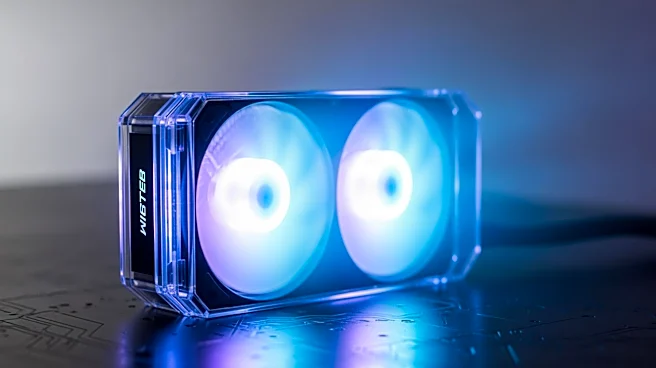
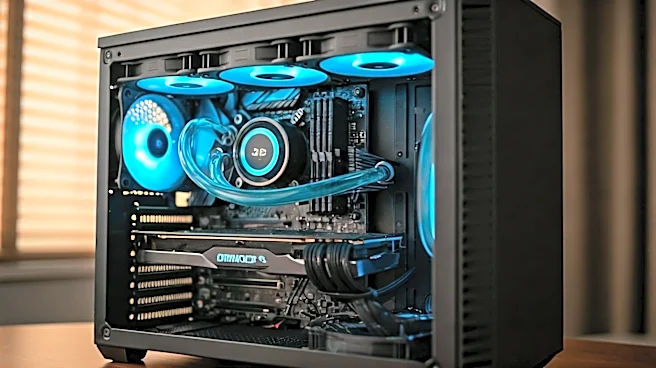
Most off-the-shelf PCs and even many processors come with a “stock” cooler. For browsing the web or writing emails, it's fine. For the relentless load of a complex Ableton Live or Pro Tools session, it’s like trying to cool a V8 engine with a desk fan. A robust cooling setup—whether a large air tower cooler with multiple heat pipes or an All-In-One (AIO) liquid cooler—is designed to dissipate a massive amount of heat continuously. This allows the CPU to maintain its higher boost speeds for far longer, sometimes indefinitely. It's the difference between your processor running the marathon at a steady, fast pace versus constantly having to stop for water breaks. This is the performance that spec sheets can't advertise: thermal headroom. It’s not about the maximum speed; it's about the ability to sustain a high speed under real-world pressure.