







What Exactly Is Undervolting?
In simple terms, undervolting is the process of reducing the amount of electricity, or voltage, sent to your computer's processor (CPU) or graphics card (GPU) without lowering its operating speed. Think of it like realizing your car can run perfectly
well on regular gas instead of premium; you’re not changing the speed limit, just using a more efficient fuel source. Every component has a factory-set voltage curve, which is designed to be a one-size-fits-all solution that guarantees stability for every single chip that comes off the production line. By undervolting, you're fine-tuning your specific chip to run on the minimum voltage it actually needs, rather than the generous amount it's given by default.
The 'Silicon Lottery' Secret
The reason undervolting is possible comes down to something enthusiasts call the 'silicon lottery.' No two computer chips are perfectly identical. Due to microscopic variations in the manufacturing process, some chips are simply higher quality than others. A 'golden chip' might be able to run at a high speed with very little voltage, while a less fortunate one might need the full factory voltage to remain stable. Manufacturers can't test every single chip to its unique limit, so they set a safe, conservative voltage that will work for even the worst-performing chips in a batch. This means most chips are supplied with more voltage than they need. If you won the silicon lottery, your chip has significant headroom for undervolting, allowing you to cut power without losing stability.
Surprise #1: The Drop in Heat and Noise
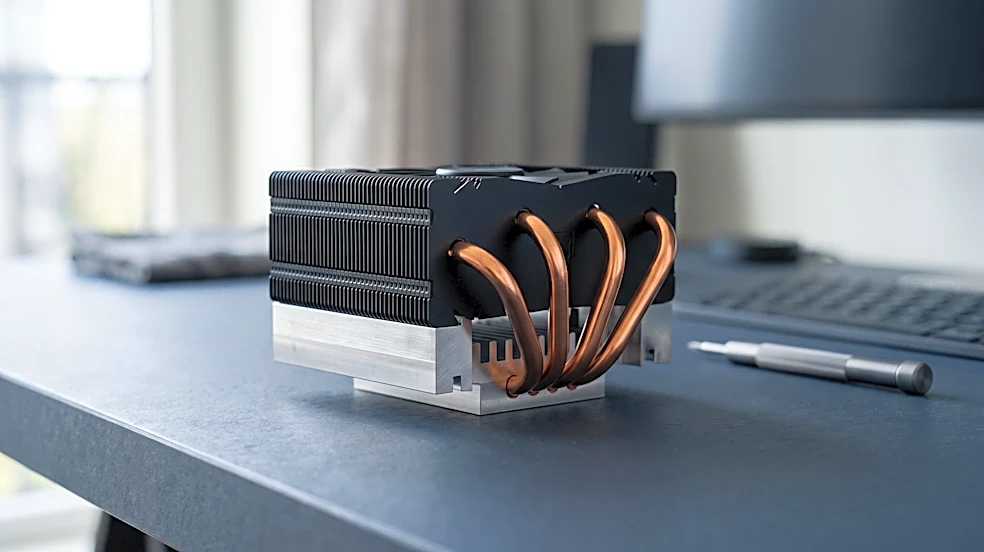
The first thing that surprises new undervolters is the immediate and dramatic reduction in heat. Voltage and heat are directly linked; less power means less heat is generated as a byproduct. For anyone with a compact gaming PC or a powerful laptop, this is a game-changer. Lower temperatures mean the system's fans don't have to work as hard to keep things cool. The result is a significantly quieter computer, especially under heavy loads like gaming or video editing. The frantic whir of fans is replaced by a much gentler hum, creating a more pleasant and less distracting user experience.
Surprise #2: Better Sustained Performance
This is the most counterintuitive benefit. How can less power lead to better performance? The answer is thermal throttling. When a CPU or GPU gets too hot, it automatically slows itself down to prevent damage. You might have a chip capable of boosting to high speeds, but if it hits its thermal limit, it will throttle back, hurting performance. By undervolting, you lower the chip's operating temperature, giving it more thermal headroom. This allows the component to maintain its maximum boost speed for longer periods before it even thinks about throttling. The result is smoother, more consistent performance in real-world scenarios, particularly in sustained tasks like long gaming sessions.
Is There a Catch?
Undervolting isn't entirely without risk, but it's a far cry from the dangers of overclocking. The primary risk is instability. If you lower the voltage too much, your system might crash or display graphical errors. This won't cause physical damage to the hardware, but it can lead to data loss or operating system corruption if it happens frequently. The process involves slowly lowering the voltage in small increments and stress-testing the system to ensure it remains stable. It requires patience and a bit of trial and error, but for many users, the payoff in efficiency, acoustics, and consistent performance is a reward that far outweighs the minor hassle.