





The Scam You Know, with a New Disguise
Phishing is a familiar menace: a deceptive email, often appearing to be from a trusted source like your bank or a major retailer, tricks you into clicking a link and entering sensitive information. For decades, the core defense has been scrutinizing sender
addresses and hovering over links to see the destination URL. But cybercriminals have adapted. They realized that while we've grown wary of email links, we've learned to trust the blocky, black-and-white squares that now adorn everything from restaurant menus to parking meters. This is QR code phishing, or 'quishing'—a tactic that uses the convenience and perceived safety of QR codes to bypass our digital defenses.
What is 'Quishing' and Why Does It Work?
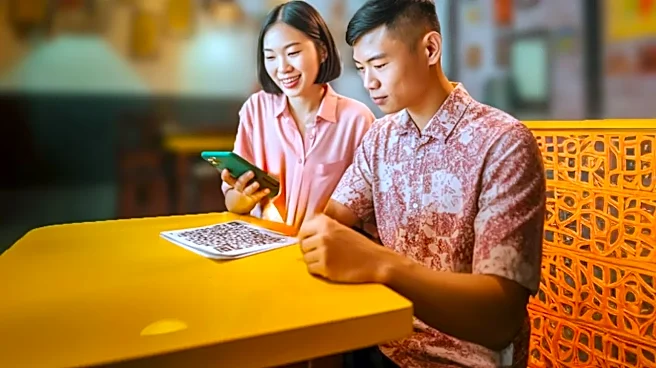
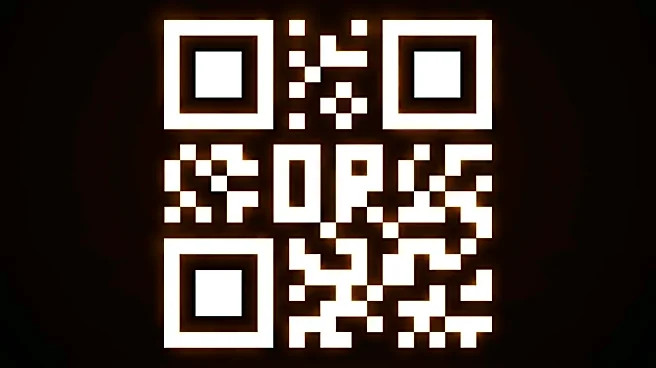
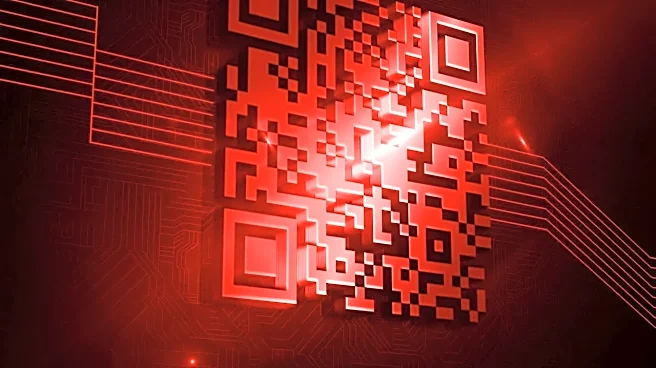
Quishing is a social engineering attack where a malicious QR code lures you to a fraudulent website. Unlike a text link in an email, a QR code is an image, making its destination URL invisible until after you've already scanned it. This simple obscurity is its superpower. Scammers exploit the trust we've built in QR codes, especially since their widespread adoption for contactless services during the pandemic. We scan to view a menu, pay for parking, or get a discount without a second thought. Attackers know this and use it to direct your phone's browser to a fake login page designed to steal your credentials, a payment portal that captures your credit card details, or a site that installs malware on your device.
Where Scammers Are Planting Malicious Codes
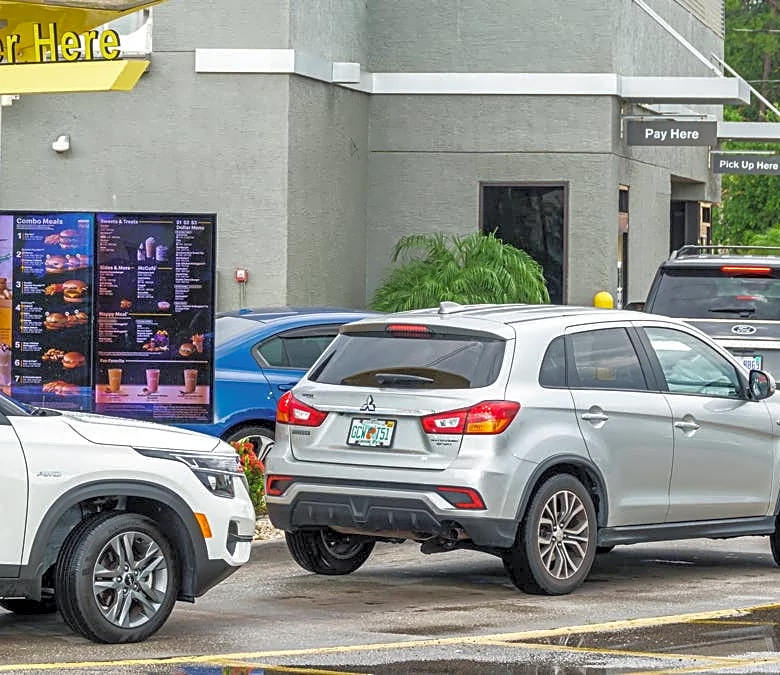
The Federal Trade Commission (FTC) has issued warnings about the rise of these scams, highlighting real-world examples. One of the most common ploys involves scammers placing stickers with malicious QR codes over legitimate ones on public parking meters. An unsuspecting driver scans the code to pay for parking, enters their card information on a convincing-looking fake site, and unknowingly hands their financial data to criminals. Similar tactics have been seen with fake restaurant menus, fraudulent delivery notices left on doors, and bogus flyers promising event tickets or product discounts. Scammers also use quishing in emails, knowing that security software that scans for bad text links may not analyze an embedded QR code image.
Your Action Plan: How to Stay Safe
Protecting yourself from quishing doesn't mean giving up the convenience of QR codes. It just means treating them with the same healthy skepticism you apply to email links. Before you scan, pause and consider the context. Does it look like the QR code has been tampered with or is a sticker placed over another one? Many smartphones now allow you to preview the URL before opening it—take a moment to read it. Look for typos or domain names that don't match the company they claim to represent. Be especially wary of any QR code that creates a sense of urgency, like a warning that your account will be suspended unless you act now. If a scanned code takes you to a login page, close it. Instead, manually type the official website address into your browser or use the company's official app.
What to Do If You've Scanned a Bad Code
If you suspect you've scanned a malicious QR code and entered information, act quickly. Immediately change the password for any account you might have logged into. Check your bank and credit card statements for any unauthorized transactions and report them right away. The FTC recommends reporting the incident to the business or organization that was being impersonated and filing a report at IdentityTheft.gov. Running a security scan on your device can also help detect any malware that may have been installed.