





You just ran a speed test, saw a number that looks nothing like what you pay for, and felt a surge of frustration. Before you call your provider, you need to understand the math behind the magic.
The Three Pillars of Speed
When you hit that 'Go' button on a speed test, you aren't
just getting one number; you are getting a snapshot of three distinct metrics. First is download speed, which dictates how fast you can pull data from the web—think Netflix streaming or downloading a massive game update. Second is upload speed, the unsung hero of the modern era, responsible for sending your video to a Zoom call or syncing photos to the cloud. Finally, there is latency, often called 'ping.' While download and upload are about volume, latency is about time. It measures the round-trip delay for a signal to reach a server and come back. If download speed is the size of the pipe, latency is how fast the water travels through it.
The Highway Analogy
To make sense of why a high-speed plan can still feel sluggish, think of your internet connection like a highway. Bandwidth is the number of lanes on that highway. If you have a massive 1,000 Mbps plan, you have a twenty-lane superhighway. This allows a huge amount of data to move simultaneously. However, latency is the speed limit. Even if you have twenty lanes, if the speed limit is five miles per hour, it is still going to take a long time to get to your destination. This is why you might see a massive download number but still experience 'lag' during an online game; your highway is wide, but the individual cars are moving slowly due to high latency.
Why Your Results Fluctuate
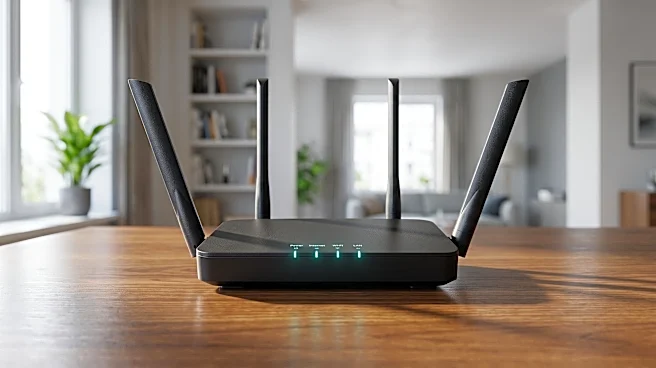
If your test results seem inconsistent, it is rarely because your ISP is lying to you. More often, it is due to the environment inside your own home. Wi-Fi is notoriously fickle. Physical obstacles like walls, distance from the router, and even interference from your neighbor's router or your own microwave can throttle your speeds. Furthermore, your test is only as fast as the weakest link in the chain. If you are running a test on an older smartphone with a dated wireless adapter, or if your laptop is busy downloading a system update in the background, the test will measure the leftover capacity rather than the true potential of your connection. In short, the test measures the performance of your specific device at that specific moment, not the maximum capability of the line coming into your house.
The Server Factor
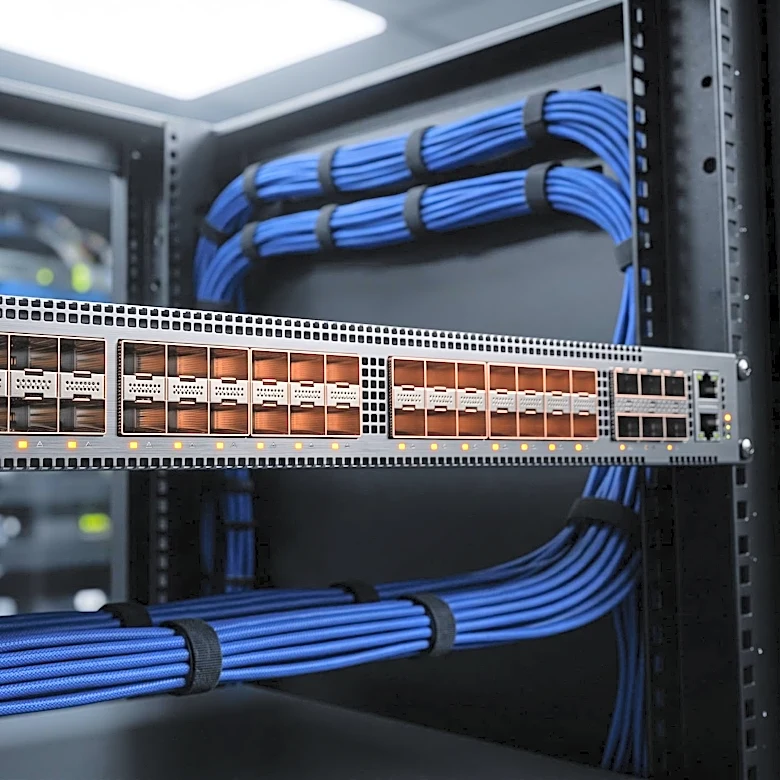
The destination matters just as much as the starting point. A speed test works by sending data to a specific test server. If that server is located in a city three states away, or if the path to that server is congested with heavy traffic, your results will reflect that struggle. Every time your data passes through a router, a switch, or an internet exchange, it adds a tiny bit of delay. This is why you might get a fantastic result when testing against a local server, but experience terrible performance when trying to connect to a gaming server located halfway across the globe. The route determines the reality.