
Surprise 1: It's a Computer, Not a Box of Drives
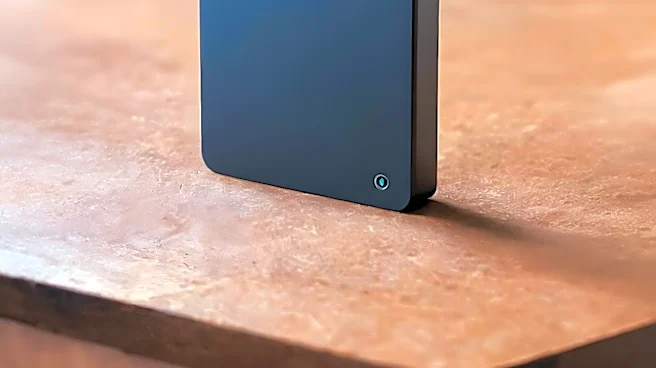
The first reality check for a new NAS owner is realizing the device isn't just passive storage; it's a small, always-on server. Most people buy one for centralized backups, a task at which it excels by
letting all your family's PCs and Macs back up automatically over the network. But that's just scratching the surface. The real power lies in the 'app store' that comes with modern NAS brands like Synology or QNAP. Suddenly, you have a private, Netflix-style media server by installing Plex or Jellyfin, organizing your movie and music library into a beautiful, streamable interface. It’s a fundamental shift from 'a place to put files' to 'a machine that does things with files'.
Surprise 2: The Setup Is a Genuine Project
While marketing materials often promise a quick five-minute setup, the reality is more involved. Getting a NAS operational is a weekend project, not a plug-and-play affair. You'll face decisions that have long-term consequences. The biggest one is choosing a RAID configuration—a system for arranging your hard drives to protect against data loss if one drive fails. Understanding the difference between RAID 1, RAID 5, or a brand-specific option like Synology Hybrid RAID (SHR) involves a trip down a rabbit hole of tutorials. You also have to set up user accounts, shared folders, and network permissions. It's not impossible for a beginner, but it requires patience and a willingness to learn some basic networking jargon.
Surprise 3: You Suddenly Own a Private Cloud
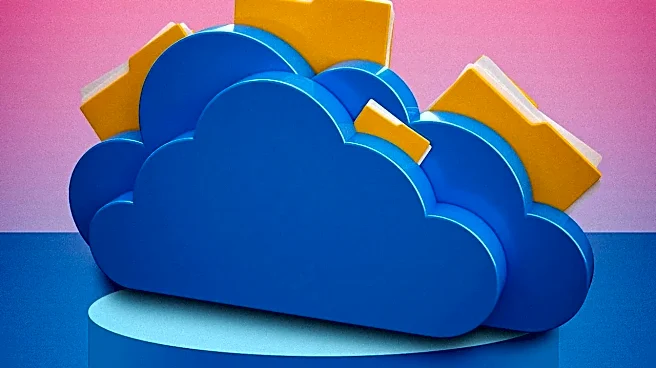
Once the initial setup hurdles are cleared, the payoff is immense. You have effectively created your own personal cloud service, free from monthly subscription fees. With a few clicks in the settings, you can enable remote access, allowing you to grab files from your home server from anywhere in the world. Your phone can be configured to automatically back up photos and videos directly to your NAS the moment you connect to Wi-Fi, freeing up phone storage and bypassing commercial cloud services. This gives you complete ownership and control over your data, a powerful feeling in an age of data breaches and shifting privacy policies.
Surprise 4: It Can Run... Almost Anything?
This is the surprise that turns many NAS owners into home-server hobbyists. Many modern NAS devices support Docker, a technology that lets you run all sorts of applications in isolated 'containers'. This unlocks a world of possibilities that go far beyond file storage. With Docker, your humble NAS can run a network-wide ad-blocker (Pi-hole), a smart home hub (Home Assistant), your own password manager, a personal wiki, or even a private Minecraft server for your kids. While it sounds complex, the graphical interfaces provided by NAS operating systems make launching these containers surprisingly accessible, even for those without a computer science degree.
Surprise 5: The Noise and the Need for a UPS
The final surprise is often a practical one: a NAS is an active machine that makes noise. The constant whir of hard drives and cooling fans means you probably don't want it sitting on your desk. Its ideal home is a closet or basement where it's connected directly to your router. Furthermore, unlike a laptop, a NAS has no battery. A sudden power outage during a file-write operation can lead to data corruption. This is why many seasoned users consider an Uninterruptible Power Supply (UPS) a non-negotiable part of the setup. It provides backup battery power, giving the NAS enough time to shut down gracefully and keep your data safe.