







Powerline networking adapters seem like magic: plug them in and get fast, wired internet anywhere in your home. Yet in a townhouse, they can be maddeningly unreliable. The real reason isn't a faulty product, it's a fundamental conflict with your home's
design.
The Plug-and-Play Promise
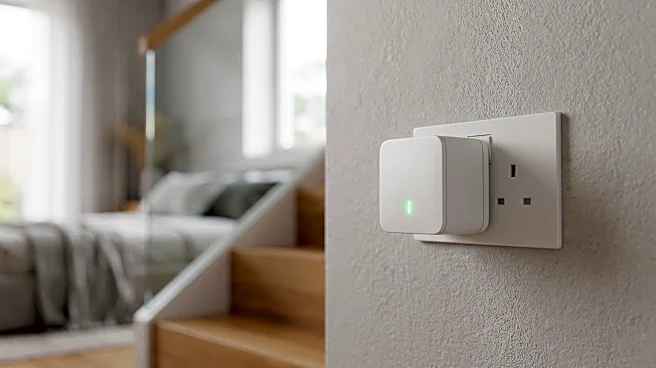
The idea behind powerline networking is brilliant. Instead of drilling holes or running long, ugly Ethernet cables, it uses the existing electrical wiring hidden in your walls. You plug one adapter into an outlet near your router and connect it via an Ethernet cable. Then, you plug the second adapter into any other outlet in your home, turning it into a live internet port. Data travels as a high-frequency signal piggybacking on the electrical current. It’s supposed to be a simple, elegant solution for beating Wi-Fi dead zones caused by thick walls or multiple floors, which are common in townhouses.
The Great Electrical Divide
Here’s the catch: a townhouse's electrical system wasn't designed to be a data network. Most U.S. homes, including many townhouses, use a 'split-phase' electrical service. Think of it as two separate 120-volt highways of power coming into your breaker box. The outlets on one side of your house might be on one 'phase', while the outlets on the other side are on a different one. Powerline adapters work best when both units are on the same phase. While the signal can sometimes cross over to the other phase at the breaker panel, it often becomes significantly weaker, leading to slow speeds and dropped connections.
A 'Too Safe' Problem
Modern electrical codes, especially for newer townhouses, have made this problem worse. To protect against electrocution and fire, many outlets are now required to be either GFCI (Ground-Fault Circuit Interrupter) or AFCI (Arc-Fault Circuit Interrupter) protected. These safety devices are specifically designed to detect and shut down unusual fluctuations or frequencies on the electrical line. Unfortunately, the high-frequency signal from your powerline adapter can look just like the dangerous 'arc fault' these breakers are designed to stop. As a result, the AFCI/GFCI outlet or breaker can filter out or 'clean' the data signal, killing your internet connection in the name of safety.
Fighting Through the 'Noise'
Your home's wiring is a shared and noisy environment. Every appliance with a motor or a switching power supply—from a vacuum cleaner and refrigerator to a simple phone charger—can introduce electrical 'noise' onto the line. This noise creates interference that can disrupt the delicate data signal from your powerline adapter. Furthermore, plugging a powerline adapter into a surge protector or power strip is a common mistake. These strips are designed to filter out voltage spikes and high frequency signals, which is exactly what your powerline adapter is trying to send. For the best performance, adapters must be plugged directly into a wall outlet.
Better Alternatives for Townhouse Trouble
If powerline networking has proven to be a frustrating gamble, don't despair. You have better, more reliable options. Mesh Wi–Fi systems use multiple nodes placed around your home to create a seamless and powerful wireless network, and are great for multi–story living. The most robust alternative, however, is often MoCA (Multimedia over Coax Alliance). MoCA adapters use the existing coaxial TV cables in your walls to create a network that is nearly as fast and stable as a direct Ethernet connection, without being affected by electrical noise or circuit phases. For most townhouse residents with coax jacks, MoCA is the superior choice.