



Meet Copilot: Your PC's New Brain
The most visible change is the deep integration of Copilot, an AI assistant that lives directly in your taskbar. Think of it less as a simple search box and more as a conversational partner for your entire computer. Instead of just finding files, Copilot can
summarize documents, draft emails, change system settings, and even brainstorm ideas with you. Recent updates have expanded its capabilities significantly, allowing it to understand the context of what's on your screen. With 'Copilot Vision', you can share an application window and ask it questions, and it will guide you through tasks with on-screen cues, effectively turning the OS into a real-time tutor. Many new PCs even ship with a dedicated Copilot key, signaling Microsoft's commitment to making this AI interaction as fundamental as a mouse click.
An OS That Anticipates, Not Just Obeys
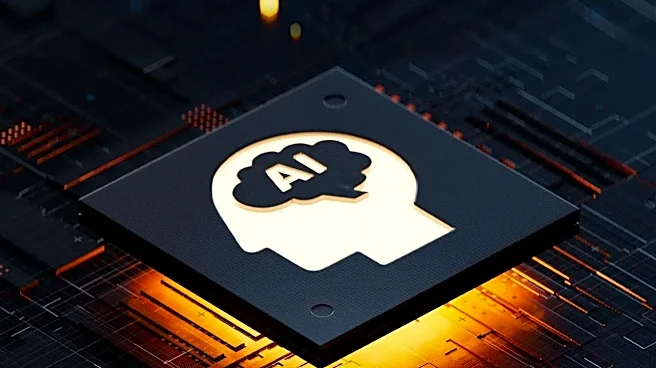
The AI integration goes far deeper than a single chatbot. Microsoft's strategy is to create an 'AI-native platform' where the operating system learns your habits and anticipates your needs. This is part of a 'hybrid intelligence' strategy that balances on-device processing with powerful cloud-based AI. For the user, this translates into a computer that feels faster and more intuitive. Windows 11 can preload apps it predicts you'll use and manages memory more effectively based on your workflow. The result is that frequently used files and programs open almost instantly, not because you did anything, but because the OS adapted to you. This shift is powered by new hardware, specifically Neural Processing Units (NPUs), which are specialized chips designed to run AI tasks efficiently without draining your battery or slowing down your main processor.
Your Everyday Apps Get Smarter
The AI enhancements aren't confined to the operating system's background; they're showing up in the humble, everyday apps you use constantly. The Photos app now includes a 'Generative Erase' feature that can remove unwanted objects or people from your pictures. The Snipping Tool, once a simple screenshot utility, now uses AI to recognize and extract text from any image you capture. Even Microsoft Paint has an AI 'Cocreator' that can generate images from a text prompt. For those in video calls, Windows Studio Effects uses the NPU to automatically blur your background, keep you in frame, and reduce background noise, making virtual meetings look more professional. These aren't niche features for power users; they are practical, AI-driven upgrades to core utilities.
The Bigger Picture: Agentic AI and Security
Looking ahead, Microsoft's vision extends to 'agentic' AI—autonomous systems that can perform multi-step tasks on your behalf. An upcoming 'Autopilot' feature aims to let users assign a goal to an AI agent, which can then manage project updates, track deadlines, and gather prep materials. This move toward automation raises obvious security questions. To address this, Microsoft is building security frameworks like Microsoft Execution Containers (MXC), which create sandboxed environments to limit what an AI agent can access or change on your system. The goal is to position Windows as a secure platform where various AI assistants, not just Microsoft's own, can operate safely. This strategy prioritizes on-device processing for many tasks, which enhances privacy by keeping sensitive data on your local machine rather than sending it to the cloud.