




The Spec Sheet Trap
When you’re a developer, designer, or road warrior, a portable monitor isn’t a toy—it’s a productivity engine. Yet, manufacturers' spec sheets are built to sell, not to inform your workflow. They trumpet high resolutions and color gamuts, but they stay
silent on the factors that actually determine if a second screen will be a seamless extension of your workspace or a constant, fiddly annoyance. Numbers like brightness (nits) and refresh rate (Hz) are easy to market, but they don't tell you about input lag, the sturdiness of the stand, or the quality of the ports. For a power user, these aren't minor details; they are the entire experience.
Workflow is the Killer App
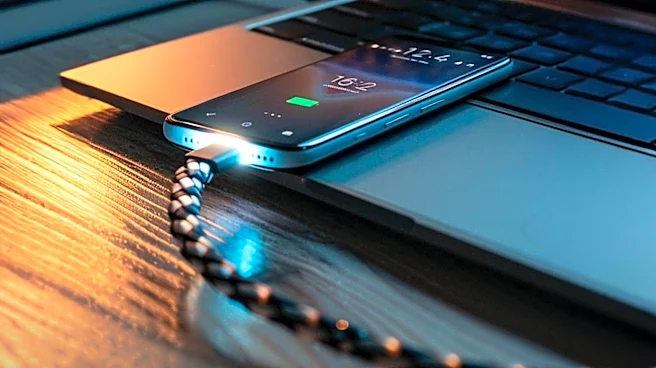
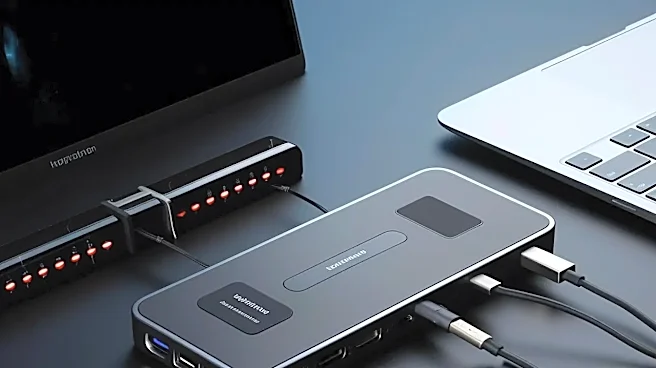
The real magic of a great portable monitor is how it disappears into your workflow. The most crucial feature isn’t on any spec sheet: single-cable simplicity. A high-quality USB-C port that handles video (via DisplayPort Alt Mode), power, and data simultaneously is a game-changer. It means one plug transforms your laptop into a dual-screen command center, with no extra power bricks or dongles. This isn't just about reducing clutter; it's about reducing friction. When setting up your mobile office takes five seconds instead of five minutes, you're more likely to use it, turning those spare 20 minutes in a café or airport lounge into productive time.
Ergonomics and Build Quality Matter More
Many portable monitors come with flimsy, origami-style folio covers that double as stands. They look slick in photos but are often a nightmare in practice, providing limited angles and poor stability on anything other than a perfectly flat, solid table. A power user who spends hours working needs better. A monitor with a solid, built-in, adjustable kickstand is vastly superior for ergonomics. It lets you match the screen height and angle to your laptop, reducing neck strain and improving focus. Likewise, build quality—an aluminum frame versus cheap plastic—isn't just about aesthetics. A sturdier frame is more durable for travel and can help dissipate heat during long sessions, ensuring consistent performance.
The Intangibles of a Quality Panel
Beyond the advertised panel type (IPS, OLED), there are subtle qualities that separate a great screen from a merely good one. Out-of-the-box color accuracy, for instance, is more important for creative professionals than a claimed 100% sRGB coverage that requires extensive calibration to achieve. Low-quality monitors often suffer from noticeable light bleed at the edges or inconsistent brightness across the panel—issues you'll never find listed in a product description. Even the screen finish makes a huge difference. A glossy screen might make colors pop, but a matte, anti-glare finish is far more practical for working in the unpredictable lighting of shared offices or public spaces.