



Minutes 1-2: The All-Day Comfort Test
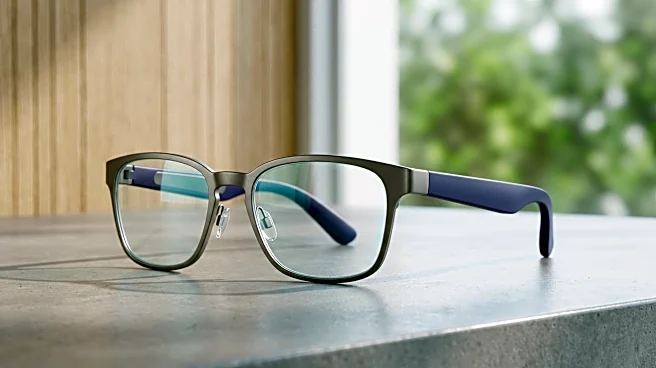
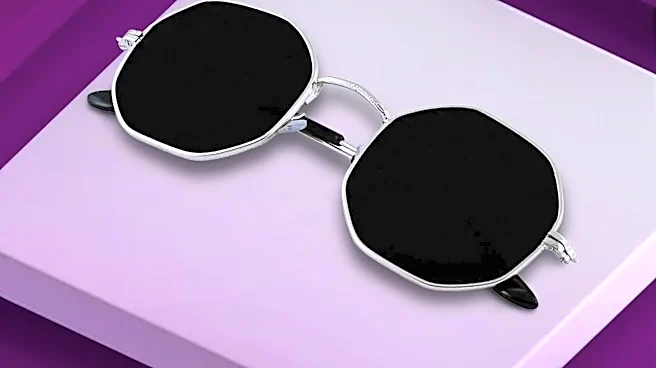
This is the most critical test, and it has nothing to do with technology. Put the glasses on. How do they feel? Pay attention to the pressure on your nose bridge and behind your ears. Many smart glasses pack their electronics into the temples, making
them heavier than standard eyewear. If a pair feels heavy or unbalanced in the first two minutes, it will likely become uncomfortable after an hour. Walk around the room and turn your head from side to side. Do they slip? Finally, find a mirror. Do you feel confident wearing them? If you wouldn’t be seen in public with them on, the camera quality and battery life are irrelevant.
Minutes 3-4: The Open-Ear Audio Check
Most smart glasses use open-ear audio, playing sound from tiny speakers in the frames. First, play a song from your phone. Is the music tinny, or does it have some depth? Next, check for sound leakage. Ask someone nearby if they can hear your music in a quiet environment; good designs direct sound to your ears with minimal spill. Then, make a quick test call. Can you hear the other person clearly, and more importantly, how do you sound to them? The microphones should be able to isolate your voice from background noise. Step into a slightly noisier area if you can to see how well they perform.
Minutes 5-6: The Heads-Up Display Gut-Check
If the model you're testing has a display, this step is for you. Don't worry about complex apps; focus on the basics. Is the display a tiny pop-up in your peripheral vision or a larger, more immersive screen? Check for brightness and clarity. Can you easily read text notifications? A key factor is whether the display is distracting or genuinely helpful. It should provide quick, glanceable information without obstructing your view of the world. If you find yourself having to squint, refocus constantly, or if the display feels overwhelming, it may cause more friction than it removes in daily use.
Minutes 7-8: The Point-of-View Camera Trial
For glasses with a camera, the test isn't just about image quality—it's about the experience of capturing your life hands-free. Try the capture function. Is it a button press, a voice command, or a tap on the temple? It should feel quick and intuitive. Snap a few photos of different subjects: a person’s face, a block of text, and something across the room. Record a 15-second video clip while walking to check for stabilization. Review the results on your phone. Are they sharp and clear enough for your social media or just for remembering a moment? The goal is to see if the quality is good enough for how you’d actually use it.
Minutes 9-10: The Control and Software Flow
The final test evaluates how you interact with the device. Try the primary controls, whether they're on-frame touchpads, physical buttons, or voice commands. Perform a few simple tasks: skip a music track, ask the voice assistant a question, and dismiss a notification. Does it feel seamless, or are you fumbling? A clunky interface is a deal-breaker. Finally, take a quick look at the companion smartphone app. A well-designed app is crucial for managing settings and updates. If the app looks buggy or confusing, it’s a red flag for the long-term ownership experience.