






In a house with three kids, the Wi-Fi isn't just a utility; it is the central nervous system. When gaming, homework, and streaming collide, the difference between a router and a mesh system becomes critical.
The Single Router Approach
For many, the traditional setup involves a single,
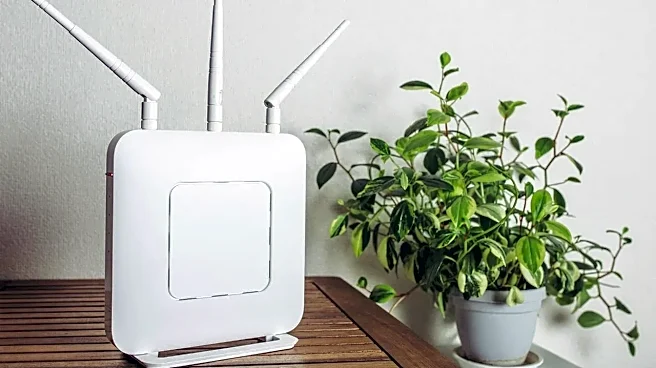
powerful router plugged into the modem. This works beautifully in compact apartments or open-concept homes where the signal can travel freely without hitting too many walls. If your living room is the hub and the bedrooms are just a few feet away, a high-quality modern router is often the most efficient and cost-effective route. However, the limitation is physical. As you add more walls, floors, or distance, that single source of signal begins to struggle, leading to those frustrating moments where the video call freezes just as you are about to make a point.
The Mesh Revolution
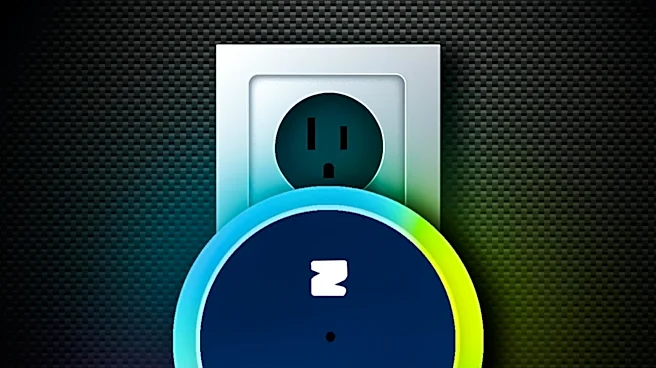
This is where mesh systems change the game for larger or more complex homes. Instead of one central broadcaster, a mesh system uses a main unit and several satellite nodes that work together to create a single, seamless web of connectivity. The magic of mesh is the 'hand-off.' In a traditional setup with extenders, your phone might cling to a weak signal from the living room even when you are standing right next to an extender in the bedroom. With mesh, the system intelligently passes your device from one node to the next, ensuring you stay on the same network name and password without any manual switching or dropped connections.
Managing the Chaos of Multiple Users
When you have three kids, you aren't just managing one person's internet usage; you are managing a digital ecosystem. One child might be downloading a massive game update, another is streaming 4K video, and a third is on a high-stakes Zoom call for school. This creates massive demand on bandwidth. A single router can become a bottleneck, struggling to juggle all those simultaneous high-priority streams. Mesh systems are designed to distribute this load. By placing nodes in high-demand areas—like a dedicated gaming corner or a home office—you ensure that heavy traffic is handled locally rather than forcing every single bit of data to travel back to one single point in the house.
The Secret Ingredient: Backhaul
If you decide to go the mesh route, there is one technical detail that most people overlook: backhaul. Backhaul is simply the communication path the nodes use to talk to the main router. In cheaper, dual-band mesh systems, the nodes use the same wireless frequency to talk to your devices and to each other. This means they are essentially fighting for the same airtime, which can slow things down. For a household with heavy usage, a tri-band system is often worth the extra investment because it reserves a dedicated lane for the nodes to communicate, leaving the other lanes wide open for your kids' devices. For the ultimate stability, if your home has Ethernet cabling in the walls, using a wired backhaul connects the nodes via cable, leaving the wireless airwaves entirely free for your gadgets.
Mapping Your Digital Territory
Before you drop hundreds of dollars on new hardware, you need a plan. Don't just rely on the square footage claims printed on the box. Instead, look at your actual floor plan. Identify the 'dead zones' where the signal currently dies, and more importantly, identify the 'high-demand zones.' These are the rooms where the most intensive digital work happens. A good rule of thumb is to place additional mesh nodes halfway between the main router and the problem area, rather than placing them directly inside the dead zone where the signal is already weak. If you can't get a strong signal to a node, that node won't be able to repeat a strong signal to your device.